Keyboards / Compare
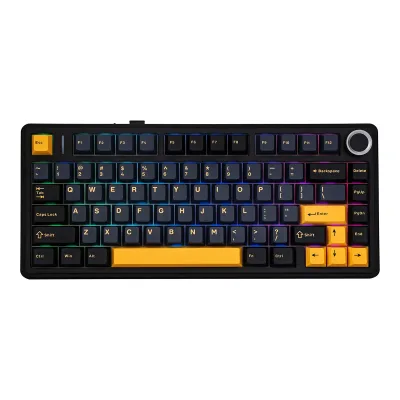
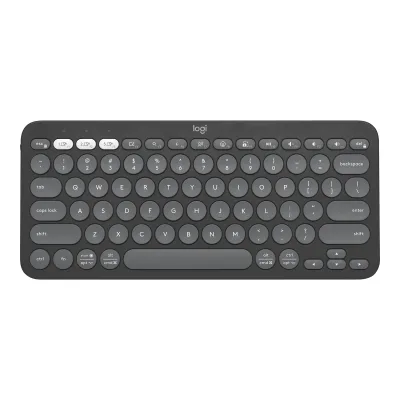
AULA F75 vs Logitech Pebble Keys 2 K380s
Product A: AULA
81 of 164 known
Change AULA F75
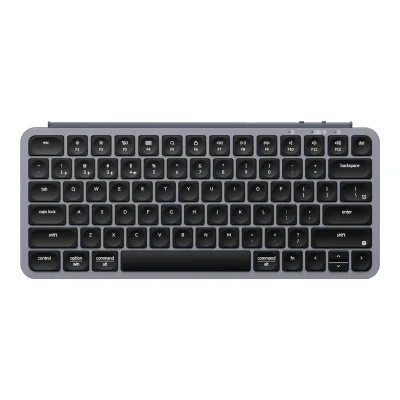
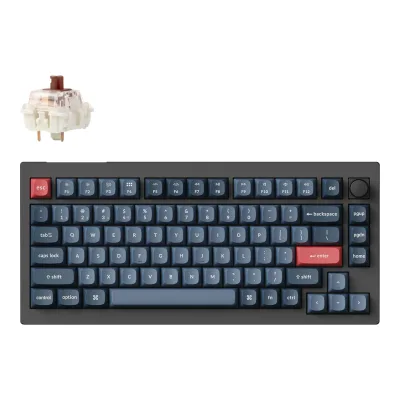
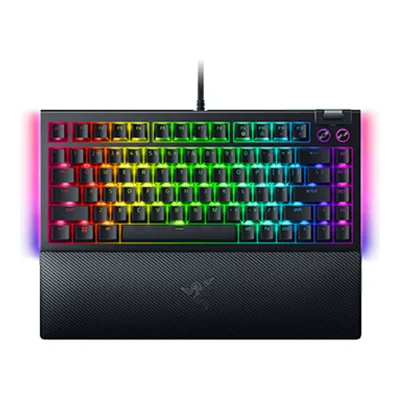
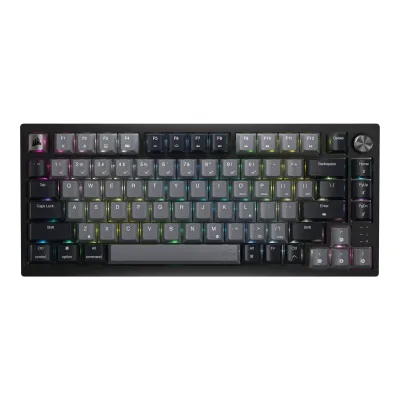
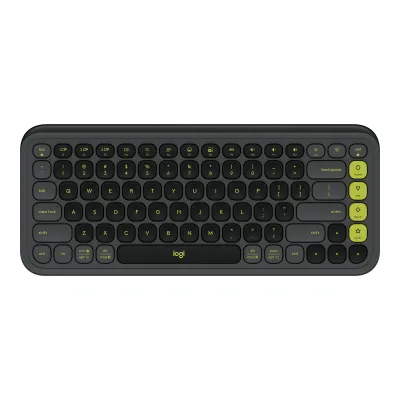
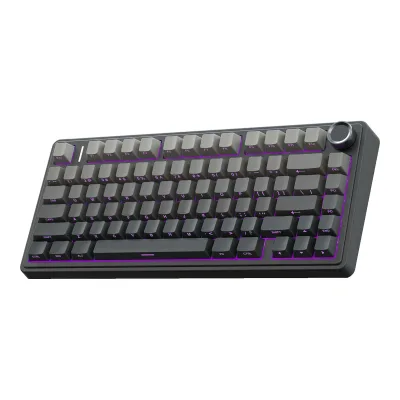
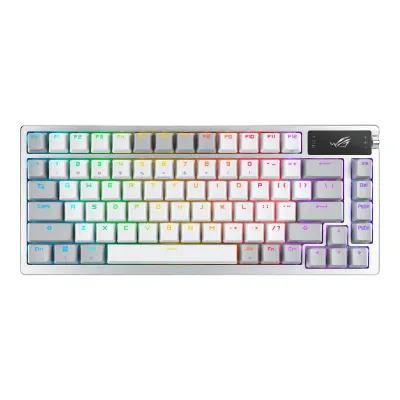
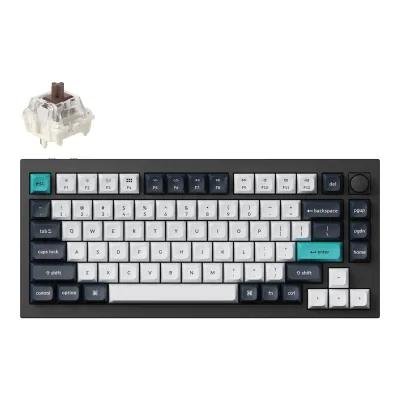
Product B: Logitech
75 of 164 known
Change Logitech Pebble Keys 2 K380s
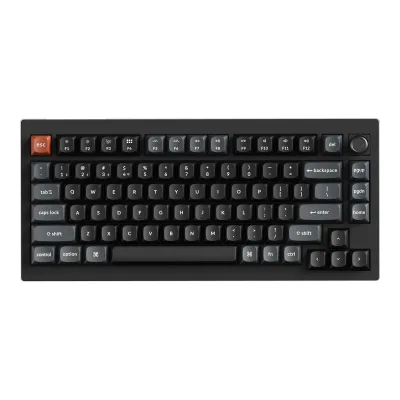
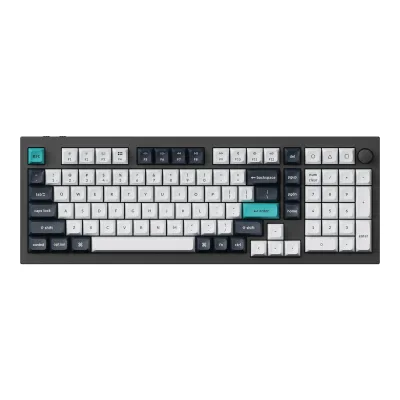
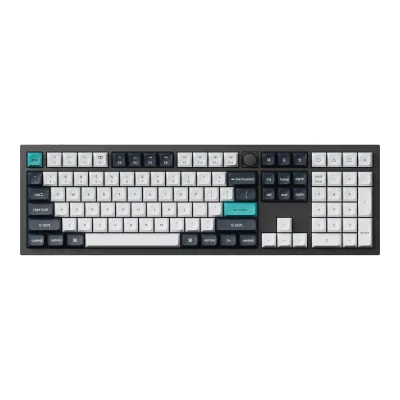
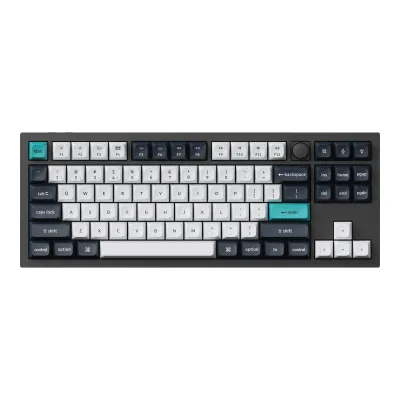
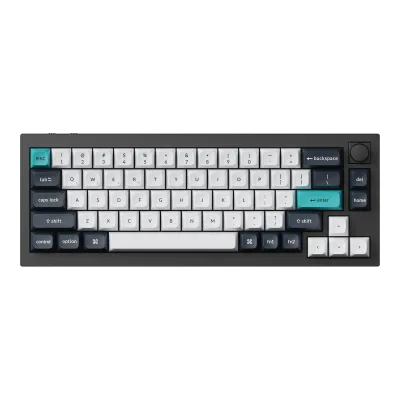
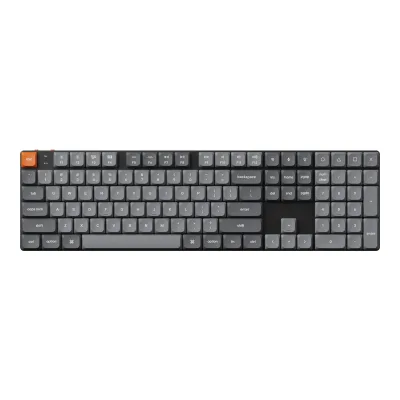
83 of 156 fields differ
- 28 different values
- 55 known for one only
- 18 the same
- 55 missing for both
Biggest differences
Each bar uses the scale of all 131 keyboards.
- Rated keystrokesA: 60millionB: 10millionAULA is 6 times higher.
All 164 fields
Every value links to where we found it.
General
5 of 9 differ
Series
Not available
Model numbers
F75, AULA-F75-BK-Reaper-BPPM1Maker product pageepomaker.com/products/epomaker-aula-f75.jsRead 8 October 2026Exact available ANSI / Black / LEOBOG Reaper Switch variant. The reference is the original F75, not F75 Pro, Max, Ultra or wired-only versions.
920-011775, Y-R00911Maker product pagelogitech.com/en-us/shop/p/pebble-keys-2Read 8 October 2026Exact current US payload maps Tonal Graphite / English US (QWERTY) to 920-011775. This reference excludes the separately sold Mac edition, Pebble 2 mouse/keyboard Combo, original K380 and other regional layouts. No cosmetic variant rows are added.3Maker product pagesupport.logi.com/hc/en-us/articles/16170852473751-Specification-Pebble-Keys-2-K380sRead 8 October 2026Exact Pebble Keys 2 K380s Product Information names keyboard hardware Y-R0091. SKU 920-011775 is separately proven in current US consumer payload. Original K380 Y-R0056 is not transferred.
GTIN / EAN
Not available
Announced
Not available
Status
Predecessor
Not available
Logitech K380 Multi-Device Bluetooth Keyboard1Maker product pagelogitech.com/en-us/shop/p/pebble-keys-2Read 8 October 2026Maker current FAQ explicitly compares K380s hardware updates with original K380. Original K380 is the existing separate predecessor record, not an alias or shared radio revision.
Successor
Not available
Not available
Launch price (US)
Not available
Not available
Launch price (EU)
Not available
Not available
Colours
Segment
Not available
Sold as
Layout
5 of 12 differ
Form factor
Layout standard
Regional layouts
Keys in regional layout
Key legends for
Numpad
Function row
Dedicated arrow keys
Navigation keys
Not available
Key stagger
Bottom row
Not available
Not available
Low profile
Not available
Switches
12 of 25 differ
Switch sensing technology
Switch feel
Switch maker
Not available
Switch models
Not available
Switch stem
Not available
Not available
Actuation force
Bottom-out force
Not available
Tactile bump force
Not available
Not available
Actuation point
Not available
Total travel
Rated keystrokes
Factory-lubed switches
Not available
Adjustable actuation
Not available
Not available
Actuation range
Not available
Not available
Actuation step
Not available
Not available
Per-key actuation
Not available
Not available
Rapid trigger
Not available
Not available
Minimum rapid trigger movement
Not available
Not available
Multi-action keys
Not available
Not available
SOCD handling
Not available
Not available
Analog input
Not available
Not available
Hot-swap sockets
Compatible switches
Not available
Stabilizers
Not available
Not available
Factory-lubed stabilizers
Not available
Not available
Keycaps
4 of 5 differ
Keycap material
Not available
Legend method
Not available
Keycap profile
Keycap thickness
Not available
Not available
Performance
6 of 11 differ
Polling rate per connection
AAULA F75
| Connection | Polling rate (Hz) | Receiver or adapter |
|---|---|---|
| USB (wired) | 1,000 | Not available |
| 2.4 GHz | 1,000 | Included 2.4 GHz USB receiver |
| Bluetooth | 125 | Not available |
BLogitech Pebble Keys 2 K380s
Not availableMax polling rate
1,000Hz
Not available
Polling rate (wired)
1,000Hz
Not available
Polling rate (2.4 GHz)
1,000Hz
Not available
Polling rate (Bluetooth)
125Hz
Not available
Scan rate
Not available
Not available
Input latency (claimed)
Not available
Not available
Key rollover per connection
AAULA F75
| Connection | Rollover |
|---|---|
| USB (wired) | NKRO |
| 2.4 GHz | NKRO |
| Bluetooth | NKRO |
BLogitech Pebble Keys 2 K380s
| Rollover |
|---|
| 3KRO |
Anti-ghosting
Not available
Not available
Adjustable debounce
Not available
Not available
Minimum debounce
Not available
Not available
Measured
2 of 7 differ
Latency per connection (measured)
AAULA F75
Not availableBLogitech Pebble Keys 2 K380s
| Connection | Single key (ms) |
|---|---|
| Bluetooth | 14 |
Actuation point (measured)
Not available
Not available
Total travel (measured)
Not available
Not available
Operating force (measured)
Not available
Not available
Battery life (measured)
Not available
Not available
Weight (measured)
Not available
Not available
Connectivity
13 of 18 differ
Connections
USB (wired), 2.4 GHz, Bluetooth2Maker product pageepomaker.com/products/epomaker-aula-f75Read 8 October 2026
Wireless technology
Not available
Bluetooth Low Energy / Logi Bolt1Maker product pagelogitech.com/en-us/shop/p/pebble-keys-2Read 8 October 2026
Bluetooth
Not available
Bluetooth device slots
Devices it can switch between
Not available
Device switching
Receiver connector
Not available
Receiver storage in keyboard
Receiver shared with other devices
Not available
Detachable cable
Not available
Port on keyboard
Cable
Not available
Not available
Cable length
Not available
Not available
USB passthrough
Not available
Works with
Windows, macOS, iPadOS, iOS, Android, ChromeOS, Linux2Owner's manualsupport.logi.com/hc/en-us/articles/16170851777047-Getting-Started-Pebble-Keys-2-K380sRead 8 October 2026Exact maker guide lists Windows 10/11+, macOS 11+, iPadOS/iOS 14+, Android 9+, ChromeOS and Linux for basic Bluetooth input. Options+ host software has narrower support.
Consoles
Not available
Not available
Battery
12 of 16 differ
Number of batteries
Not available
Battery capacity
Not available
User-replaceable battery
Not available
Yes1Maker product pagelogitech.com/en-us/shop/p/pebble-keys-2Read 8 October 2026Detailed exact setup guide explicitly instructs opening the battery lid, removing old cells and inserting two new AAA alkaline cells. Support specification row No disagrees with these explicit instructions and actual compartment. No battery soldering or disassembly is required.2Owner's manualsupport.logi.com/hc/en-us/articles/16170851777047-Getting-Started-Pebble-Keys-2-K380sRead 8 October 2026Exact Installing a new battery section directly instructs detaching the compartment lid, removing old cells and inserting two new AAA alkaline cells. It overrides the contradictory No row in the shorter support specification.
Battery life per mode (claimed)
AAULA F75
| Lighting | Hours (h) |
|---|---|
| On | 17.5 |
| Off | 266.5 |
Longest battery life (claimed)
266.5h
Not available
Battery life, lighting off
266.5h
Not available
Battery life, lighting on
17.5h
Not available
Battery life, backlight on (claimed)
Not available
Not available
Battery life, backlight off (claimed)
Not available
36months
Charging port
None1Maker product pagelogitech.com/en-us/shop/p/pebble-keys-2Read 8 October 2026Disposable AAA power and the complete original physical control overview show no charging port. The exact first-hand Tech Advisor review explicitly says there is no cable charging option.8Reviewtechadvisor.com/article/2077147/logitech-pebble-keys-2-k380s-review.htmlRead 8 October 2026Exact Battery Life section explicitly no cable charging option and replacement of the pair of AAA cells. No charging port is inferred from optional computer-side receiver connectivity.
Full charge time
Not available
Not available
Quick charge
Not available
Not available
Use while charging
Not available
No1Maker product pagelogitech.com/en-us/shop/p/pebble-keys-2Read 8 October 2026This reference has no rechargeable internal battery or charging interface. Operation is from installed replaceable cells, not charging over a cable.8Reviewtechadvisor.com/article/2077147/logitech-pebble-keys-2-k380s-review.htmlRead 8 October 2026Exact review explicitly no cable charging. The keyboard runs from replaceable cells. It has no charging mode in which to use the keyboard.
Solar charging
Not available
Not available
Battery indicator
LED, Software1Maker product pagelogitech.com/en-us/shop/p/pebble-keys-2Read 8 October 20262Owner's manualsupport.logi.com/hc/en-us/articles/16170851777047-Getting-Started-Pebble-Keys-2-K380sRead 8 October 2026Power Management explicitly describes the red side LED for low charge and Options+ software battery notifications. Connection-status LEDs are not a battery gauge.
Build
6 of 8 differ
Case material
Plastic with recycled plastic content1Maker product pagelogitech.com/en-us/shop/p/pebble-keys-2Read 8 October 2026
Plate material
Not available
Mount style
Not available
Flex cuts in PCB
Not available
Sound dampening
Plate foam, Switch pads, Case foam, Silicone bottom, Other5Maker product pagecdn.shopify.com/s/files/1/0280/3931/5529/files/F75_Exploded_view.pngRead 8 October 2026Diagram identifies under-plate PO Silence Cotton, IXPE Switch Pad, PET Sound Enhancement Pad, under-PCB PO Bottom Cotton and Silicone Base Pad. Maker body calls two PORON foam layers. PET uses other, not PE sheet or assumed tape. No positions are borrowed from another model.
Not available
Spill resistant
Not available
Not available
IP rating
Not available
Not available
Lighting
2 of 7 differ
Backlight
LED position
Not available
Lighting zones
Not available
Not available
Brightness levels
Not available
Not available
Side or underglow lighting
Not available
Not available
Lighting sensors
Not available
Not available
Lighting sync
Not available
Not available
Controls
7 of 12 differ
Media keys
Separate media buttons
Volume control
Knobs
Programmable knob
Not available
Not available
Separate macro keys
Not available
Built-in screen
Fingerprint reader
Not available
OS mode switch
Software
3 of 10 differ
Software
Software runs on
Windows, Web9Maker product pageepomaker.com/blogs/software/epomaker-x-aula-f75-driverRead 8 October 2026Windows package AULA_F75_Setup_v2.zip and official browser driver aulaiso.aulastar.com. Current article requires desktop Chrome/Edge, excludes Safari/Firefox. Public official vendor bundle explicitly registers AULA_F75 alongside separate AULA_F75_D, so browser support is not an ISO-only assumption. No connected-device test or Linux native app claim.12Maker product pageaulaiso.aulastar.com/app-zr8CH2WO.jsRead 8 October 2026Current official browser driver public bundle explicitly registers AULA_F75 as an active wired keyboard device, separately from AULA_F75_D. This corroborates the exact maker driver article. No attached-device test, operating-system native application or firmware version is inferred.
Open firmware
Not available
Not available
Onboard memory
Not available
Not available
Onboard profiles
Not available
Not available
Macros
Yes2Owner's manualsupport.logi.com/hc/en-us/articles/16170851777047-Getting-Started-Pebble-Keys-2-K380sRead 8 October 2026Original exact Customize the 10 Keys instructions explicitly offer Smart Actions among assignable commands. The exact first-hand Tech Advisor review separately demonstrates Smart Actions running multiple tasks from one key. This is host-software automation, not onboard macro memory.8Reviewtechadvisor.com/article/2077147/logitech-pebble-keys-2-k380s-review.htmlRead 8 October 2026Exact first-hand K380s review demonstrates Logi Options+ Smart Actions performing several actions with one shortcut. Only ten Fn shortcut keys are remappable. The tested White board is used only for common maker-corroborated software/physical features, no White measurement is transferred.
Macros stored onboard
Not available
Not available
Key remapping
User firmware updates
Not available
Not available
Ergonomics
0 of 4 differ
Wrist rest
Wrist rest material
Not available
Not available
Tenting
Not available
Not available
Tenting angles
Not available
Not available
Dimensions and weight
2 of 6 differ
Dimensions
Width322.7Depth143.2Height43.1mm(12.7 × 5.6 × 1.7 in)3Owner's manualaulastar.com/uploads/soft/20241113/1-241113162Z3364.pdfRead 8 October 2026English p 3 reports 322.7(L) x 143.2(W) x 43.1(H) mm, ±1 mm. Keyboard long horizontal axis becomes schema width, front-to-back becomes depth. Feet position is unstated. The 1023 g mass explicitly includes wire/receiver and is excluded from standalone weight.
Width279Depth124Height16mm(11 × 4.9 × 0.6 in)1Maker product pagelogitech.com/en-us/shop/p/pebble-keys-2Read 8 October 2026Current consumer page explicitly Width 279 mm, Height 124 mm and Depth 16 mm in upright front-view axes. Stored as desktop width 279, front-to-back depth 124 and height 16. Exact reviews confirm fixed incline with no adjustable feet. The shorter support table instead labels Height 279.5 mm, Width 124.2 mm and Depth 16.4 mm. Its labels and values differ from the consumer page, and the cause is unknown. No support-table pose or label correction is assumed. No package or receiver dimensions are substituted.8Reviewtechadvisor.com/article/2077147/logitech-pebble-keys-2-k380s-review.htmlRead 8 October 2026Exact first-hand review explicitly no adjustable feet or stand, only four rubber nubs. This corroborates the fixed body-height condition for the same hardware family. The stored dimensions remain the exact consumer reference publication, not this reviewer's measurement.
Dimensions with wrist rest
Not available
Not available
Keyboard weight
Not available
415g(14.6 oz)1Maker product pagelogitech.com/en-us/shop/p/pebble-keys-2Read 8 October 2026Current keyboard specification 415 g. Exact Y-R0091 support sheet distinguishes 395 g without cells from 415 g with batteries. Stored 415 g includes the two operating cells, excludes package, optional receiver and wrist rest. Not a scale measurement.3Maker product pagesupport.logi.com/hc/en-us/articles/16170852473751-Specification-Pebble-Keys-2-K380sRead 8 October 2026Exact hardware Y-R0091 physical table explicitly distinguishes 395 g without battery and 415 g with battery. Current consumer 415 g matches the cell-installed value. This is a manufacturer publication, not reviewer measurement.
Weight including wrist rest
Not available
Not available
Box dimensions
Not available
Not available
Box weight
Not available
Not available
Certifications
1 of 2 differ
Platform certifications
Not available
Other certifications
Not available
Not available
In the box
3 of 3 differ
In the box
EPOMAKER x AULA F75 keyboard, Detachable Type-C cable, 2.4 GHz dongle, 2-in-1 switch and keycap puller, Multilingual user manual, Two extra switches2Maker product pageepomaker.com/products/epomaker-aula-f75Read 8 October 2026Current maker Content List identifies six item groups including two extra switches. Older manuals/reviews can omit the spares. Contents may vary with package revision. No wrist rest is supplied in this reference package.
Pebble Keys 2 K380s keyboard, 2 pre-installed AAA alkaline batteries, User documentation, Important Info Document (IID)1Maker product pagelogitech.com/en-us/shop/p/pebble-keys-2Read 8 October 2026Exact current keyboard-only maker list. Two AAA alkaline cells are pre-installed. No mouse, Logi Bolt receiver, cable or optional wrist rest belongs to this package.
Cables included
AAULA F75
| Type | Count |
|---|---|
| Detachable Type-C cable | 1 |
BLogitech Pebble Keys 2 K380s
Not availableSpare switches
Links
Not compared
Product page
Spec sheet
Not available
doi-product-assets.s3.amazonaws.com/pub/Manufacturer-Brochure/1077936591.pdf4Maker spec sheet (PDF)doi-product-assets.s3.amazonaws.com/pub/Manufacturer-Brochure/1077936591.pdfRead 8 October 2026Original two-page Logitech PebbleKeys2-K380s_SpecSheet_V2_072523, including complete consumer overview and exact US Graphite 920-011775 single-unit/package table. It is producer-authored, not an autogenerated retailer manual.
Manual
www.aulastar.com/uploads/soft/20241113/1-241113162Z3364.pdf3Owner's manualaulastar.com/uploads/soft/20241113/1-241113162Z3364.pdfRead 8 October 2026Original AULA WIND F75 manufacturer-hosted multilingual guide. English pages 2-6 are scanned and were visually inspected plus OCR. Only the standard F75 section is used.
support.logi.com/hc/en-us/articles/16170851777047-Getting-Started-Pebble-Keys-2-K380s2Owner's manualsupport.logi.com/hc/en-us/articles/16170851777047-Getting-Started-Pebble-Keys-2-K380sRead 8 October 2026Full original maker Product Overview, connection, exact shortcut/OS tables and battery-replacement guide read. Generic footer about retired Firmware Update Tool does not prove model-specific firmware update support.
EPREL registration number
Not available
Not available
Warranty
0 of 1 differ
Manufacturer warranty (source market)
Both are also in the API. Back to all keyboards.