Controllers / Compare
Backbone Pro vs Nintendo Joy-Con 2 Pair
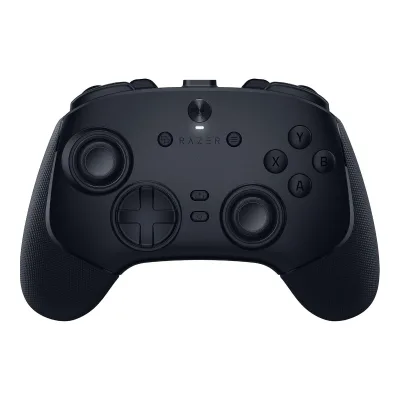
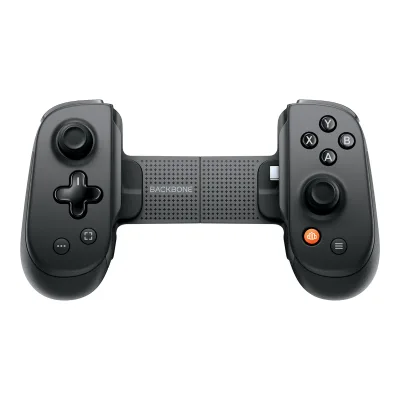
Product A: Backbone
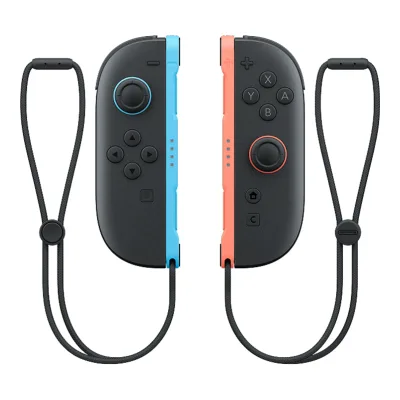
62 of 151 known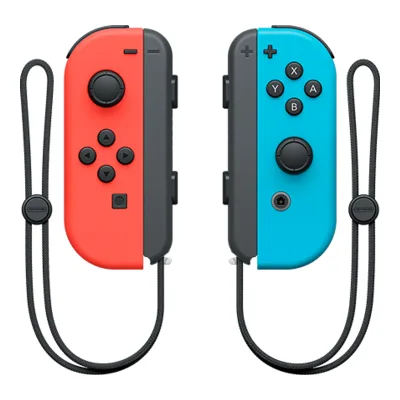 Nintendo Joy-Con Pair
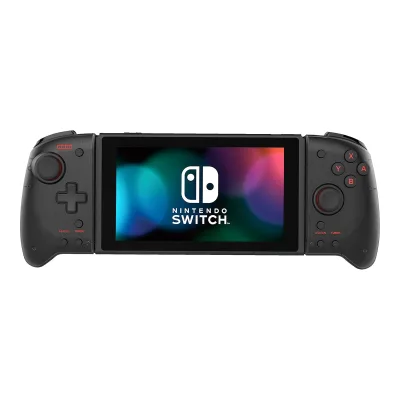 HORI Split Pad Pro
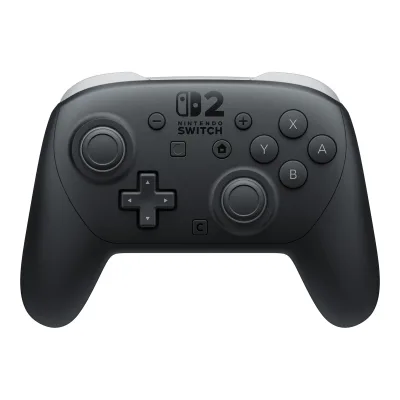 Nintendo Switch 2 Pro Controller
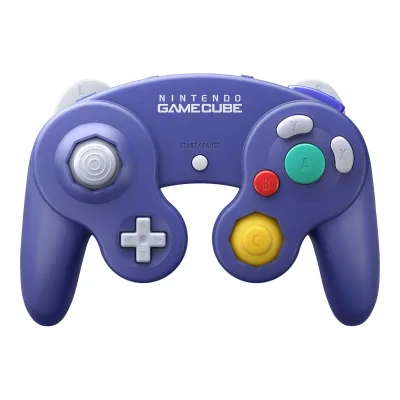 Nintendo GameCube Controller for Nintendo Switch 2
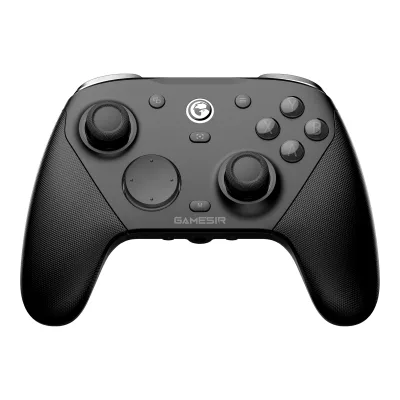 GameSir G7 Pro 8K PC
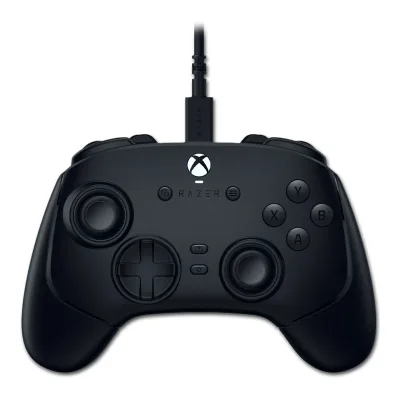 Razer Wolverine V3 Tournament Edition
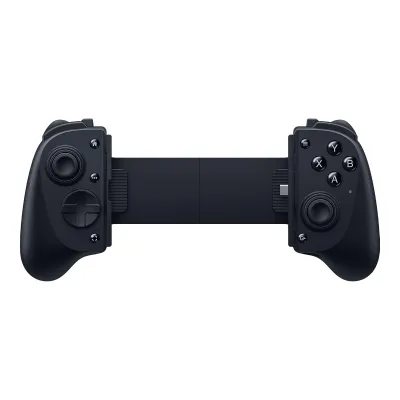 Razer Kishi V3 Pro
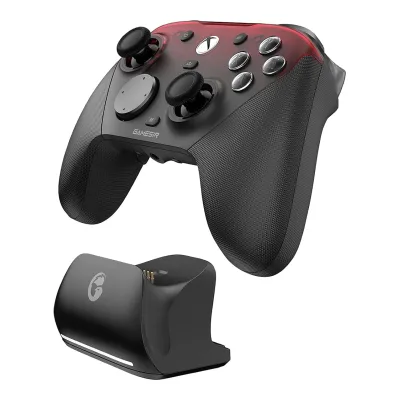 GameSir G7 Pro
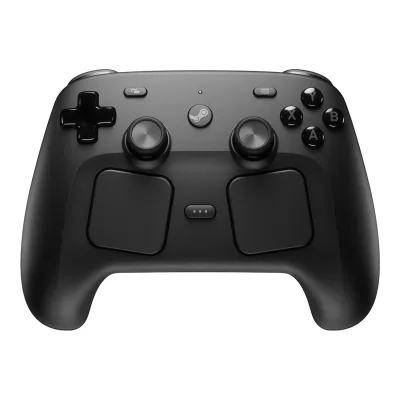 Valve Steam Controller (2026)
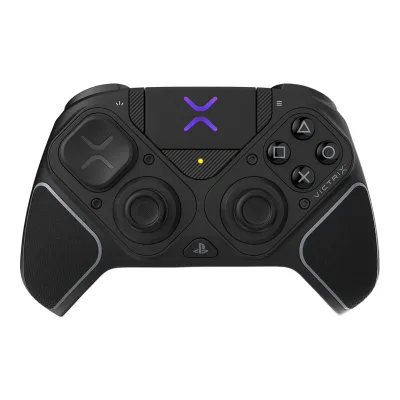 Victrix Pro BFG Reloaded Wireless Modular Controller for PlayStation
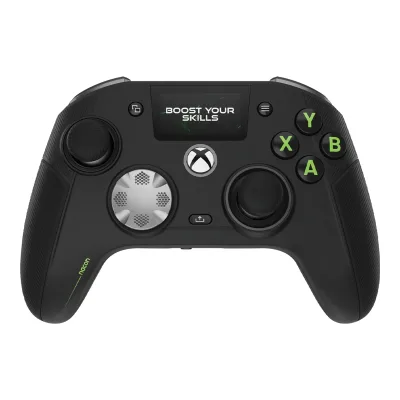 Nacon Revolution X Unlimited
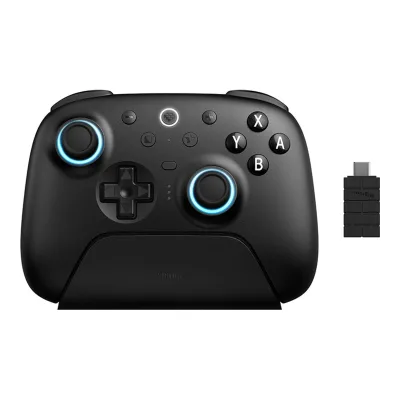 8BitDo Ultimate 2 Bluetooth Controller
Change Backbone Pro
Compare the Nintendo Joy-Con 2 Pair with
Nintendo Joy-Con PairHORI Split Pad ProNintendo Switch 2 Pro ControllerNintendo GameCube Controller for Nintendo Switch 2GameSir G7 Pro 8K PCRazer Wolverine V3 Tournament EditionRazer Kishi V3 ProGameSir G7 ProValve Steam Controller (2026)Victrix Pro BFG Reloaded Wireless Modular Controller for PlayStationNacon Revolution X Unlimited8BitDo Ultimate 2 Bluetooth ControllerProduct B: Nintendo
62 of 151 knownRazer Kishi V3 Pro Razer Kishi Ultra
 8BitDo Ultimate Mobile Gaming Controller
 GameSir X5 Lite
 ASUS ROG Tessen Mobile Controller
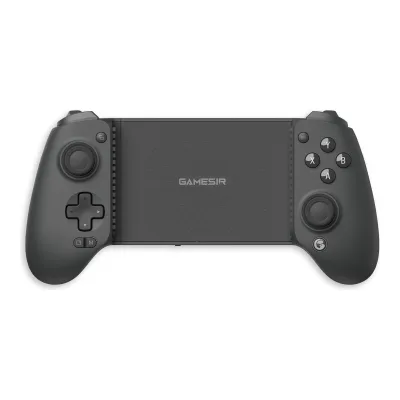 GameSir G8 Plus
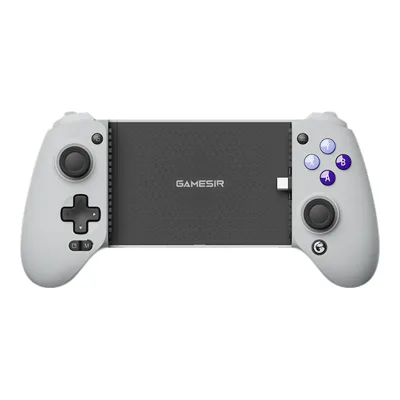 GameSir G8 Galileo
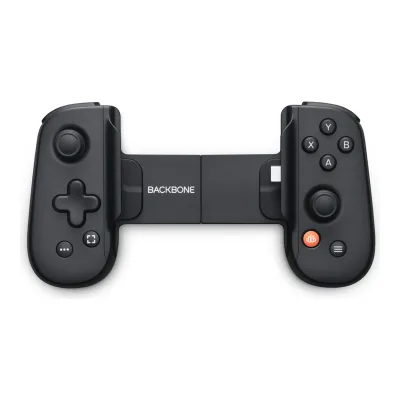 Backbone One (USB-C, 2nd Gen)
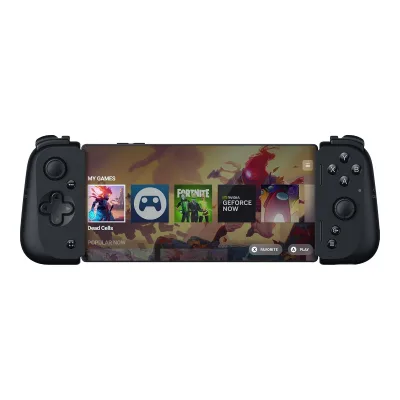 Razer Kishi V2 for Android
 Razer Wolverine V3 Pro 8K PCVictrix Pro BFG Reloaded Wireless Modular Controller for PlayStation8BitDo Ultimate 2 Bluetooth Controller
Change Nintendo Joy-Con 2 Pair
Compare the Backbone Pro with
Razer Kishi V3 ProRazer Kishi Ultra8BitDo Ultimate Mobile Gaming ControllerGameSir X5 LiteASUS ROG Tessen Mobile ControllerGameSir G8 PlusGameSir G8 GalileoBackbone One (USB-C, 2nd Gen)Razer Kishi V2 for AndroidRazer Wolverine V3 Pro 8K PCVictrix Pro BFG Reloaded Wireless Modular Controller for PlayStation8BitDo Ultimate 2 Bluetooth Controller64 of 142 fields differ
- 25 different values
- 39 known for one only
- 12 the same
- 66 missing for both
Biggest differences
Each bar uses the scale of all 73 controllers.
- Rear grip buttons or paddlesA: 2B: 0Backbone has 2 more.
- Battery lifeA: 40hB: 20hBackbone is 20 h higher.
All 151 fields
Every value links to where we found it.
General
7 of 11 differ
Series
Model numbers
GTIN / EAN
00045496885892, 00045496886509, 000454968862951Maker product pagenintendo.com/us/store/products/nintendo-switch-2-joy-con-2-l-r-light-blue-light-red-123677Read 10 October 2026UPC 00045496885892 for the Light Blue / Light Red set.2Maker product pagenintendo.com/us/store/products/nintendo-switch-2-joy-con-2-l-r-light-purple-light-green-127067Read 6 October 2026UPC 00045496886509 for Joy-Con 2 (L)/(R) Light Purple / Light Green.3Maker product pagenintendo.com/us/store/products/joy-con-2-blue-light-yellow-127071Read 6 October 2026UPC 00045496886295 for Joy-Con 2 (L)/(R) Blue / Light Yellow, in stock on the access date.
Announced
Status
Predecessor
Not available
Successor
Not available
Not available
Launch price (US)
Launch price (EU)
Not available
Not available
Markets
Colours
Light Blue / Light Red, Light Purple / Light Green, Blue / Light Yellow1Maker product pagenintendo.com/us/store/products/nintendo-switch-2-joy-con-2-l-r-light-blue-light-red-123677Read 10 October 2026Store colour options: Light Blue / Light Red, Light Purple / Light Green, Blue / Light Yellow.2Maker product pagenintendo.com/us/store/products/nintendo-switch-2-joy-con-2-l-r-light-purple-light-green-127067Read 6 October 20263Maker product pagenintendo.com/us/store/products/joy-con-2-blue-light-yellow-127071Read 6 October 2026
Form factor
Stick layout
Face button labels
Made by the platform holder
Compatibility
4 of 9 differ
Platforms
iOS, Android, Windows, macOS, Other8Maker product pagehelp.backbone.com/hc/en-us/articles/30478576294423-Which-phones-are-compatible-with-the-Backbone-ProRead 8 October 2026Native gameplay hosts only. Phones use direct USB-C or Bluetooth. Current phone guide states iOS 17.3+ and Android 10+, while the main product page and safety guide give different minimum iOS versions. No exact shared minimum is inferred. Windows/Mac routes come from the wired and FlowState articles. Other means Apple TV/tvOS and Apple Vision Pro/visionOS named by the exact Apple listing. Xbox and PlayStation cloud/remote services are not native console compatibility. Standard Pro works with official PS Remote Play on iOS, while the maker restricts Android official PS Remote Play to supported PlayStation-edition One controllers.11Maker product pagehelp.backbone.com/hc/en-us/articles/4413358384151-Play-On-Any-Screen-with-a-Wired-ConnectionRead 8 October 202612Retailer pageapple.com/shop/product/hs4g2zm/a/backbone-pro-mobile-gaming-controllerRead 8 October 2026Exact Apple listing names iPhone, iPad, Mac, Apple TV and Apple Vision Pro. Other platform rows mean tvOS/visionOS Bluetooth hosts, not every smart TV or VR platform.24Maker product pagehelp.backbone.com/hc/en-us/articles/13658801741847-Which-Backbone-models-can-I-use-PlayStation-Remote-Play-onRead 8 October 2026Standard Pro supports official PS Remote Play on iOS. Current Android Sony app support is confined to listed Backbone One PlayStation Editions. Neither service support nor desktop remote-play restrictions establish a native PS5/PS4 controller connection.
Connection per platform
ABackbone Pro
| Platform | Connection | All features |
|---|---|---|
| iOS | USB (wired) | Not available |
| iOS | Bluetooth | No |
| Android | USB (wired) | Not available |
| Android | Bluetooth | No |
| Windows | USB (wired) | Not available |
| Windows | Bluetooth | No |
| macOS | USB (wired) | Not available |
| macOS | Bluetooth | No |
| Other | Bluetooth | No |
Source10Maker product pagehelp.backbone.com/hc/en-us/articles/31060950685847-How-to-Play-On-Any-Screen-with-a-wired-connection-on-Backbone-ProRead 8 October 2026Phone handheld mode uses the integral USB-C plug. Laptop/tablet Wired Mode uses a data cable in the bottom USB-C receptacle. Current general Wired Mode guide explicitly names Mac and PC. FlowState supports iOS/Android/Mac/PC Bluetooth, and Apple lists Apple TV/Vision Pro. All Bluetooth rows mark incomplete features because profile/remap/dead-zone configuration requires an inserted phone. The bottom port supports controller data but not video/audio pass-through for screen mirroring. No subscription is required for Wired Mode. No native console routes are stored.11Maker product pagehelp.backbone.com/hc/en-us/articles/4413358384151-Play-On-Any-Screen-with-a-Wired-ConnectionRead 8 October 2026Current shared One/Pro guide explicitly names iPad, tablets, Mac and PC. It allows USB-A to USB-C or USB-C to USB-C data cables. No wireless receiver or USB generation is inferred.12Retailer pageapple.com/shop/product/hs4g2zm/a/backbone-pro-mobile-gaming-controllerRead 8 October 202625Maker product pagehelp.backbone.com/hc/en-us/articles/30458160252311-Customization-with-Backbone-Pro-Controller-ProfilesRead 8 October 2026An applied profile remains active when the phone is detached. Profile creation, selection and remapping require the phone inserted in the app, and cannot be changed in Bluetooth mode. No numerical onboard slot count is stated, so it remains unavailable.
BNintendo Joy-Con 2 Pair
| Platform | Connection |
|---|---|
| Nintendo Switch 2 | Bluetooth |
Official licence
Not available
Not available
Input modes
Not available
Not available
Mode switching
Not available
Not available
Native Steam Input support
Not available
Not available
Wakes the supported console
Not available
Max phone length
Not available
Not available
Connectivity
4 of 15 differ
Connections
USB (wired), Bluetooth1Maker product pagebackbone.com/products/backbone-proRead 8 October 2026
Controller Bluetooth version
Not available
Wireless receiver
Receiver connector
Not available
Not available
Wireless range (claimed)
Not available
Paired device slots
Not available
Not available
Wired connector
USB
Not available
Not available
Detachable cable
Not available
Not available
Cable length
Not available
Not available
Cable type
Not available
Not available
Claimed polling rate by connection
Not available
Not available
Polling rate wired
Not available
Not available
Polling rate wireless
Not available
Not available
Polling rate Bluetooth
Not available
Not available
Sticks
5 of 15 differ
Stick sensor
Stick module name
Not available
Stick resolution (claimed)
Not available
Not available
Default dead zone (claimed)
Not available
Not available
Adjustable dead zone
Not available
Adjustable response curve
Not available
Not available
Adjustable stick tension
Not available
Not available
Tension levels
Not available
Not available
Stick throw
Not available
Not available
Stick gate
Not available
Not available
Stick click (L3/R3)
Swappable stick tops
Not available
Not available
Stick tops included
Not available
Replaceable stick modules
Not available
Stick calibration
Triggers
5 of 10 differ
Trigger sensor
Trigger resolution
Not available
Not available
Trigger travel
Not available
Not available
Trigger stop positions
Not available
Not available
Trigger stop type
Not available
Shortest trigger travel
Not available
Not available
Adjustable trigger dead zone
Not available
Hair trigger mode
Not available
Not available
Buttons
7 of 17 differ
Face button switch name
Not available
Not available
Swappable face buttons
Not available
Not available
Bumper switches
Not available
Not available
D-pad
D-pad switches
Not available
Not available
Rear grip buttons or paddles
Rear grip input type
Not available
Removable rear paddles
Not available
Not available
Additional shoulder buttons
Additional remappable buttons
Not available
On-controller remapping
No14Maker product pagehelp.backbone.com/hc/en-us/articles/30980164375703-Customization-with-Backbone-Pro-Button-RemappingRead 8 October 2026Maker requires the free phone app and an inserted phone to remap M1/M2. Tom’s Guide independently says the rear buttons can only be remapped through the app. No hardware-only remapping route is claimed.25Maker product pagehelp.backbone.com/hc/en-us/articles/30458160252311-Customization-with-Backbone-Pro-Controller-ProfilesRead 8 October 2026
Not available
Custom onboard profiles
Not available
Not available
Profile switch control
Not available
Not available
Turbo
Not available
Not available
Macros
Not available
Not available
Share or capture button
Feedback
3 of 5 differ
Rumble
Not available
HD haptics1Maker product pagenintendo.com/us/store/products/nintendo-switch-2-joy-con-2-l-r-light-blue-light-red-123677Read 10 October 2026Headline: HD rumble. The spec page names it HD rumble 2.5Maker product pagenintendo.com/jp/hardware/switch2/specs/index.htmlRead 10 October 2026HD振動2 (HD rumble 2)
Rumble motor type
Not available
Not available
Rumble motors in grips
220Reviewifixit.com/Guide/Joy-Con+2+(Left)+Joystick+Replacement/188976Read 8 October 2026Physical total across the marketed pair: one rumble actuator in Joy-Con 2 (L), plus one in Joy-Con 2 (R). Left guide step 10 disconnects its single actuator and removes the cover. Right guide 188978 step 10 and step 49 document the right actuator. Not a count of actuator axes, logical channels or separate trigger motors.21Reviewifixit.com/Guide/Joy-Con+2+(Right)+Joystick+Replacement/188978Read 8 October 2026Right guide steps 10 and 49 document one physical body rumble motor. Left guide 188976 independently documents one in the left body. Two actuators total for the pair.
Trigger rumble motors
Not available
Adjustable rumble
Not available
Not available
Motion and touch
5 of 12 differ
Gyroscope
Not available
Combined motion sensor axes
Not available
Not available
Gyro as mouse
Not available
Not available
Touchpad
Not available
Touchpads
Not available
Not available
Clickable touchpad
Not available
Not available
NFC
Not available
Built-in display
Not available
Light bar
Not available
Not available
RGB lighting
Not available
Not available
Lighting zones
Not available
Not available
Measured
1 of 13 differ
Measured input latency
Not available
Not available
Button latency wired (measured, highest average)
Not available
Not available
Button latency wireless (measured, highest average)
Not available
Not available
Button latency Bluetooth (measured, highest average)
Not available
Not available
Stick latency wired (measured, highest average)
Not available
Not available
Stick latency wireless (measured, highest average)
Not available
Not available
Stick latency Bluetooth (measured, highest average)
Not available
Not available
Measured stick tests
Not available
Not available
Inner dead zone (measured, worst stick)
Not available
Not available
Circularity error (measured, worst stick)
Not available
Not available
Measured battery life
ABackbone Pro
Not availableFull charge time (measured)
Not available
Not available
Weight (measured)
Not available
Not available
Audio
4 of 6 differ
3.5 mm jack
Jack works over
Not available
Speaker
Not available
Microphone
Not available
Microphone mute control
Not available
Not available
Expansion port
Not available
Not available
Battery and charging
8 of 13 differ
Battery type
Built-in5Maker product pagenintendo.com/jp/hardware/switch2/specs/index.htmlRead 10 October 2026Lithium ion battery. The internal battery cannot be removed by the user.8Owner's manualnintendo.com/eu/media/downloads/support_1/nintendoswitch2/NSwitch2_Information_JoyCon2_EUR.pdfRead 10 October 2026The product contains a rechargeable lithium-ion battery. Do not replace the batteries yourself.
Batteries
Batteries included
Battery capacity
Not available
Battery energy
Not available
Not available
Claimed battery life
ABackbone Pro
| Connection | Hours (h) |
|---|---|
| Bluetooth | 40 |
BNintendo Joy-Con 2 Pair
| Hours (h) |
|---|
| 20 |
Longest claimed battery life
40h
20h
Charging connector
Full charge time (claimed)
Not available
Charging dock
Not available
Dock
Not available
Play while charging
Battery indicator
Build
3 of 5 differ
Shell material
Not available
Grip texture
Textured grips with matte finish and high-gloss detailing6Maker product pagehelp.backbone.com/hc/en-us/articles/30459005817623-What-are-the-differences-between-the-Backbone-One-and-Backbone-ProRead 8 October 2026
Not available
Swappable grips
Not available
Not available
Swappable faceplate
Not available
Not available
User-replaceable parts
Not available
Software
2 of 3 differ
Companion app
Not available
App platforms
Not available
User firmware updates
Dimensions and weight
2 of 2 differ
Body dimensions
Width180.7Height101.1Depth49.8mm(7.1 × 4 × 2 in)5Maker product pagehelp.backbone.com/hc/en-us/articles/30568426009367-How-big-is-the-Backbone-ProRead 8 October 2026Maker axes: contracted width 180.7 mm, height 101.1 mm, depth 49.8 mm. Extended width 280.7 mm is not stored as body width or inferred as a phone-fit limit.
Height116Depth30.7mm(4.6 × 1.2 in)5Maker product pagenintendo.com/jp/hardware/switch2/specs/index.htmlRead 10 October 2026Per controller: 縦116mm x 横41.4mm x 厚さ30.7mm, where 30.7 mm is the maximum thickness from the stick tips to the ZL/ZR protrusions. Width left out because the US and AU tech specs give 0.56 in and 14.4 mm instead. Height and depth describe the shared dimensions of each separate body, not a grip-mounted pair. Left and right masses are 66 g and 67 g. Neither is stored as a pair-total weight.6Maker product pagenintendo.com/au/hardware/nintendo-switch-2/tech-specsRead 6 October 2026Approx. 116mm x 14.4mm x 30.7mm. Agrees on height and maximum thickness. The 14.4 mm middle figure conflicts with the Japanese 41.4 mm. Height and depth describe the shared dimensions of each separate body, not a grip-mounted pair. Left and right masses are 66 g and 67 g. Neither is stored as a pair-total weight.
Certifications
1 of 1 differ
FCC ID
Not available
BKEBEE012 (BEE-012), BKEBEE014 (BEE-014)23Regulatory filingfccid.io/BKEBEE012Read 8 October 2026Two separately certified controller radios in the original pair. Public FCC grant records identify BEE012 and BEE014, granted January 22, 2025. BEE-018 appears in the EU leaflet but its US FCC identity is not established here.24Regulatory filingfccid.io/BKEBEE014Read 8 October 2026Second public equipment authorization identifies Nintendo BEE014 and FCC ID BKEBEE014. Both identifiers are retained in one text field. No Bluetooth revision is inferred from BLE PHY bandwidth.
Other certifications
FCC Part 15 Class B, ISED licence-exempt RSS, IMDA Standards DA105282, EU Directive 2014/53/EU (RED) declaration of conformity4Owner's manualeasystore.cz/pub/manualy/Backbone/BB-N1-B-R_Backbone_Pro_Safety_Sheet_ENG.pdfRead 10 October 2026The BB-N1-specific US declaration names Backbone Pro and expressly states compliance with FCC Part 15 Class B digital-device limits. This is the maker declaration, not a radio FCC ID or a claim about all regional approvals. The same sheet also carries an IC statement (licence-exempt transmitter complying with ISED Canada licence-exempt RSS), a Singapore note Complies with IMDA Standards DA105282, and a Backbone Labs declaration under Directive 2014/53/EU. CE and UKCA marks are not stored because the sheet does not show them on the product. No FCC ID is printed on the sheet. SAR figures (body 0.10 W/kg per 1 g, 0.04 W/kg per 10 g) have no field.
In the box
2 of 3 differ
In the box
Backbone Pro controller, Two sets of magnetic phone adapters, Quick Start Guide2Retailer pageapple.com/shop/product/hs4g2zm/a/backbone-pro-mobile-gaming-controllerRead 8 October 2026Exact US Apple box inventory. Two adapter sets include the fitted set. The maker safety guide also identifies a safety guide among the supplied documents, but no cable or receiver is listed.
Joy-Con 2 (L), Joy-Con 2 (R), 2 Joy-Con 2 straps1Maker product pagenintendo.com/us/store/products/nintendo-switch-2-joy-con-2-l-r-light-blue-light-red-123677Read 10 October 2026Includes two Joy-Con 2 straps.4Maker product pagenintendo.com/jp/hardware/switch2/accessories/index.htmlRead 6 October 2026付属品: Joy-Con 2 ストラップ x2個
Cables included
Not available
Not available
Warranty
1 of 2 differ
Manufacturer warranty (source market)
Not available
Stick drift warranty
Not available
Not available
Links
Not compared
Product page
Spec sheet
Not available
Manual
www.easystore.cz/pub/manualy/Backbone/BB-N1-B-R_Backbone_Pro_Safety_Sheet_ENG.pdf4Owner's manualeasystore.cz/pub/manualy/Backbone/BB-N1-B-R_Backbone_Pro_Safety_Sheet_ENG.pdfRead 10 October 2026Maker-authored multilingual Backbone Pro BB-N1 safety guide, hosted by a retailer. Downloaded and read directly. It is a safety/specification guide, not a full gameplay manual.
www.nintendo.com/eu/media/downloads/support_1/nintendoswitch2/NSwitch2_Information_JoyCon2_EUR.pdf8Owner's manualnintendo.com/eu/media/downloads/support_1/nintendoswitch2/NSwitch2_Information_JoyCon2_EUR.pdfRead 10 October 2026Joy-Con 2 health, safety and regulatory leaflet, code FXA-BEE-A-JA-EUR-WWW1 [0625].
EPREL registration number
Not available
Not available
Both are also in the API. Back to all controllers.