Mice / Compare
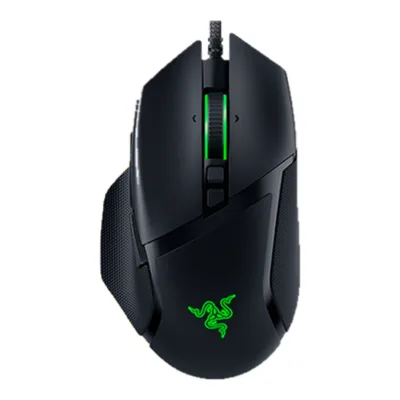
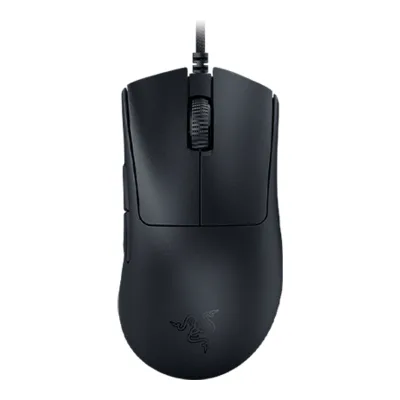
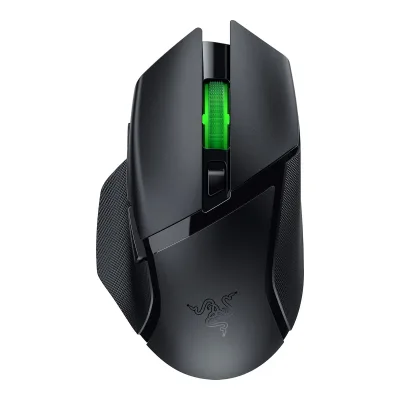
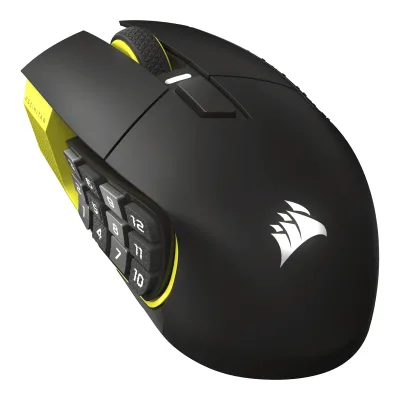
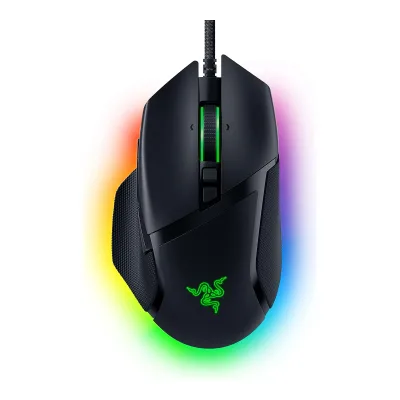
CORSAIR Scimitar Elite Wireless SE vs Razer Basilisk V3 35K
Product A: CORSAIR
104 of 154 known
Change CORSAIR Scimitar Elite Wireless SE
Compare the Razer Basilisk V3 35K with
Product B: Razer
74 of 154 known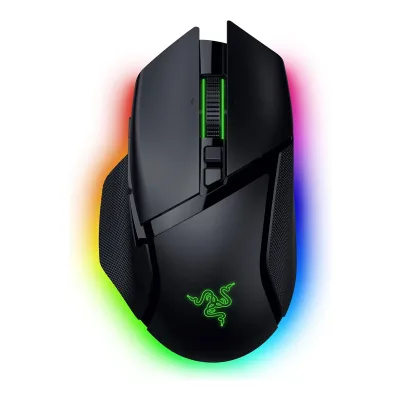 Razer Basilisk V3 Pro 35K
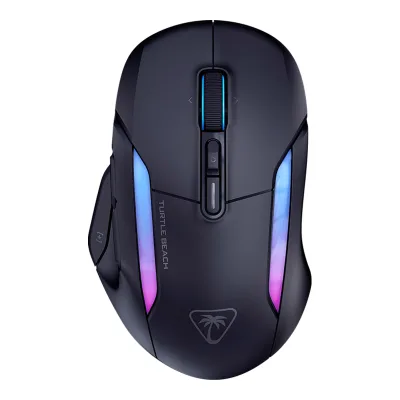 Turtle Beach Kone II Air
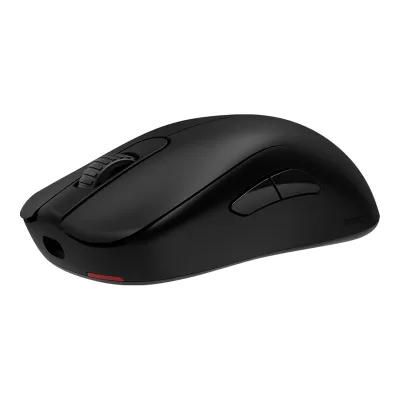 BenQ ZOWIE S2-DW
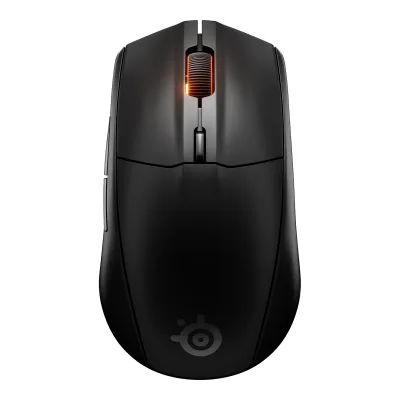 SteelSeries Rival 3 Wireless Gen 2
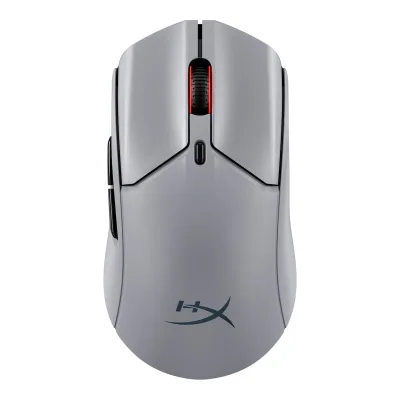 HyperX Pulsefire Haste 2 Pro
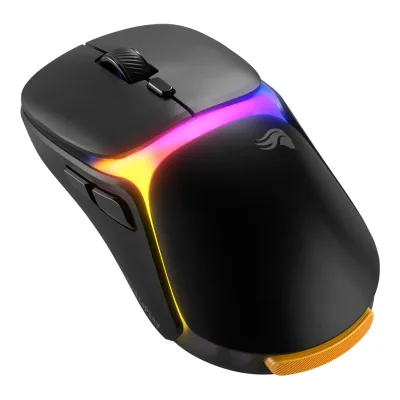 Glorious Model O3 Wireless
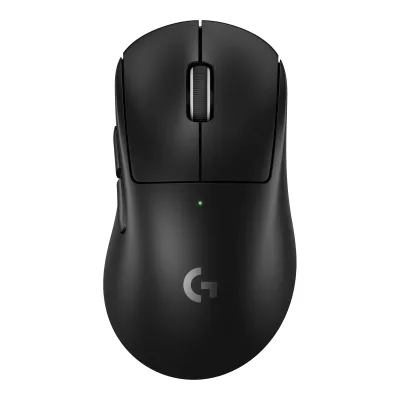 Logitech G PRO X SUPERLIGHT 2 DEX
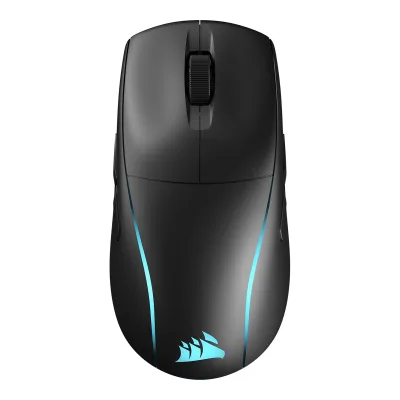 CORSAIR M75 Wireless
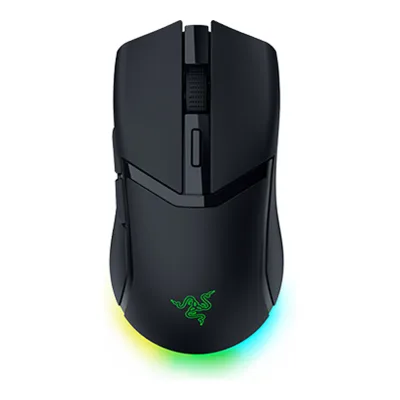 Razer Cobra HyperSpeed
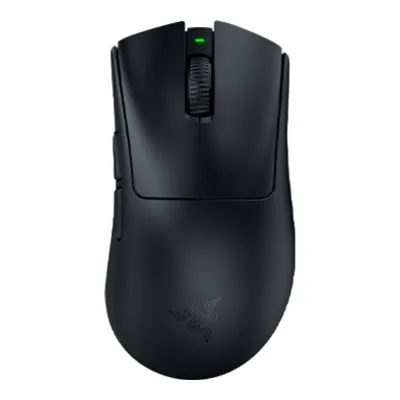 Razer DeathAdder V4 Pro
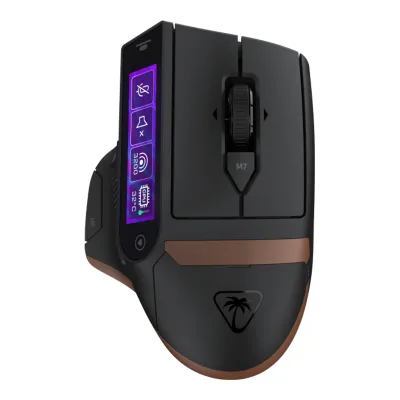 Turtle Beach Command Series MC7
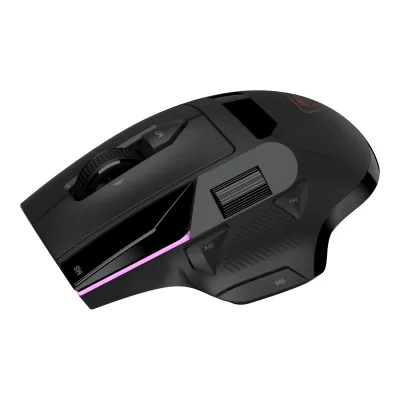 Turtle Beach Command Series MC5
Change Razer Basilisk V3 35K
Compare the CORSAIR Scimitar Elite Wireless SE with
Razer Basilisk V3 Pro 35KTurtle Beach Kone II AirBenQ ZOWIE S2-DWSteelSeries Rival 3 Wireless Gen 2HyperX Pulsefire Haste 2 ProGlorious Model O3 WirelessLogitech G PRO X SUPERLIGHT 2 DEXCORSAIR M75 WirelessRazer Cobra HyperSpeedRazer DeathAdder V4 ProTurtle Beach Command Series MC7Turtle Beach Command Series MC577 of 146 fields differ
- 31 different values
- 46 known for one only
- 31 the same
- 38 missing for both
Size, drawn to scale
Front and side.
- ACORSAIR: 73.5 × 42.2 mm
- BRazer: 75.4 × 42.5 mm
Weight
0 to 300 g
Mouse weight (claimed)
A114g
B101g
All 154 fields
Every value links to where we found it.
General
5 of 9 differ
Series
Model numbers
GTIN / EAN
Not available
Announced
Not available
Status
Predecessor
Not available
Not available
Successor
Not available
Not available
Launch price (US)
Launch price (EU)
Not available
Markets
Colours
Segment
Shape
4 of 14 differ
Body shape
Asymmetric, right-handed1Maker product pagerazer.com/gaming-mice/razer-basilisk-v3-35kRead 11 October 2026
Maker size class
Not available
Not available
Recommended grips
Not available
Recommended hand size
Not available
Not available
Hump position
Thumb rest
Ring or pinky finger rest
Upper shell
Not available
Swappable parts
Not available
Not available
Adjustable weight
Not available
Not available
Maximum added weight
Not available
Not available
Vertical angle
Not available
Not available
Trackball diameter
Not available
Not available
Trackball position
Not available
Not available
Dimensions and weight
4 of 5 differ
Mouse body dimensions
Length119.23Maximum width73.48Maximum height42.17mm(4.7 × 2.9 × 1.7 in)2Maker spec sheet (PDF)littlebit.de/media/productattach/s/c/scimitar_elite_wl_se_1.pdfRead 8 October 2026Page 3 explicitly labels L x W x H as 119.23 x 73.48 x 42.17 mm. Cable and receiver are excluded. Exact Black/Yellow review corroborates the body figures.
Length130Maximum width75.4Maximum height42.5mm(5.1 × 3 × 1.7 in)1Maker product pagerazer.com/gaming-mice/razer-basilisk-v3-35kRead 11 October 2026Product page spec list: length 130.0, width 75.1, height 42.5 mm. The master guide states 75.4 mm width, which is stored. Tom's Hardware also lists 75.4 mm for the sibling Pro model.3Owner's manualmanualslib.tech/guide/1013012/razer-basilisk-v3-35k-manual.htmlRead 11 October 2026ManualsLib copy of the Razer Basilisk V3 35K master guide, technical specifications: approximate size 130.0 x 75.4 x 42.5 mm. The product page lists width 75.1 mm. The manual is preferred over the product page.
Grip width
Not available
Not available
Mouse weight (claimed)
Box dimensions
Width110Height50Depth165mm(4.3 × 2 × 6.5 in)2Maker spec sheet (PDF)littlebit.de/media/productattach/s/c/scimitar_elite_wl_se_1.pdfRead 8 October 2026Page 3 single-unit shipping package is 165 x 110 x 50 mm, L x W x H. Depth stores length. The separate four-unit master-carton dimensions are excluded.
Not available
Packed weight
Not available
Sensor
10 of 20 differ
Marketed sensor name
Focus Pro 35K Optical Sensor Gen-21Maker product pagerazer.com/gaming-mice/razer-basilisk-v3-35kRead 11 October 2026
Published sensor brand
Physical sensor part number
Not available
Not available
Sensor type
Maximum configurable DPI
Minimum configurable DPI
DPI adjustment step
Maximum DPI stages
52Owner's manualdl.razerzone.com/master-guides/RazerSynapse3/BASILISKV3-00000203-en.pdfRead 11 October 2026Performance section: you can create up to 5 sensitivity stages.3Owner's manualmanualslib.tech/guide/1013012/razer-basilisk-v3-35k-manual.htmlRead 11 October 2026Synapse section: up to 5 sensitivity stages.
Default DPI presets
400, 800, 1,200, 1,600, 3,200DPI3Owner's manualcorsair.com/us/en/explorer/gamer/mice/scimitar-elite-wireless-seRead 8 October 2026Mouse Status table explicitly labels Profile #1: 400/800/1200/1600/3200 DPI. Other factory profiles in the specification guide have different presets and are not merged into this row.
400, 800, 1,600, 3,200, 6,400DPI2Owner's manualdl.razerzone.com/master-guides/RazerSynapse3/BASILISKV3-00000203-en.pdfRead 11 October 2026Page 2: the DPI stages are 400, 800, 1600 (default), 3200 and 6400.3Owner's manualmanualslib.tech/guide/1013012/razer-basilisk-v3-35k-manual.htmlRead 11 October 2026Guide: the DPI stages are 400, 800, 1600 (default), 3200 and 6400. The 1600 default is the stage active out of the box.
Separate X and Y DPI
Not available
Yes2Owner's manualdl.razerzone.com/master-guides/RazerSynapse3/BASILISKV3-00000203-en.pdfRead 11 October 2026Performance section: the Enable X-Y function can be turned on for each stage.3Owner's manualmanualslib.tech/guide/1013012/razer-basilisk-v3-35k-manual.htmlRead 11 October 2026Synapse section: each stage can enable the Enable X-Y function.
Tracking speed (claimed)
Tracking acceleration (claimed)
Lift-off distance settings
Not available
Not available
Separate lift and landing distance
Not available
Yes1Maker product pagerazer.com/gaming-mice/razer-basilisk-v3-35kRead 11 October 2026Sensor table: asymmetric cut-off, up to 26 steps. Millimetre values are not stated.3Owner's manualmanualslib.tech/guide/1013012/razer-basilisk-v3-35k-manual.htmlRead 11 October 2026Calibration subtab: Enable Asymmetric Cut-Off sets separate lift-off and landing distances.
Surface calibration
Yes1Maker product pagerazer.com/gaming-mice/razer-basilisk-v3-35kRead 11 October 2026Sensor table: Smart Tracking (Low / Med / High).3Owner's manualmanualslib.tech/guide/1013012/razer-basilisk-v3-35k-manual.htmlRead 11 October 2026Calibration subtab: optimize the sensor to any surface, with Smart Tracking.
Motion Sync
Not available
Angle snapping
Not available
Ripple control
Not available
Not available
Tracks on glass
Sensor position
Performance
3 of 8 differ
Documented polling rates by connection
ACORSAIR Scimitar Elite Wireless SE
| Data connection | Polling rate (Hz) | Receiver requirement |
|---|---|---|
| USB (wired) | 125 | Not available |
| USB (wired) | 250 | Not available |
| USB (wired) | 500 | Not available |
| USB (wired) | 1,000 | Not available |
| 2.4 GHz | 125 | Included SLIPSTREAM USB-A wireless receiver |
| 2.4 GHz | 250 | Included SLIPSTREAM USB-A wireless receiver |
| 2.4 GHz | 500 | Included SLIPSTREAM USB-A wireless receiver |
| 2.4 GHz | 1,000 | Included SLIPSTREAM USB-A wireless receiver |
BRazer Basilisk V3 35K
| Data connection | Polling rate (Hz) |
|---|---|
| USB (wired) | 125 |
| USB (wired) | 500 |
| USB (wired) | 1,000 |
Source2Owner's manualdl.razerzone.com/master-guides/RazerSynapse3/BASILISKV3-00000203-en.pdfRead 11 October 2026Performance screenshot offers polling rate buttons 125, 500 and 1000 Hz. The mouse is wired only, so the rates apply to the wired connection.5Spec databaseeloshapes.com/mouse/compareRead 11 October 2026Database lists a polling rate of 1000 Hz. TechGearLab also reports 1000 Hz.6Reviewtechgearlab.com/reviews/cool-gadgets/gaming-mouse/razer-basilisk-v3-35kRead 11 October 2026Review measured a steady 1000 Hz polling rate that never dipped below 1000 Hz.
Max polling rate
1,000Hz
1,000Hz
Polling rate (wired)
1,000Hz
1,000Hz
Polling rate (2.4 GHz)
1,000Hz
Not available
Polling rate (Bluetooth)
Not available
Not available
Claimed click latency
Not available
Not available
Adjustable debounce
Not available
Not available
Measured
1 of 7 differ
Latency per connection (measured)
Not available
Not available
DPI deviation (measured)
Not available
Not available
Lift-off distance (measured)
Not available
Not available
Main click force (measured)
Not available
Not available
Weight (measured)
Not available
Battery life (measured)
Not available
Not available
Hand size fit
Not available
Not available
Switches
6 of 11 differ
Main switch type
Published main-switch brand
Main switch model
Not available
Optical Mouse Switches Gen-31Maker product pagerazer.com/gaming-mice/razer-basilisk-v3-35kRead 11 October 2026
Main switch rated life
Hot-swap main switches
Not available
Not available
Adjustable click actuation
Not available
Not available
Separate main buttons
Yes3Owner's manualcorsair.com/us/en/explorer/gamer/mice/scimitar-elite-wireless-seRead 8 October 2026
Not available
Side switch model
Not available
Not available
Middle click switch
Not available
Not available
Scroll encoder type
Scroll encoder
Not available
Razer HyperScroll Tilt Wheel5Spec databaseeloshapes.com/mouse/compareRead 11 October 2026Database name: Razer HyperScroll Tilt Wheel.
Buttons and scroll wheel
9 of 13 differ
Physical button inputs
112Owner's manualdl.razerzone.com/master-guides/RazerSynapse3/BASILISKV3-00000203-en.pdfRead 11 October 2026Page 2 layout: left, right, wheel (click and two tilts), scroll mode button, DPI cycle button, multi-function trigger, mouse buttons 4 and 5 and the profile button. Counted as 11.3Owner's manualmanualslib.tech/guide/1013012/razer-basilisk-v3-35k-manual.htmlRead 11 October 2026Guide device layout lists left, right, wheel (click and tilt both ways), scroll mode button, DPI cycle button, multi-function trigger, mouse buttons 4 and 5 and the profile button. Counted as 11 physical inputs.
Programmable buttons
111Maker product pagerazer.com/gaming-mice/razer-basilisk-v3-35kRead 11 October 2026Spec list and FAQ: 11 programmable buttons. The page also advertises 13 controls, which include scroll up and down.3Owner's manualmanualslib.tech/guide/1013012/razer-basilisk-v3-35k-manual.htmlRead 11 October 2026Guide: 11 programmable buttons.
Side buttons
Side buttons on
DPI button
DPI button position
Top3Owner's manualcorsair.com/us/en/explorer/gamer/mice/scimitar-elite-wireless-seRead 8 October 2026
Not available
Profile button
Yes3Owner's manualcorsair.com/us/en/explorer/gamer/mice/scimitar-elite-wireless-seRead 8 October 2026
Yes1Maker product pagerazer.com/gaming-mice/razer-basilisk-v3-35kRead 11 October 2026FAQ: the button on the bottom toggles the onboard profiles by default and is remappable in Synapse 4.2Owner's manualdl.razerzone.com/master-guides/RazerSynapse3/BASILISKV3-00000203-en.pdfRead 11 October 2026Page 2 lists a profile button (M) and a profile indicator (L).3Owner's manualmanualslib.tech/guide/1013012/razer-basilisk-v3-35k-manual.htmlRead 11 October 2026Guide lists a profile button and a profile indicator.
Dedicated DPI-shift button
Not available
Dedicated gesture button
No3Owner's manualcorsair.com/us/en/explorer/gamer/mice/scimitar-elite-wireless-seRead 8 October 2026
Not available
Scroll wheel
Notched, Free spin, Tilt1Maker product pagerazer.com/gaming-mice/razer-basilisk-v3-35kRead 11 October 2026
Scroll mode switch
Automatic1Maker product pagerazer.com/gaming-mice/razer-basilisk-v3-35kRead 11 October 2026Tactile and free-spin modes are electronically actuated. Smart-Reel auto-switches by scroll speed.3Owner's manualmanualslib.tech/guide/1013012/razer-basilisk-v3-35k-manual.htmlRead 11 October 2026Guide shows a scroll mode button and a Smart-Reel option that switches Free-Spinning and Tactile Cycling automatically.
Build
3 of 6 differ
Shell material
Plastic, polymer unspecified6Spec databaseeloshapes.com/mouse/compareRead 8 October 2026Exact SE material entry explicitly says Plastic. Polymer is unspecified.
Plastic, polymer unspecified5Spec databaseeloshapes.com/mouse/compareRead 11 October 2026Database material: plastic.
Surface finish
Not available
Installed feet material
Installed skate pieces
Not available
Feet shape
Pads3Owner's manualcorsair.com/us/en/explorer/gamer/mice/scimitar-elite-wireless-seRead 8 October 2026
Not available
Feet thickness
Not available
Not available
Cable
4 of 5 differ
Cable
Detachable cable
Port on mouse
Cable host plug
USB-A3Owner's manualcorsair.com/us/en/explorer/gamer/mice/scimitar-elite-wireless-seRead 8 October 2026
Not available
Connectivity
8 of 13 differ
Connections
Wireless technology
SLIPSTREAM WIRELESS1Maker product pagecorsair.com/us/en/p/gaming-mouse/ch-9314415-ww/scimitar-elite-wireless-se-mmo-gaming-mouse-black-yellow-ch-9314415-wwRead 8 October 2026
Not available
Saved Bluetooth pairing slots
Not available
Not available
Switchable host devices
Not available
Not available
Device switching
Not available
Not available
Receiver host connector
USB-A3Owner's manualcorsair.com/us/en/explorer/gamer/mice/scimitar-elite-wireless-seRead 8 October 2026
Not available
Receiver storage in mouse
Not available
Receiver extender included
Not available
Wireless range
Not available
Not available
Basic mouse OS support
Not available
Consoles
Not available
Not available
Battery
10 of 17 differ
Battery type
Not available
Disposable battery count
Not available
Not available
Battery capacity
Not available
Not available
User-replaceable battery
Not available
Battery life by mode (claimed)
ACORSAIR Scimitar Elite Wireless SE
| Connection | Lighting during claim | Claimed runtime (h) |
|---|---|---|
| 2.4 GHz | Off | 150 |
| Bluetooth | Off | 500 |
BRazer Basilisk V3 35K
Not availableBattery life (up to)
Not available
Not available
Battery life (normal use)
Not available
Not available
Longest battery life
500h
Not available
Battery life at 1000 Hz
Not available
Not available
Battery life on Bluetooth
500h
Not available
Charging port
USB-C3Owner's manualcorsair.com/us/en/explorer/gamer/mice/scimitar-elite-wireless-seRead 8 October 2026
Not available
Full charge time
Not available
Quick charge
Not available
Not available
Use while charging
Not available
Charging system compatibility
Not available
Not available
Charging dock included
Not available
Battery indicator
LED, Software3Owner's manualcorsair.com/us/en/explorer/gamer/mice/scimitar-elite-wireless-seRead 8 October 2026Current guide enumerates charging and battery-state LED colours. The software battery indication is independently described in the manufacturer SE guide Device Settings.4Maker spec sheet (PDF)boulanger.scene7.com/is/content/Boulanger/0840440492276_n_0Read 8 October 2026Page 13 Device Settings explicitly displays wired/wireless connectivity and battery charge status in software. Current QSG separately documents the physical LED battery colours.
Not available
Lighting
3 of 4 differ
Decorative RGB lighting
Decorative lighting zones
Lighting sync
DPI indicator
LED3Owner's manualcorsair.com/us/en/explorer/gamer/mice/scimitar-elite-wireless-seRead 8 October 2026
Not available
Software
5 of 9 differ
Software
Configuration software platforms
Windows, macOS4Maker spec sheet (PDF)boulanger.scene7.com/is/content/Boulanger/0840440492276_n_0Read 8 October 2026Page 9 exact SE Software Mode explicitly runs iCUE on PC or Mac. Pages 14 to 18 provide Windows and macOS integration instructions. This is exact-model configuration evidence, not generic availability of iCUE on Mac.9Maker product pagecorsair.com/us/en/explorer/gamer/mice/how-to-use-elgato-virtual-stream-deck-with-scimitar-elite-wireless-seRead 8 October 2026Current exact SE integration guide, updated 20 November 2025, names Stream Deck 7.0 for Windows and Mac. Connected SE unlocks Virtual Stream Deck. The original SE guide requires current device firmware, iCUE exclusive action control disabled, and Device Memory Mode disabled for Stream Deck integration. These host-side conditions do not apply to ordinary saved hardware remaps/macros. No current firmware version number or Linux configuration support is invented.
Onboard memory
Onboard profiles
51Maker product pagerazer.com/gaming-mice/razer-basilisk-v3-35kRead 11 October 2026Spec list: on-board memory with 5 profiles.3Owner's manualmanualslib.tech/guide/1013012/razer-basilisk-v3-35k-manual.htmlRead 11 October 2026Guide: up to 5 profiles stored on the mouse, usable on systems without the app.
Macros
Yes1Maker product pagecorsair.com/us/en/p/gaming-mouse/ch-9314415-ww/scimitar-elite-wireless-se-mmo-gaming-mouse-black-yellow-ch-9314415-wwRead 8 October 20269Maker product pagecorsair.com/us/en/explorer/gamer/mice/how-to-use-elgato-virtual-stream-deck-with-scimitar-elite-wireless-seRead 8 October 2026
Button remapping
Yes1Maker product pagecorsair.com/us/en/p/gaming-mouse/ch-9314415-ww/scimitar-elite-wireless-se-mmo-gaming-mouse-black-yellow-ch-9314415-wwRead 8 October 20269Maker product pagecorsair.com/us/en/explorer/gamer/mice/how-to-use-elgato-virtual-stream-deck-with-scimitar-elite-wireless-seRead 8 October 2026
Per-app profiles
Not available
User firmware updates
Yes4Maker spec sheet (PDF)boulanger.scene7.com/is/content/Boulanger/0840440492276_n_0Read 8 October 2026Page 11 and Device Settings page 13 document user firmware updates in iCUE. Current maker Firmware Update Utility also explicitly supports this exact model.10Maker product pagecorsair.com/us/en/explorer/gamer/accessories/corsair-firmware-update-utility-everything-you-need-to-knowRead 8 October 2026Current maker supported-device list explicitly names SCIMITAR ELITE WIRELESS SE and SLIPSTREAM USB receiver. Browser utility is tested on Windows and Mac and updates firmware. Firmware updating alone is not stored as full web configuration support.
Not available
In the box
2 of 4 differ
In the box
SCIMITAR ELITE WIRELESS SE MMO gaming mouse, Braided USB Type-C cable, USB Type-A wireless receiver, Allen key, Safety information, Warranty card2Maker spec sheet (PDF)littlebit.de/media/productattach/s/c/scimitar_elite_wl_se_1.pdfRead 8 October 2026Page 3 complete standard package inventory. The SE quick start guide also identifies the cable, receiver and Allen key. No extender, charging dock, spare skates or grip tape is in that inventory.
Razer Basilisk V3 35K, Important Product Information Guide1Maker product pagerazer.com/gaming-mice/razer-basilisk-v3-35kRead 11 October 2026Spec list box contents: the mouse and the Important Product Information Guide.
Cables included
ACORSAIR Scimitar Elite Wireless SE
| Type | Cable count |
|---|---|
| USB Type-A to USB Type-C braided cable | 1 |
BRazer Basilisk V3 35K
| Type | Cable count |
|---|---|
| Fixed Razer Speedflex cable | 1 |
Extra skates included
Links
Not compared
Product page
Spec sheet
www.littlebit.de/media/productattach/s/c/scimitar_elite_wl_se_1.pdf2Maker spec sheet (PDF)littlebit.de/media/productattach/s/c/scimitar_elite_wl_se_1.pdfRead 8 October 2026Original Corsair-authored four-page SKU sheet hosted by a distributor. Its body, exact SKU/UPC/EAN table and Black/Yellow description identify the selected SE. Copied K70 CORE TKL footer and conflicting RGB count are not treated as product facts.
Not available
Manual
www.corsair.com/us/en/explorer/gamer/mice/scimitar-elite-wireless-se3Owner's manualcorsair.com/us/en/explorer/gamer/mice/scimitar-elite-wireless-seRead 8 October 2026Current exact SE manufacturer Quick Start Guide, linked by the selected SKU Guides section. This is distinct from the retailer-hosted manufacturer reviewer specification guide.
dl.razerzone.com/master-guides/RazerSynapse3/BASILISKV3-00000203-en.pdf2Owner's manualdl.razerzone.com/master-guides/RazerSynapse3/BASILISKV3-00000203-en.pdfRead 11 October 2026Official English Razer master guide for the Basilisk V3 35K, Synapse 3 edition, 33 pages. Its text layer is unreadable, so it was read through page images. It has no technical specification table.
EPREL registration number
Not available
Not available
Warranty
0 of 1 differ
Manufacturer warranty (source market)