Mice / Compare
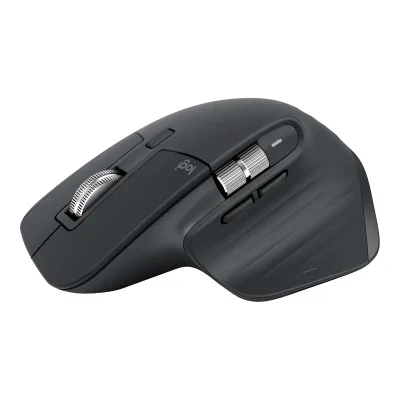
Logitech B100 Optical USB Mouse vs Logitech MX Master 3S
Product A: Logitech
49 of 154 known Logitech Signature M650 Wireless Mouse
 Logitech Signature M550 Wireless Mouse
 Logitech MX Master 4
 Microsoft Surface Mouse (2nd Edition)
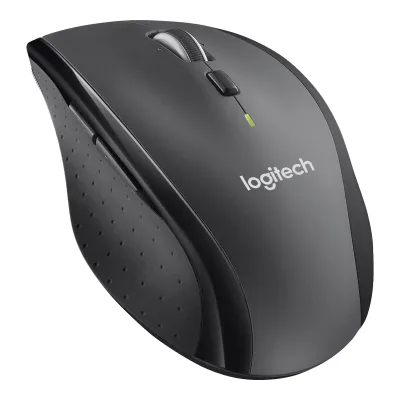 Logitech M705 Marathon Wireless Mouse
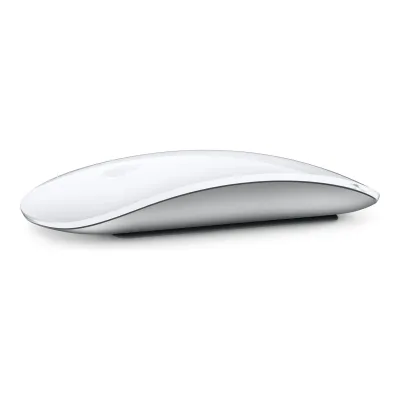 Apple Magic Mouse (USB-C)
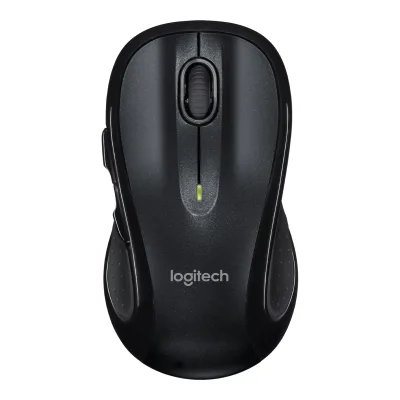 Logitech M510 Wireless Mouse
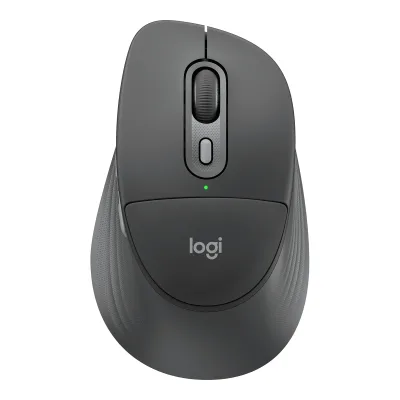 Logitech Signature Comfort Plus M850 L
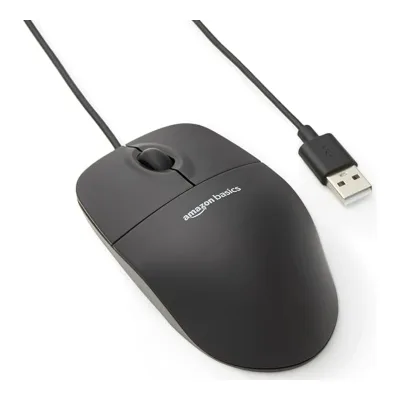 Amazon Basics 3-Button USB Wired Mouse
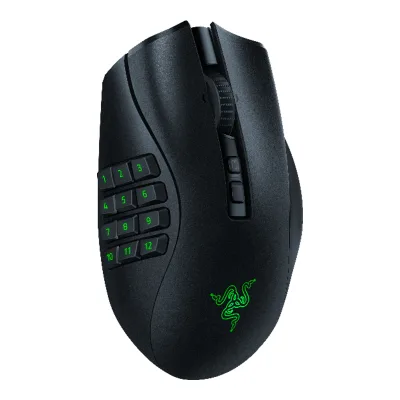 Razer Naga V2 Pro
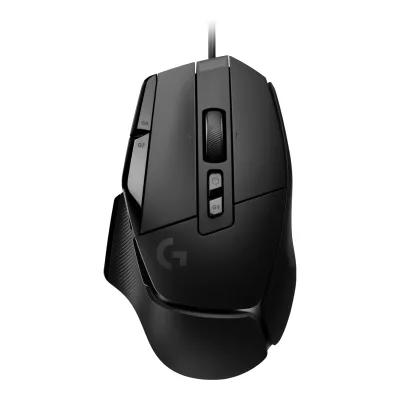 Logitech G502 X
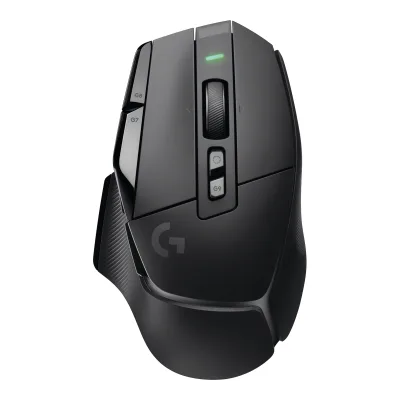 Logitech G502 X LIGHTSPEED
Change Logitech B100 Optical USB Mouse
Compare the Logitech MX Master 3S with
Logitech Signature M650 Wireless MouseLogitech Signature M550 Wireless MouseLogitech MX Master 4Microsoft Surface Mouse (2nd Edition)Logitech M705 Marathon Wireless MouseApple Magic Mouse (USB-C)Logitech M510 Wireless MouseLogitech Signature Comfort Plus M850 LAmazon Basics 3-Button USB Wired MouseRazer Naga V2 ProLogitech G502 XLogitech G502 X LIGHTSPEEDProduct B: Logitech
88 of 154 knownLogitech M510 Wireless MouseAmazon Basics 3-Button USB Wired MouseLogitech MX Master 4Logitech Signature M650 Wireless MouseLogitech Signature Comfort Plus M850 LLogitech Signature M550 Wireless MouseLogitech M705 Marathon Wireless MouseApple Magic Mouse (USB-C)Microsoft Surface Mouse (2nd Edition)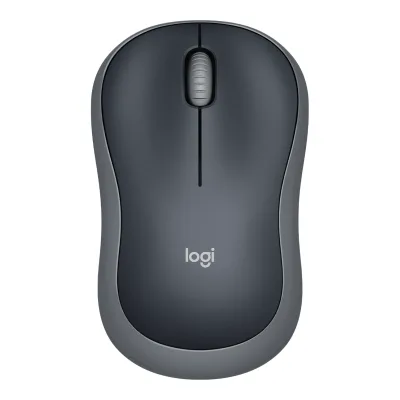 Logitech Wireless Mouse M185
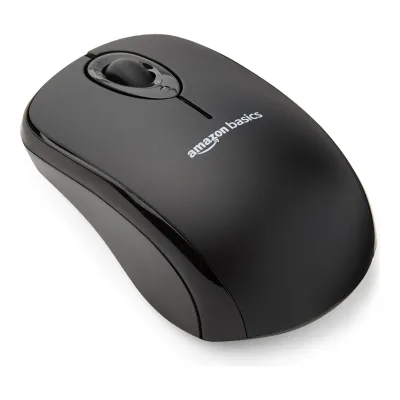 Amazon Basics 2.4 GHz Wireless Optical Computer Mouse
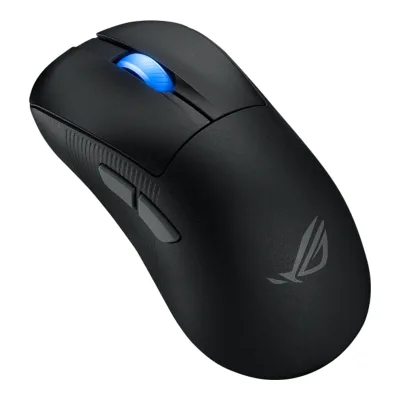 ASUS ROG Keris II Ace
Change Logitech MX Master 3S
Compare the Logitech B100 Optical USB Mouse with
Logitech M510 Wireless MouseAmazon Basics 3-Button USB Wired MouseLogitech MX Master 4Logitech Signature M650 Wireless MouseLogitech Signature Comfort Plus M850 LLogitech Signature M550 Wireless MouseLogitech M705 Marathon Wireless MouseApple Magic Mouse (USB-C)Microsoft Surface Mouse (2nd Edition)Logitech Wireless Mouse M185Amazon Basics 2.4 GHz Wireless Optical Computer MouseASUS ROG Keris II Ace74 of 146 fields differ
- 27 different values
- 47 known for one only
- 13 the same
- 59 missing for both
Size, drawn to scale
Front and side.
- AB100 Optical USB Mouse: 61.7 × 38.4 mm
- BMX Master 3S: 84.3 × 51 mm
Weight
0 to 300 g
Packed weight
A109g
B333.6g
All 154 fields
Every value links to where we found it.
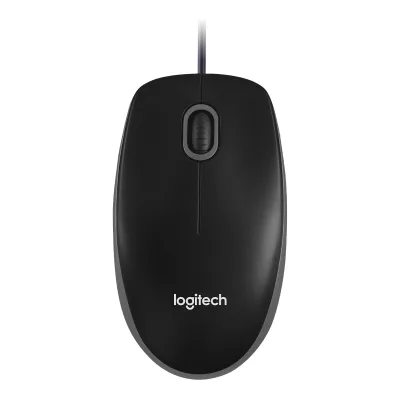
General
5 of 9 differ
Series
Not available
Model numbers
910-001439, 910-003357, M-U00041Maker product pagelogitech.com/en-us/business/shop/p/b100-usb-business-mouse.910-001439Read 16 October 2026US business store page for 910-001439 (Black, in stock with add to cart on 2026-10-16). The support spec page prints the hardware model M-U0004 / M-U0003 / M-0026 on the underside. Only M-U0004 is stored because it also heads the main support page. The product ID 910-003357 is the international SKU, see the retailer sources.2Maker product pagesupport.logi.com/hc/en-us/articles/360024881373-Specification-B100-Optical-USB-MouseRead 16 October 2026Product Information: Mouse model number M-U0004 / M-U0003 / M-0026, at the bottom of the mouse. The main support page for the product shows M/N: M-U0004.
GTIN / EAN
097855060266, 50992060412713Spec databaseik.imagekit.io/pimberly/65707b38e31f5a94719d7ba0/6c28b802/67659f86ff41c0a4802c54eb/product-pdfRead 16 October 2026EAN 5099206041271 for 910-003357. Rapid Online lists the same EAN. The white 910-003360 has 5099206041288.4Spec databasebuildcores.com/products/Mouse/des7tawtf/Logitech-B100-Wired-Optical-MouseRead 16 October 2026Page metadata: UPC 097855060266 for retailer part number 910-001439.
Status
Predecessor
Not available
Not available
Successor
Not available
Launch price (EU)
Not available
Not available
Markets
US, GB, DE1Maker product pagelogitech.com/en-us/business/shop/p/b100-usb-business-mouse.910-001439Read 16 October 2026US from this page. GB and DE from the retailer listings of 910-003357.5Spec databasegeizhals.de/891120Read 16 October 2026Geizhals Germany lists 910-003357 with German sellers on 2026-10-16.6Retailer pagescan.co.uk/products/logitech-b100-black-optical-usb-mouse-3-buttons-optical-tracking-800dpi-usb-blackRead 16 October 2026Scan UK lists manufacturer code 910-003357.
Colours
Graphite, Pale Gray1Maker product pagelogitech.com/en-au/shop/p/mx-master-3sRead 7 October 2026
Segment
Mouse type
Shape
3 of 14 differ
Body shape
Maker size class
Not available
Not available
Recommended grips
Not available
Not available
Recommended hand size
Not available
Not available
Hump position
Not available
Not available
Thumb rest
Not available
Ring or pinky finger rest
Not available
Not available
Upper shell
Not available
Not available
Swappable parts
Not available
Not available
Adjustable weight
Not available
Maximum added weight
Not available
Not available
Vertical angle
Not available
Not available
Trackball diameter
Not available
Not available
Trackball position
Not available
Not available
Dimensions and weight
5 of 5 differ
Mouse body dimensions
Length112.8Maximum width61.7Maximum height38.4mm(4.4 × 2.4 × 1.5 in)2Maker product pagesupport.logi.com/hc/en-us/articles/360024881373-Specification-B100-Optical-USB-MouseRead 16 October 2026Physical Specifications: Height 38.4 mm, Width 61.7 mm, Depth 112.8 mm. The US store rounds these to 113 x 62 x 38 mm. Length is the front-to-rear depth, height is the body height. The table has a second Depth column that reads 1.8mm, which is the cable length, so the table is mislabelled in places.
Length124.9Maximum width84.3Maximum height51mm(4.9 × 3.3 × 2 in)1Maker product pagelogitech.com/en-au/shop/p/mx-master-3sRead 7 October 2026Maker Height 124.9 mm is front-to-rear length, Width 84.3 mm and Depth 51 mm is the vertical height. Mouse body only. The receiver is listed separately.
Mouse weight (claimed)
Not available
Box dimensions
Width42Height132Depth87mm(1.7 × 5.2 × 3.4 in)3Spec databaseik.imagekit.io/pimberly/65707b38e31f5a94719d7ba0/6c28b802/67659f86ff41c0a4802c54eb/product-pdfRead 16 October 2026Product sheet for 910-003357 (published 20 Dec 2024): Package width 42 mm, depth 87 mm, height 132 mm. Stored as labelled.
Not available
Packed weight
Sensor
6 of 20 differ
Marketed sensor name
Not available
Published sensor brand
Not available
Physical sensor part number
Not available
Not available
Sensor type
Maximum configurable DPI
Minimum configurable DPI
DPI adjustment step
Not available
Maximum DPI stages
Not available
Not available
Default DPI presets
Separate X and Y DPI
Not available
Not available
Tracking speed (claimed)
Not available
Not available
Tracking acceleration (claimed)
Not available
Not available
Lift-off distance settings
Not available
Not available
Separate lift and landing distance
Not available
Not available
Surface calibration
Not available
Not available
Motion Sync
Not available
Not available
Angle snapping
Not available
Not available
Ripple control
Not available
Not available
Tracks on glass
Not available
Sensor position
Not available
Not available
Performance
3 of 8 differ
Documented polling rates by connection
ALogitech B100 Optical USB Mouse
Not availableBLogitech MX Master 3S
| Data connection | Polling rate (Hz) | Receiver requirement |
|---|---|---|
| 2.4 GHz | 125 | Included Logi Bolt USB receiver |
Max polling rate
Not available
125Hz
Polling rate (wired)
Not available
Not available
Polling rate (2.4 GHz)
Not available
125Hz
Polling rate (Bluetooth)
Not available
Not available
Claimed click latency
Not available
Not available
Adjustable debounce
Not available
Not available
Minimum debounce
Not available
Not available
Measured
1 of 7 differ
Latency per connection (measured)
Not available
Not available
DPI deviation (measured)
Not available
Not available
Lift-off distance (measured)
Not available
Not available
Main click force (measured)
Not available
Not available
Weight (measured)
Not available
Battery life (measured)
Not available
Not available
Hand size fit
Not available
Not available
Switches
4 of 11 differ
Main switch type
Not available
Published main-switch brand
Not available
Not available
Main switch model
Not available
Not available
Main switch rated life
Not available
Hot-swap main switches
Not available
No20Reviewlttlabs.com/products/mice/logitech-mx-master-3sRead 7 October 2026Click Tactility table explicitly says Hot Swappable: No. iFixit clicker replacement also requires desoldering and soldering main-button switches.21Owner's manualifixit.com/Guide/Logitech+MX+Master+3S+Clicker+Replacement/211587Read 7 October 2026Guide intro identifies the switches beneath the primary left/right buttons. Step 6 requires desoldering the old switch and step 7 soldering the replacement. Soldered replacement is not hot swapping. No stock switch manufacturer or part number is inferred.
Adjustable click actuation
Not available
Not available
Separate main buttons
Not available
Not available
Side switch model
Not available
Not available
Middle click switch
Not available
Not available
Scroll encoder type
Not available
Scroll encoder
Not available
Not available
Buttons and scroll wheel
9 of 13 differ
Physical button inputs
83Owner's manualsupport.logi.com/hc/en-us/articles/5218056588311-Getting-Started-MX-Master-3SRead 8 October 2026Complete Product Overview and control instructions identify eight pushbutton inputs: left, right, wheel click, wheel-mode shift, gesture, back, forward and underside Easy-Switch. On/off slider and scroll rotations are excluded. Maker marketing counts seven by omitting the connection pushbutton. This field counts physical pushbuttons, not only customizable inputs.20Reviewlttlabs.com/products/mice/logitech-mx-master-3sRead 7 October 2026Public Ergonomics table explicitly states Total Number of Buttons 8. Maker complete control diagram corroborates eight physical pushbuttons including underside Easy-Switch. Seven customizable buttons remain a distinct maker claim.
Programmable buttons
Side buttons
Side buttons on
Not available
DPI button
DPI button position
Not available
Not available
Profile button
Dedicated DPI-shift button
Dedicated gesture button
Scroll wheel
Scroll mode switch
Separate thumb wheel
Scroll wheel material
Build
4 of 6 differ
Shell material
Installed feet material
Not available
Feet shape
Not available
Not available
Feet thickness
Not available
Not available
Cable
3 of 5 differ
Cable
Not available
Not available
Cable length
Detachable cable
No1Maker product pagelogitech.com/en-us/business/shop/p/b100-usb-business-mouse.910-001439Read 16 October 2026Cord (Cable) is listed as part of the mouse and the gallery photo shows the cable running into the body with no socket. iFixit also says permanently attached cable.9Spec databaseifixit.com/Device/Logitech_B100_Optical_USB_MouseRead 16 October 2026Device page says the mouse has a permanently attached USB-A cable. The page dates the release to 2014, which conflicts with Logitech's archived 2012 page.
Port on mouse
None1Maker product pagelogitech.com/en-us/business/shop/p/b100-usb-business-mouse.910-001439Read 16 October 2026Gallery photo shows no USB or charging socket on the mouse. The cable is fixed.9Spec databaseifixit.com/Device/Logitech_B100_Optical_USB_MouseRead 16 October 2026Permanently attached cable, so no port on the mouse.
Cable host plug
Connectivity
11 of 13 differ
Connections
USB (wired)1Maker product pagelogitech.com/en-us/business/shop/p/b100-usb-business-mouse.910-001439Read 16 October 2026Wired USB only. The support spec page says Corded, Connection Type USB.2Maker product pagesupport.logi.com/hc/en-us/articles/360024881373-Specification-B100-Optical-USB-MouseRead 16 October 2026Connection Type USB, Corded or Wireless: Corded, USB spec 2.0 low-speed.
Wireless technology
Not available
Saved Bluetooth pairing slots
Not available
Switchable host devices
Not available
Device switching
Not available
Receiver host connector
Not available
Receiver storage in mouse
Not available
Receiver extender included
Not available
Not available
Wireless range
Not available
Basic mouse OS support
Windows, macOS, Linux, ChromeOS1Maker product pagelogitech.com/en-us/business/shop/p/b100-usb-business-mouse.910-001439Read 16 October 2026System requirements: Windows, macOS, ChromeOS (certified Works With Chromebook) and Linux kernel 2.6+. Basic input support only.
Windows, macOS, Linux, ChromeOS, iOS, iPadOS, Android2Maker product pagesupport.logi.com/hc/en-us/articles/5218070669847-Specification-MX-Master-3SRead 6 October 2026OS support at release: Windows 10, 11 or later, macOS 10.15 or later, iPadOS 14 or later, iOS 14 or later, Android 8.0 or later, Linux and Chrome OS. Logi Options+ is Windows and macOS only.
Consoles
Not available
Not available
Battery
8 of 17 differ
Battery type
Not available
Disposable battery count
Not available
Not available
Battery capacity
Not available
User-replaceable battery
Not available
Yes13Press releasenews.logitech.com/press-releases/news-details/2025/Logitech-Makes-It-Easier-to-Repair-Your-Electronic-Devices-and-Keep-Them-Longer/default.aspxRead 7 October 2026May 2025 maker programme names MX Master 3S and all MX Master mice as supported for iFixit user repair instructions and genuine replacement parts. The exact MR0077 battery guide at https://documents.cdn.ifixit.com/pdf/ifixit/guide_159781_en.pdf documents replacement of a worn or dead battery. Opening tools and screwdrivers are required. This does not mean a tool-free battery swap.14Owner's manualdocuments.cdn.ifixit.com/pdf/ifixit/guide_159781_en.pdfRead 7 October 2026MX Master 3S battery replacement guide states replacement of a worn-out or dead battery and specifies the genuine Logitech battery. Maker-supported repair programme separately establishes user support. Tools and removal of mouse feet are required.
Battery life by mode (claimed)
Not available
Not available
Battery life (normal use)
Not available
Not available
Longest battery life
Not available
Not available
Battery life at 1000 Hz
Not available
Not available
Battery life on Bluetooth
Not available
Not available
Charging port
Not available
Full charge time
Not available
Not available
Quick charge
Not available
Use while charging
Not available
Charging system compatibility
Not available
Not available
Charging dock included
Not available
Not available
Lighting
0 of 4 differ
Decorative RGB lighting
Decorative lighting zones
Lighting sync
Not available
Not available
DPI indicator
Not available
Not available
Software
8 of 9 differ
Software
Not available
Configuration software platforms
Not available
Onboard memory
Onboard profiles
Not available
Macros
No10Maker product pagesupport.logi.com/hc/en-001/articles/360024643154-B100-Optical-USB-MouseRead 21 October 2026Same support page: no software download for this model, so macros cannot be set.11Retailer pagebhphotovideo.com/c/product/758677-REG/Logitech_910_001439_B100_Optical_USB_Mouse.htmlRead 21 October 2026B&H: no software is needed. The listing says 800 DPI, which conflicts with the 1000 DPI on the current Logitech pages, so DPI keeps the maker's current value.
Yes1Maker product pagelogitech.com/en-au/shop/p/mx-master-3sRead 7 October 2026Current original Standard Edition product page explicitly supports Smart Actions in Logi Options+. The maker Smart Actions documentation describes recorded keystroke sequences with delays. This software capability was added after the 2022 reviews that said macros were unavailable. Supported configuration platforms are Windows and macOS.17Maker product pagesupport.logi.com/hc/en-001/articles/14308075923607-What-is-a-Keystroke-action-in-the-Smart-Actions-section-of-Logi-OptionsRead 7 October 2026Keystroke action records and plays a sequence of keystrokes one by one with a configurable delay per line. Exact MX Master 3S product page establishes Smart Actions support.
Macros stored onboard
Not available
Button remapping
No10Maker product pagesupport.logi.com/hc/en-001/articles/360024643154-B100-Optical-USB-MouseRead 21 October 2026Logitech support page for the B100: Downloads, FAQs and Documents show nothing for this product, so no configuration software exists. The product sheet also says programmable buttons are not available.11Retailer pagebhphotovideo.com/c/product/758677-REG/Logitech_910_001439_B100_Optical_USB_Mouse.htmlRead 21 October 2026B&H: plug-and-play, ready out of the box without the need for any software.
Per-app profiles
In the box
3 of 4 differ
In the box
Mouse, User documentation1Maker product pagelogitech.com/en-us/business/shop/p/b100-usb-business-mouse.910-001439Read 16 October 2026Package contents: Mouse, User documentation. The support spec page says the same.
Mouse, Logi Bolt USB receiver, USB-C charging cable (USB-A to USB-C), User documentation1Maker product pagelogitech.com/en-au/shop/p/mx-master-3sRead 7 October 2026Standard Edition box list. The Bluetooth Edition contains only the mouse and documentation.
Cables included
ALogitech B100 Optical USB Mouse
| Type | Cable count |
|---|---|
| Fixed USB-A cable | 1 |
BLogitech MX Master 3S
| Type | Cable count |
|---|---|
| USB-C charging cable (USB-A to USB-C) | 1 |
Extra skates included
Links
Not compared
Product page
www.logitech.com/en-us/business/shop/p/b100-usb-business-mouse.910-0014391Maker product pagelogitech.com/en-us/business/shop/p/b100-usb-business-mouse.910-001439Read 16 October 2026
www.logitech.com/en-au/shop/p/mx-master-3s1Maker product pagelogitech.com/en-au/shop/p/mx-master-3sRead 7 October 2026Regional maker shop page that still sells the Standard Edition with the Logi Bolt receiver. The US and EU maker shops now list only the MX Master 3S Bluetooth Edition (910-007499, 910-007500, 910-007501), a separate M/N MR0096 product without receiver or cable.
Spec sheet
Manual
Not available
EPREL registration number
Not available
Not available
Warranty
1 of 1 differ
Manufacturer warranty (source market)