Keyboards / Compare
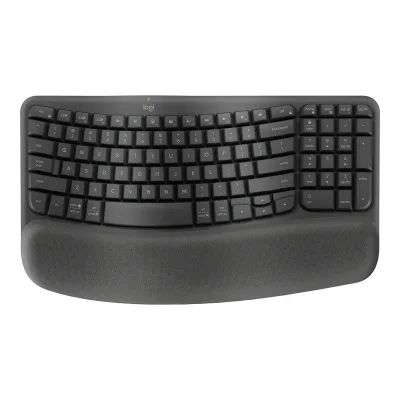
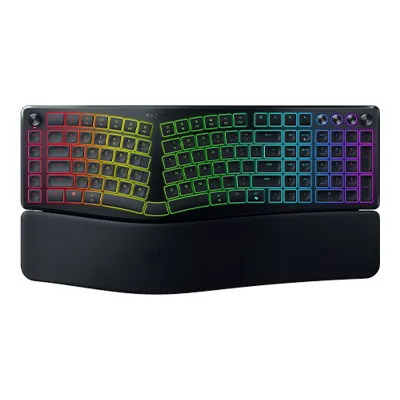
Logitech Wave Keys Ergonomic Wireless Keyboard vs Razer Pro Type Ergo
Product A: Logitech
Wave Keys Ergonomic Wireless Keyboard
70 of 164 known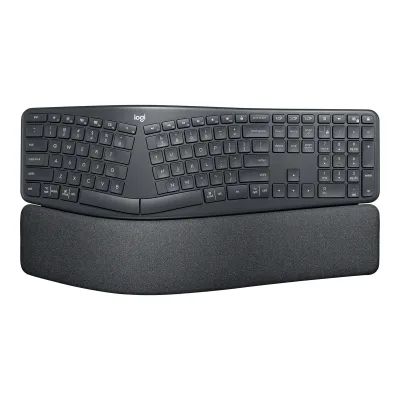 Logitech ERGO K860 Wireless Split Keyboard
 Logitech G512 X 98
 CHERRY XTRFY K63W Pro Compact Ultra-Wideband
 CORSAIR MAKR PRO 75
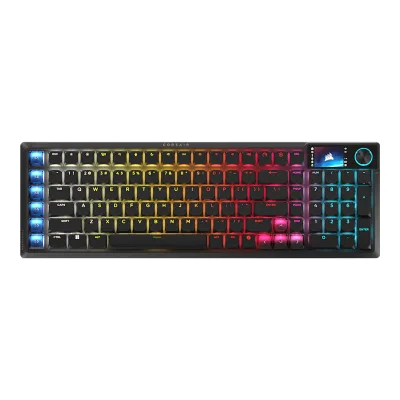 CORSAIR Vanguard Air 99 Wireless
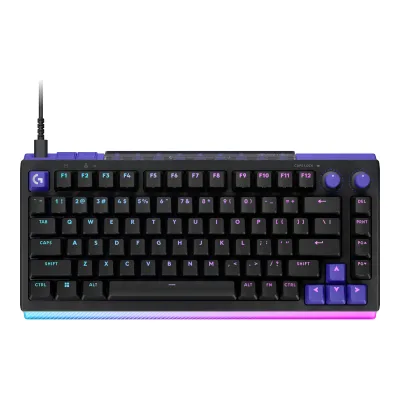 Logitech G512 X 75
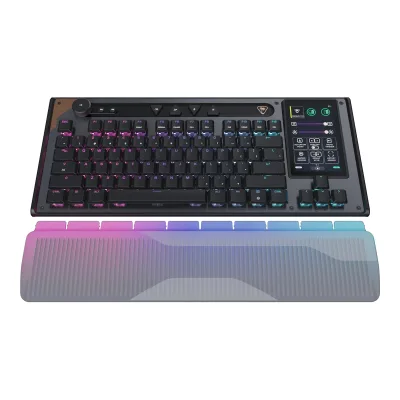 Turtle Beach Command Series KB7
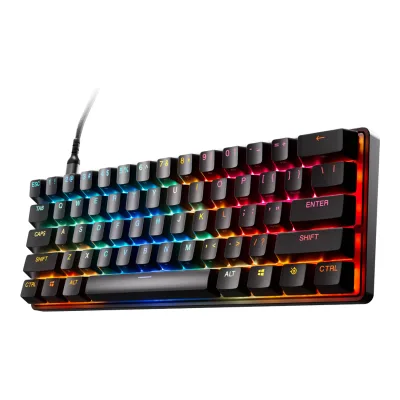 SteelSeries Apex Pro Mini Gen 3
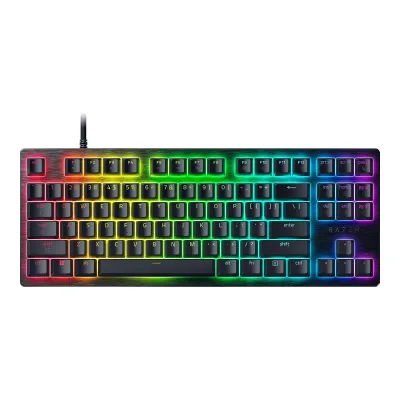 Razer Huntsman V3 HE Magnetic Tenkeyless 8KHz
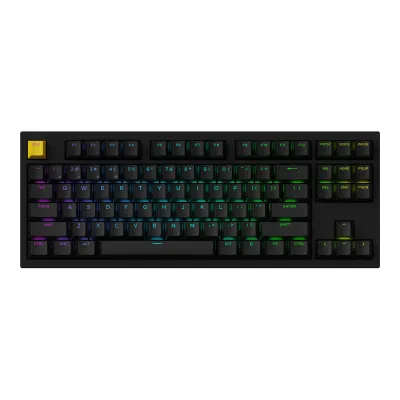 Lemokey P3 HE
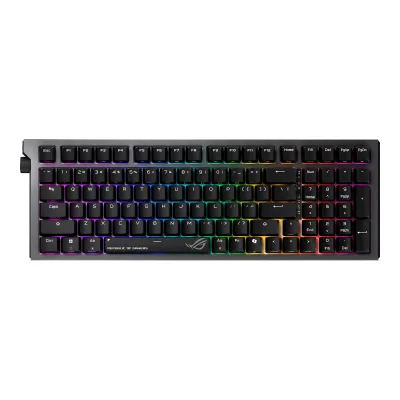 ASUS ROG Strix Morph 96 Wireless
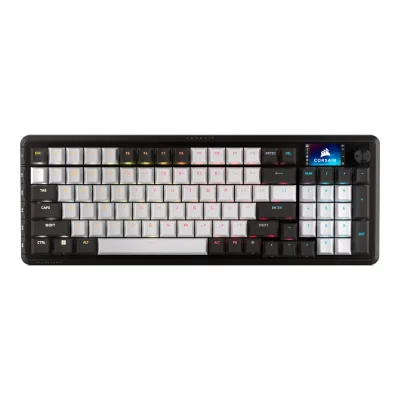 CORSAIR VANGUARD 96
Change Logitech Wave Keys Ergonomic Wireless Keyboard
Compare the Razer Pro Type Ergo with
Logitech ERGO K860 Wireless Split KeyboardLogitech G512 X 98CHERRY XTRFY K63W Pro Compact Ultra-WidebandCORSAIR MAKR PRO 75CORSAIR Vanguard Air 99 WirelessLogitech G512 X 75Turtle Beach Command Series KB7SteelSeries Apex Pro Mini Gen 3Razer Huntsman V3 HE Magnetic Tenkeyless 8KHzLemokey P3 HEASUS ROG Strix Morph 96 WirelessCORSAIR VANGUARD 96Product B: Razer
77 of 164 knownLogitech ERGO K860 Wireless Split Keyboard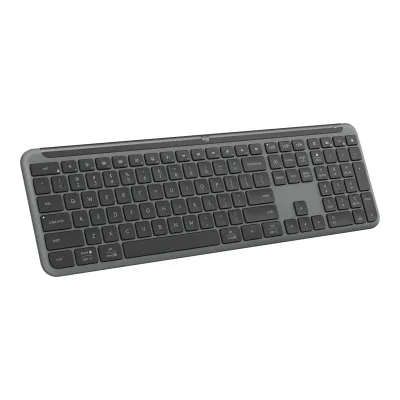 Logitech Signature Slim Wireless Keyboard K950
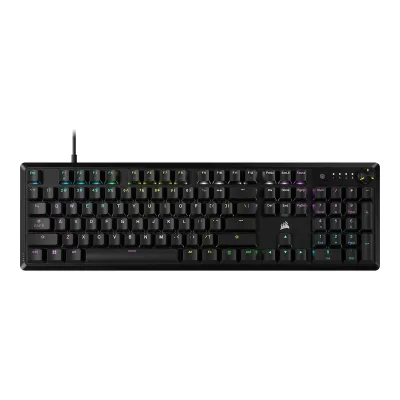 CORSAIR K70 CORE RGB
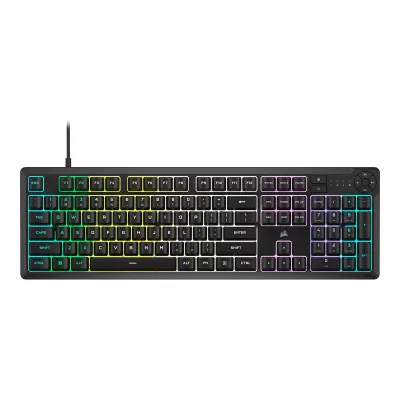 CORSAIR K55 CORE RGB Gaming Keyboard
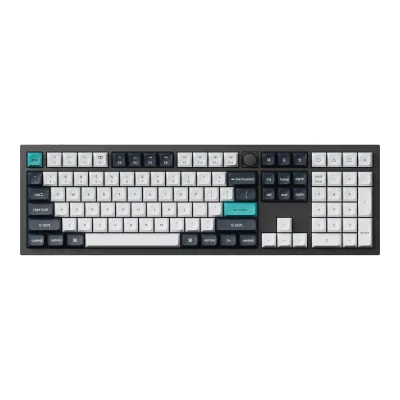 Keychron Q6 Max
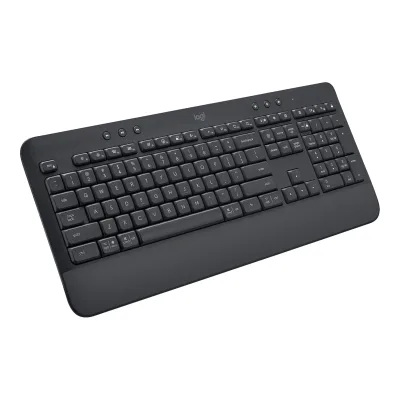 Logitech Signature K650 Wireless Keyboard with Palm-rest
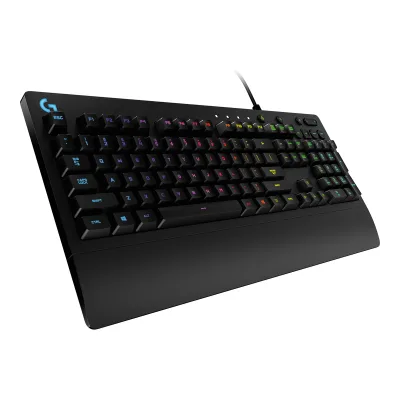 Logitech G213 Prodigy RGB Gaming Keyboard
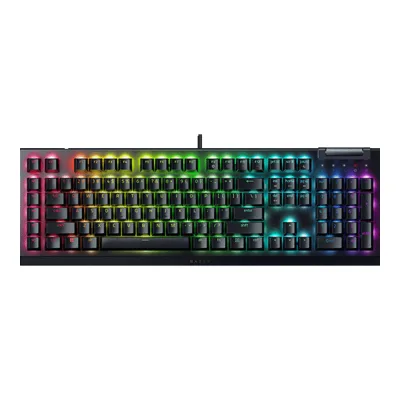 Razer BlackWidow V4 X
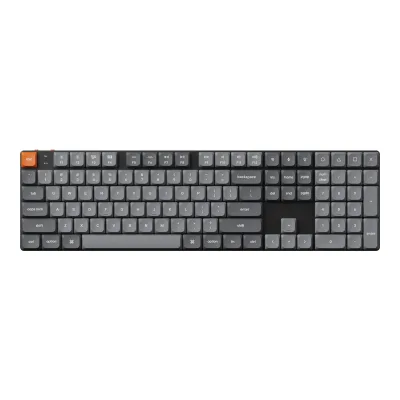 Keychron K5 Max
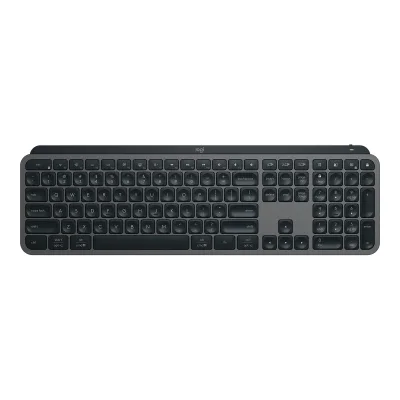 Logitech MX Keys S
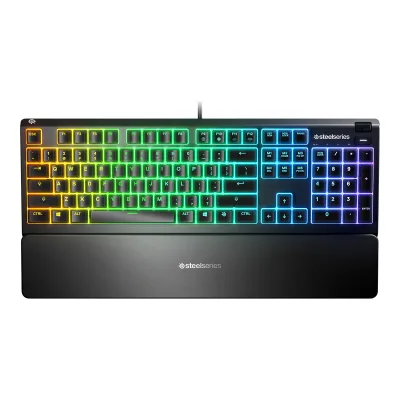 SteelSeries Apex 3
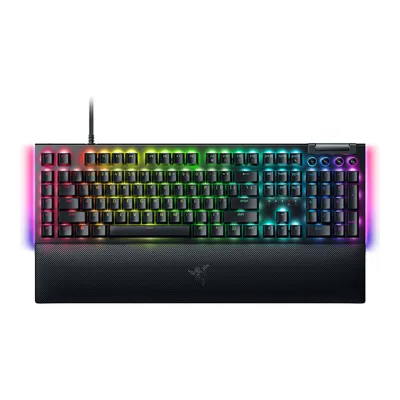 Razer BlackWidow V4
Change Razer Pro Type Ergo
Compare the Logitech Wave Keys Ergonomic Wireless Keyboard with
Logitech ERGO K860 Wireless Split KeyboardLogitech Signature Slim Wireless Keyboard K950CORSAIR K70 CORE RGBCORSAIR K55 CORE RGB Gaming KeyboardKeychron Q6 MaxLogitech Signature K650 Wireless Keyboard with Palm-restLogitech G213 Prodigy RGB Gaming KeyboardRazer BlackWidow V4 XKeychron K5 MaxLogitech MX Keys SSteelSeries Apex 3Razer BlackWidow V477 of 156 fields differ
- 28 different values
- 49 known for one only
- 17 the same
- 62 missing for both
Weight
0 to 2,000 g
Weight including wrist rest
A750g
B760g
All 164 fields
Every value links to where we found it.
General
6 of 9 differ
Series
Not available
Model numbers
920-012275, 920-013925, 920-012276, 920-011898, 920-012284, 920-012290, 920-012294, 920-012299, 920-012283, 920-012289, 920-012296, 920-012293, 920-012304, 920-012286, 920-012298, 920-012301, 920-012307, 920-012292, YR00961Maker product pagelogitech.com/en-us/shop/p/wave-keys-ergonomic-wireless.920-012275Read 14 October 2026The US store sells four English US (QWERTY) models: 920-012275 Off-white, 920-013925 Sand, 920-012276 Rose and 920-011898 Graphite. The GB and DE stores sell the regional models.2Maker product pagesupport.logi.com/hc/en-us/articles/17176652037783-Specification-Wave-KeysRead 14 October 2026Product information: keyboard model YR0096 and Logi Bolt dongle CU0021, both printed on the product.9Maker product pagelogitech.com/en-gb/shop/p/wave-keys-ergonomic-wirelessRead 14 October 2026Part numbers of the regional models on the GB store.
GTIN / EAN
097855191373, 097855191403, 09785519153311Spec databaseupcitemdb.com/upc/097855191373Read 14 October 2026UPC-A 097855191373. The listing names say 920-012275 Wave Keys Off White.12Spec databaseupcitemdb.com/upc/097855191403Read 14 October 2026UPC-A 097855191403. The listing names say 920-012276 Wave Keys Keyboard, Rose.13Spec databaseupcitemdb.com/upc/097855191533Read 14 October 2026UPC-A 097855191533. The listing names say Logitech Wave Keys YR0096 920-011898.
Announced
Status
Predecessor
Not available
Not available
Successor
Not available
Not available
Launch price (US)
$59.994Press releasenasdaq.com/press-release/logitech-introduces-ergonomic-wave-keys-to-boost-worker-comfort-and-wellbeing-2023-10Read 14 October 2026Recommended price USD 59.99 in North America. Excludes sales tax.14Press releaselogitech.com/blog/2023/10/11/hello-workspace-wellbeing-dive-into-comfortable-and-familiar-typing-during-global-ergonomics-month-with-logitech-wave-keysRead 14 October 2026Maker blog post of October 11, 2023: recommended price USD 59.99 in North America.
Launch price (EU)
€79.994Press releasenasdaq.com/press-release/logitech-introduces-ergonomic-wave-keys-to-boost-worker-comfort-and-wellbeing-2023-10Read 14 October 2026Recommended price EUR 79.99 in Europe. The release does not name a country. The value is shown on the German models. The current German store list price is EUR 69.99.14Press releaselogitech.com/blog/2023/10/11/hello-workspace-wellbeing-dive-into-comfortable-and-familiar-typing-during-global-ergonomics-month-with-logitech-wave-keysRead 14 October 2026Maker blog post of October 11, 2023: recommended price EUR 79.99 in Europe. A footnote says the price varies by region.
From €199.992Maker product pagerazer.com/gaming-keyboards/razer-pro-type-ergo/RZ03-05440200-R3U1Read 14 October 20263Maker product pagerazer.com/eu-en/gaming-keyboards/razer-pro-type-ergo/RZ03-05440100-R3M1Read 14 October 20269Retailer pagekomputronik.pl/product/1019161/razer-pro-type-ergo-us-.htmlRead 14 October 2026
Markets
US, GB, DE1Maker product pagelogitech.com/en-us/shop/p/wave-keys-ergonomic-wireless.920-012275Read 14 October 2026US store. The GB and DE stores sell the regional models.9Maker product pagelogitech.com/en-gb/shop/p/wave-keys-ergonomic-wirelessRead 14 October 2026GB store.10Maker product pagelogitech.com/de-de/shop/p/wave-keys-ergonomic-wirelessRead 14 October 2026DE store.
Colours
Segment
Sold as
Layout
6 of 12 differ
Form factor
Full size5Maker product pageresource.logitech.com/c_fill,q_auto,f_auto,dpr_1.0/d_transparent.gif/content/dam/logitech/en/products/keyboards/wave-keys/2025/wave-keys-top-angle-graphite-gallery-1.pngRead 14 October 2026The layout has a function row, number pad, arrow keys and four navigation keys in one wave shaped board. The store text calls the layout compact. RTINGS names the size Full-size (100%).6Reviewrtings.com/keyboard/reviews/logitech/wave-keysRead 14 October 2026Public featured result: size Full-size (100%).
Layout standard
Regional layouts
English US (QWERTY), German (QWERTZ), Swiss (QWERTZ), Italian (QWERTY), Danish / Norwegian / Swedish / Finnish (QWERTY), Spanish (QWERTY), English International (QWERTY), French (AZERTY), English UK (QWERTY), Czech / Slovakian (QWERTZ), Belgian (AZERTY)1Maker product pagelogitech.com/en-us/shop/p/wave-keys-ergonomic-wireless.920-012275Read 14 October 2026US store layout facet: English US (QWERTY). The regional layout names are from the GB store.9Maker product pagelogitech.com/en-gb/shop/p/wave-keys-ergonomic-wirelessRead 14 October 2026Layout names as the maker writes them.
Key legends for
Windows, macOS1Maker product pagelogitech.com/en-us/shop/p/wave-keys-ergonomic-wireless.920-012275Read 14 October 2026Layout: dual printed for Windows and Mac. A Mac-only version is a separate product and is not stored.3Owner's manualsupport.logi.com/hc/en-us/articles/17176651079831-Getting-Started-Wave-KeysRead 14 October 2026Special characters are on the right side of the keys for Windows, Android and Linux and on the left for macOS, iOS and iPadOS.
Not available
Numpad
Function row
Dedicated arrow keys
Navigation keys
Compact3Owner's manualsupport.logi.com/hc/en-us/articles/17176651079831-Getting-Started-Wave-KeysRead 14 October 2026The Function keys table lists dedicated home, end, pg up and pg dn keys. They sit above the number pad.5Maker product pageresource.logitech.com/c_fill,q_auto,f_auto,dpr_1.0/d_transparent.gif/content/dam/logitech/en/products/keyboards/wave-keys/2025/wave-keys-top-angle-graphite-gallery-1.pngRead 14 October 2026Home, End, Pg Up and Pg Dn are four dedicated keys in a row above the number pad. There is no separate Insert and Delete block.
Key stagger
Bottom row
Not available
Not available
Low profile
Not available
Switches
6 of 25 differ
Switch sensing technology
Membrane6Reviewrtings.com/keyboard/reviews/logitech/wave-keysRead 14 October 2026Public featured result: switch type Rubber Dome. The review text says lightweight and quiet rubber dome switches. The maker lists the key type as Plunger. Rubber dome keys are stored as membrane.7Reviewpcgamer.com/logitech-wave-keys-reviewRead 14 October 2026Specs box: switches membrane.
Switch feel
Not available
Switch maker
Not available
Not available
Switch models
Not available
Not available
Switch stem
Not available
Not available
Actuation force
Not available
Bottom-out force
Not available
Not available
Tactile bump force
Not available
Not available
Actuation point
Not available
Total travel
Not available
Rated keystrokes
Not available
Factory-lubed switches
Not available
Not available
Adjustable actuation
Actuation range
Not available
Not available
Actuation step
Not available
Not available
Per-key actuation
Not available
Not available
Rapid trigger
Not available
Not available
Minimum rapid trigger movement
Not available
Not available
Multi-action keys
Not available
Not available
SOCD handling
Not available
Not available
Analog input
Not available
Not available
Hot-swap sockets
Compatible switches
Not available
Not available
Stabilizers
Not available
Not available
Factory-lubed stabilizers
Not available
Not available
Keycaps
3 of 5 differ
Keycap material
Legend method
Not available
Keycap profile
Not available
Keycap thickness
Not available
Not available
Shine-through legends
Not available
Performance
6 of 11 differ
Polling rate per connection
ALogitech Wave Keys Ergonomic Wireless Keyboard
Not availableBRazer Pro Type Ergo
| Connection | Polling rate (Hz) | Receiver or adapter |
|---|---|---|
| USB (wired) | 1,000 | Not available |
| 2.4 GHz | 1,000 | Included USB-A HyperSpeed dongle |
Source2Maker product pagerazer.com/gaming-keyboards/razer-pro-type-ergo/RZ03-05440200-R3U1Read 14 October 2026Specification: 1000 Hz polling rate. The connection is not named there.6Reviewrtings.com/keyboard/reviews/razer/pro-type-ergoRead 14 October 2026Public summary: 1000 Hz polling over both wired and 2.4 GHz connections. Measured latency results are behind the paywall and are not used.
Max polling rate
Not available
1,000Hz
Polling rate (wired)
Not available
1,000Hz
Polling rate (2.4 GHz)
Not available
1,000Hz
Polling rate (Bluetooth)
Not available
Not available
Scan rate
Not available
Not available
Input latency (claimed)
Not available
Not available
Key rollover per connection
ALogitech Wave Keys Ergonomic Wireless Keyboard
Not availableBRazer Pro Type Ergo
| Rollover |
|---|
| NKRO |
Anti-ghosting
Not available
Adjustable debounce
Not available
Not available
Minimum debounce
Not available
Not available
Measured
None of 7 known
Latency per connection (measured)
Not available
Not available
Actuation point (measured)
Not available
Not available
Total travel (measured)
Not available
Not available
Operating force (measured)
Not available
Not available
Typing noise (measured)
Not available
Not available
Battery life (measured)
Not available
Not available
Weight (measured)
Not available
Not available
Connectivity
13 of 18 differ
Connections
USB (wired), 2.4 GHz, Bluetooth2Maker product pagerazer.com/gaming-keyboards/razer-pro-type-ergo/RZ03-05440200-R3U1Read 14 October 2026
Wireless technology
Logi Bolt1Maker product pagelogitech.com/en-us/shop/p/wave-keys-ergonomic-wireless.920-012275Read 14 October 2026Connection type support: Logi Bolt USB receiver (included).2Maker product pagesupport.logi.com/hc/en-us/articles/17176652037783-Specification-Wave-KeysRead 14 October 2026Connection type: Logitech Bolt USB receiver and Bluetooth Low Energy.
Bluetooth
Not available
Not available
Bluetooth device slots
Devices it can switch between
Device switching
Keys1Maker product pagelogitech.com/en-us/shop/p/wave-keys-ergonomic-wireless.920-012275Read 14 October 2026Feature text: switch between laptop, tablet or phone in a tap using the Easy-Switch keys.3Owner's manualsupport.logi.com/hc/en-us/articles/17176651079831-Getting-Started-Wave-KeysRead 14 October 2026Product overview: Easy-Switch keys.
Receiver connector
Receiver storage in keyboard
Not available
Receiver shared with other devices
Not available
Not available
Detachable cable
Not available
Port on keyboard
USB-C2Maker product pagerazer.com/gaming-keyboards/razer-pro-type-ergo/RZ03-05440200-R3U1Read 14 October 20265Reviewtechradar.com/computing/keyboards/the-razer-pro-type-ergo-proves-the-company-can-do-non-gaming-keyboards-well-but-its-not-perfectRead 14 October 2026Review: the front has a toggle switch for wired or wireless use and a USB-C port for charging and wired use.
Cable plug
Not available
Cable
Not available
Cable length
Not available
USB passthrough
Not available
Works with
Windows, macOS, Linux, ChromeOS, iOS, iPadOS, Android1Maker product pagelogitech.com/en-us/shop/p/wave-keys-ergonomic-wireless.920-012275Read 14 October 2026Bluetooth Low Energy list: Windows 10 and 11, macOS 11, iPadOS 14, ChromeOS, Linux and Android 9. The support specification also lists iOS 14. Basic functions work without drivers on systems other than Windows and macOS.2Maker product pagesupport.logi.com/hc/en-us/articles/17176652037783-Specification-Wave-KeysRead 14 October 2026OS and platform support at release: Windows, macOS, iPadOS, iOS, ChromeOS, Android and Linux.
Consoles
Not available
Not available
Battery
10 of 16 differ
Battery type
Not available
Number of batteries
Not available
Battery capacity
Not available
User-replaceable battery
Not available
Battery life per mode (claimed)
ALogitech Wave Keys Ergonomic Wireless Keyboard
| Lighting | Months |
|---|---|
| Off | 36 |
Source1Maker product pagelogitech.com/en-us/shop/p/wave-keys-ergonomic-wireless.920-012275Read 14 October 2026Battery life: up to 36 months. Battery life may vary based on user and computing conditions. Stored as calendar months with lighting off, since the keyboard has no backlight. No hours or polling rate are published.2Maker product pagesupport.logi.com/hc/en-us/articles/17176652037783-Specification-Wave-KeysRead 14 October 2026Battery life (not rechargeable): 36 months. Matches the store page.
BRazer Pro Type Ergo
| Months |
|---|
| 3 |
Source1Maker product pagerazer.com/productivity/razer-pro-type-ergoRead 14 October 2026Page: up to 3 months of battery life on a single charge under standard test conditions. No connection, lighting or polling rate is published. Two reviewers quote 30 days from Razer, which conflicts with this.4Press releaserazer.com/newsroom/product-news/razer-pro-type-ergoRead 14 October 2026Up to three months of typical office use on a single charge.
Longest battery life (claimed)
Not available
Not available
Battery life, lighting off
Not available
Not available
Battery life, lighting on
Not available
Not available
Battery life, backlight on (claimed)
Not available
Not available
Battery life, backlight off (claimed)
36months
Not available
Charging port
Full charge time
Not available
Quick charge
Not available
Not available
Use while charging
Not available
Solar charging
Not available
Not available
Battery indicator
LED2Maker product pagesupport.logi.com/hc/en-us/articles/17176652037783-Specification-Wave-KeysRead 14 October 2026Indicator lights (LED): Battery, Caps Lock and Easy Switch.3Owner's manualsupport.logi.com/hc/en-us/articles/17176651079831-Getting-Started-Wave-KeysRead 14 October 2026Product overview: battery status LED. The LED turns red at 5 percent or lower.
Build
3 of 8 differ
Case material
Not available
Plate material
Not available
Not available
Mount style
Not available
Not available
Flex cuts in PCB
Not available
Not available
Sound dampening
Not available
Other2Maker product pagerazer.com/gaming-keyboards/razer-pro-type-ergo/RZ03-05440200-R3U1Read 14 October 2026Specification: internal foam none. The press release says sound-dampening layers and tuned stabilizers, so the type is stored as Other.4Press releaserazer.com/newsroom/product-news/razer-pro-type-ergoRead 14 October 2026
Typing angles
Not available
-7°, -4°, 0°, 4°, 7°1Maker product pagerazer.com/productivity/razer-pro-type-ergoRead 14 October 2026Page: forward and backward tilt options of 4 or 7 degrees. The maker's press release lists flat plus two front tilts and two rear tilts. Front tilt is stored as negative, as the maker's staff call it negative tilt.4Press releaserazer.com/newsroom/product-news/razer-pro-type-ergoRead 14 October 2026A 10 degree base slope and five typing angles: flat 0, front tilt 4 or 7, rear tilt +4 or +7.
Spill resistant
Not available
Not available
IP rating
Not available
Not available
Lighting
3 of 7 differ
Backlight
None5Maker product pageresource.logitech.com/c_fill,q_auto,f_auto,dpr_1.0/d_transparent.gif/content/dam/logitech/en/products/keyboards/wave-keys/2025/wave-keys-top-angle-graphite-gallery-1.pngRead 14 October 2026No backlight is listed in the maker specs. The photo shows no lighting. PC Gamer and RTINGS say there is no backlighting.6Reviewrtings.com/keyboard/reviews/logitech/wave-keysRead 14 October 2026Public cons: no backlighting.7Reviewpcgamer.com/logitech-wave-keys-reviewRead 14 October 2026Specs box: backlighting none.
LED position
Not available
Not available
Lighting zones
Not available
Brightness levels
Not available
Not available
Side or underglow lighting
Not available
Not available
Lighting sensors
Not available
Not available
Lighting sync
Not available
Controls
8 of 12 differ
Media keys
Separate media buttons
03Owner's manualsupport.logi.com/hc/en-us/articles/17176651079831-Getting-Started-Wave-KeysRead 14 October 2026Media and volume functions share the F-row keys. There are no separate media buttons.6Reviewrtings.com/keyboard/reviews/logitech/wave-keysRead 14 October 2026Public cons: no dedicated media keys or volume control.
Not available
Volume control
Programmable knob
Not available
Knob press
Not available
Not available
Separate macro keys
03Owner's manualsupport.logi.com/hc/en-us/articles/17176651079831-Getting-Started-Wave-KeysRead 14 October 2026No separate macro keys are listed in the product overview or the function keys table.6Reviewrtings.com/keyboard/reviews/logitech/wave-keysRead 14 October 2026Public cons: no dedicated macro keys. Measured results such as latency and typing noise sit behind the members paywall and are not used.
Built-in screen
Not available
Not available
Fingerprint reader
Not available
Not available
OS mode switch
Not available
Windows key lock
Not available
Not available
Software
3 of 10 differ
Software
Logi Options+1Maker product pagelogitech.com/en-us/shop/p/wave-keys-ergonomic-wireless.920-012275Read 14 October 2026Customization app: Logi Options+ app, optional download.2Maker product pagesupport.logi.com/hc/en-us/articles/17176652037783-Specification-Wave-KeysRead 14 October 2026Software support at release: Logi Options+.
Software runs on
Windows, macOS1Maker product pagelogitech.com/en-us/shop/p/wave-keys-ergonomic-wireless.920-012275Read 14 October 2026Supported by Logi Options+ on Windows and macOS.3Owner's manualsupport.logi.com/hc/en-us/articles/17176651079831-Getting-Started-Wave-KeysRead 14 October 2026The Logi Options+ app is compatible with Windows and Mac.
Not available
Open firmware
Not available
Not available
Onboard memory
Not available
Onboard profiles
Not available
Not available
Macros
Macros stored onboard
Not available
Not available
Key remapping
Yes1Maker product pagelogitech.com/en-us/shop/p/wave-keys-ergonomic-wireless.920-012275Read 14 October 2026Feature text: customizable keys using the Logi Options+ app, also for specific apps. RTINGS says macros can only be set on the F-row keys.6Reviewrtings.com/keyboard/reviews/logitech/wave-keysRead 14 October 2026Public text: macros can only be programmed on the F-row keys. Key programming through Logi Options+ is described in the introduction.
Layers
Not available
Not available
User firmware updates
Not available
Not available
Ergonomics
1 of 4 differ
Wrist rest
Integrated1Maker product pagelogitech.com/en-us/shop/p/wave-keys-ergonomic-wireless.920-012275Read 14 October 2026Feature text: integrated cushioned palm rest. RTINGS says it cannot be removed.6Reviewrtings.com/keyboard/reviews/logitech/wave-keysRead 14 October 2026Public cons: you can't remove the palm rest.
Wrist rest material
Tenting
Yes6Reviewrtings.com/keyboard/reviews/logitech/wave-keysRead 14 October 2026Review introduction: a slightly curved and tented ergonomic key layout. PC Gamer also says a small amount of tenting is present. The maker does not give a tenting angle, so tenting_angles_deg is not stored.7Reviewpcgamer.com/logitech-wave-keys-reviewRead 14 October 2026Specs box: tenting fixed amount. The review says the middle section of the keyboard is raised.
Yes1Maker product pagerazer.com/productivity/razer-pro-type-ergoRead 14 October 2026Page: split layout sculpted with a 10 degree slope. Gaming Trend says the slope peaks at the split and TechRadar says the rise reduces forearm pronation. The angle is not stored because the maker calls it a slope and does not call it tenting.8Reviewgamingtrend.com/reviews/razer-pro-type-ergo-reviewRead 14 October 2026Review: a big slope peaks right at the split.
Tenting angles
Not available
Not available
Dimensions and weight
4 of 6 differ
Dimensions
Not available
Not available
Dimensions with wrist rest
Width375.97Depth218.91Height30.53mm(14.8 × 8.6 × 1.2 in)1Maker product pagelogitech.com/en-us/shop/p/wave-keys-ergonomic-wireless.920-012275Read 14 October 2026Dimensions table: height 30.53 mm, width 218.91 mm, length 375.97 mm. The table labels do not match the shape. The long side is the keyboard width, and 218.91 mm is the depth front to back. The palm rest is integrated, so these are the dimensions with the wrist rest. The support specification prints 375.9 x 218.9 x 30.5 mm. The condition of the feet is not stated.2Maker product pagesupport.logi.com/hc/en-us/articles/17176652037783-Specification-Wave-KeysRead 14 October 2026Keyboard row: 218.9 mm, 375.9 mm and 30.5 mm. The column labels are Height, Width and Depth, which do not fit the shape. The values match the store page.
Width426Depth190Height45mm(16.8 × 7.5 × 1.8 in)9Retailer pagekomputronik.pl/product/1019161/razer-pro-type-ergo-us-.htmlRead 14 October 2026Spec rows: width 42.6 cm, depth 19 cm and height 4.5 cm. The wrist rest is built in. The height and the feet position are not stated. Alza lists the same figures.
Keyboard weight
Not available
Not available
Weight including wrist rest
750g(1.7 lb)1Maker product pagelogitech.com/en-us/shop/p/wave-keys-ergonomic-wireless.920-012275Read 14 October 2026Dimensions table: weight 750 g. The support specification says 750 g with batteries and 685 g without batteries. The palm rest is integrated.2Maker product pagesupport.logi.com/hc/en-us/articles/17176652037783-Specification-Wave-KeysRead 14 October 2026Keyboard weight: 750 g with batteries and 685 g without batteries.
Box dimensions
Width388Height238Depth38mm(15.3 × 9.4 × 1.5 in)2Maker product pagesupport.logi.com/hc/en-us/articles/17176652037783-Specification-Wave-KeysRead 14 October 2026Retail box: 238 mm high, 388 mm wide and 38 mm deep.
Not available
Certifications
2 of 2 differ
Platform certifications
Not available
Other certifications
United States Ergonomics stamp of approval1Maker product pagelogitech.com/en-us/shop/p/wave-keys-ergonomic-wireless.920-012275Read 14 October 2026Feature text: certified ergonomic with the stamp of approval from United States Ergonomics.
Not available
In the box
2 of 3 differ
In the box
Wave Keys Wireless Ergonomic Keyboard, Logi Bolt USB Receiver, 2 x AAA Batteries, Quick Start Guide1Maker product pagelogitech.com/en-us/shop/p/wave-keys-ergonomic-wireless.920-012275Read 14 October 2026Package contents of the page: Wave Keys Wireless Ergonomic Keyboard, Logi Bolt USB Receiver, 2 x AAA Batteries, Quick Start Guide.
Razer Pro Type Ergo keyboard, USB-C to USB-A cable, Wireless dongle7Reviewpokde.net/review/razer-pro-type-ergo-reviewRead 14 October 2026Review: the box holds the keyboard, a USB-C to USB-A cable and a wireless dongle.
Cables included
ALogitech Wave Keys Ergonomic Wireless Keyboard
Not availableBRazer Pro Type Ergo
| Type | Count |
|---|---|
| USB-C to USB-A | 1 |
Spare switches
Not available
Not available
Links
Not compared
Product page
Spec sheet
support.logi.com/hc/en-us/articles/17176652037783-Specification-Wave-Keys2Maker product pagesupport.logi.com/hc/en-us/articles/17176652037783-Specification-Wave-KeysRead 14 October 2026
Not available
Manual
support.logi.com/hc/en-us/articles/17176651079831-Getting-Started-Wave-Keys3Owner's manualsupport.logi.com/hc/en-us/articles/17176651079831-Getting-Started-Wave-KeysRead 14 October 2026
Not available
EPREL registration number
Not available
Not available
Warranty
1 of 1 differ
Both are also in the API. Back to all keyboards.