Monitors / Compare
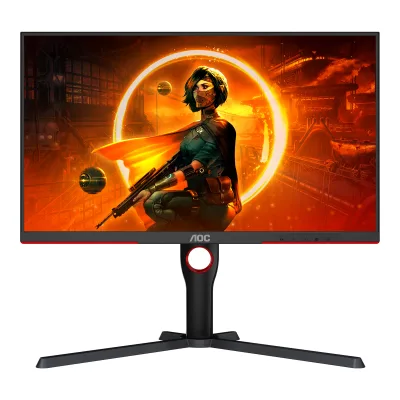
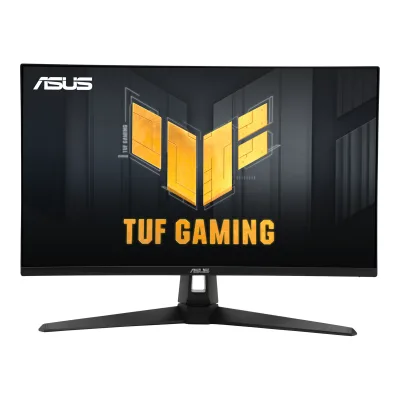
AOC Q27G3XMN vs ASUS TUF Gaming VG27AQ3A
Product A: AOC
110 of 172 known
Change AOC Q27G3XMN
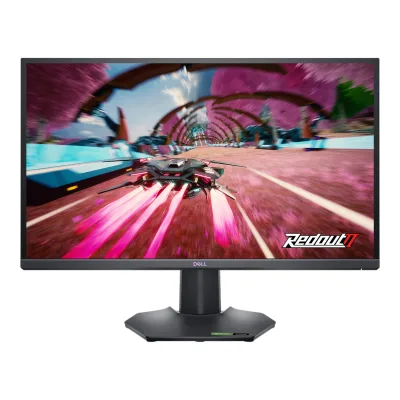
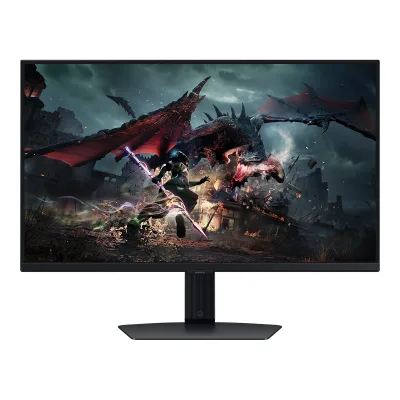
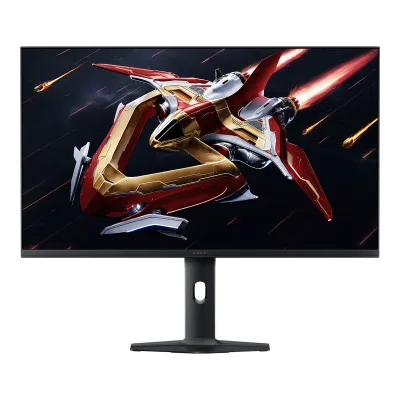
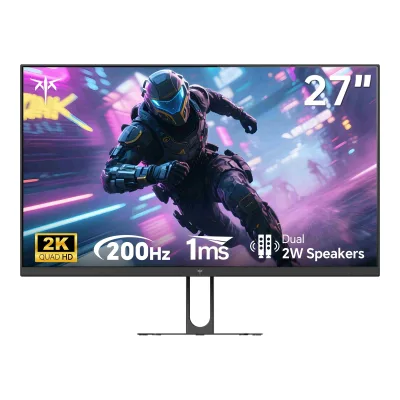
Product B: ASUS
91 of 172 known Samsung Odyssey G5 G55C 32" QHD 165Hz Curved Gaming Monitor
 Sceptre E275W-FW100T 27" Full HD 100Hz Gaming Monitor
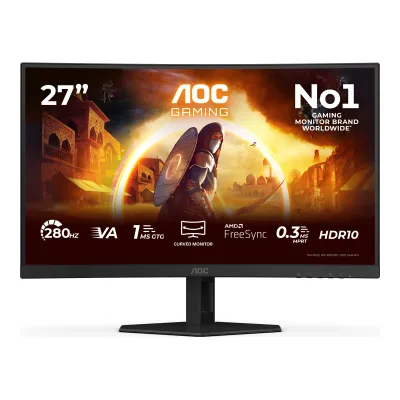 AOC C27G4ZXE
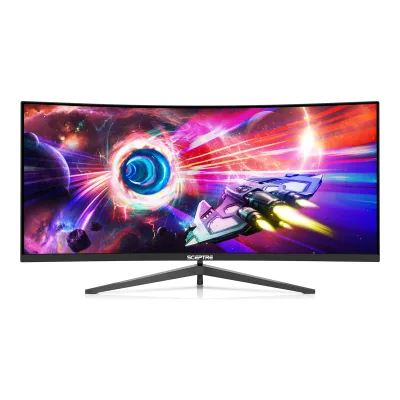 Sceptre C345B-QUT168 34" Ultrawide Curved QHD 165Hz Gaming Monitor
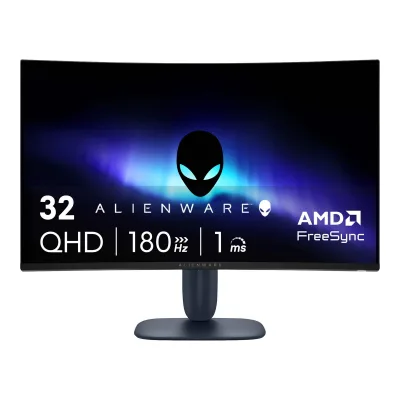 Dell Alienware AW3225DM
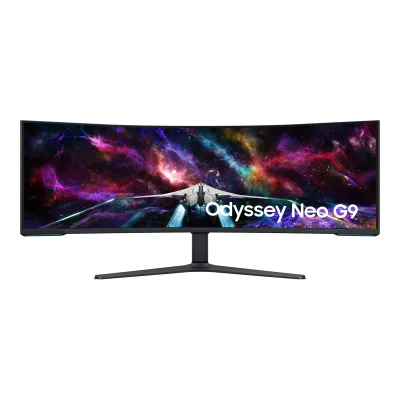 Samsung Odyssey Neo G9 G95NC
 Samsung Odyssey G5 G51F 27"
 Samsung Odyssey Neo G8 G85NB
 Sceptre E225W-FW144G 22" Full HD Slim LED Monitor
 LG UltraGear evo G9 52G930B
 MSI MAG 274QRF QD E2
 ASUS ROG Strix XG27ACS
Change ASUS TUF Gaming VG27AQ3A
Compare the AOC Q27G3XMN with
Samsung Odyssey G5 G55C 32" QHD 165Hz Curved Gaming MonitorSceptre E275W-FW100T 27" Full HD 100Hz Gaming MonitorAOC C27G4ZXESceptre C345B-QUT168 34" Ultrawide Curved QHD 165Hz Gaming MonitorDell Alienware AW3225DMSamsung Odyssey Neo G9 G95NCSamsung Odyssey G5 G51F 27"Samsung Odyssey Neo G8 G85NBSceptre E225W-FW144G 22" Full HD Slim LED MonitorLG UltraGear evo G9 52G930BMSI MAG 274QRF QD E2ASUS ROG Strix XG27ACS73 of 164 fields differ
- 38 different values
- 35 known for one only
- 39 the same
- 52 missing for both
Biggest differences
Each bar uses the scale of all 179 monitors.
- ContrastA: 4,000:1B: 1,000:1AOC is 4 times higher.
- Brightness (typical, SDR)A: 700nitsB: 250nitsAOC is 450 nits higher.
- Power use SDR (EU label)Lower is betterA: 48WB: 26WASUS is 22 W lower.
- Power use (typical)Lower is betterA: 54WB: 35WASUS is 19 W lower.
Refresh rate per resolution
The best rate over any port. Bars run from 0 to 1200 Hz.
2560 × 1440Native for both
A180Hz
B180Hz
Size, drawn to scale
Front and side. Solid lines show the stand at its lowest. Dashed lines show it at its highest.
- AAOC: 614.4 × 365.6 mm
- BASUS: 615 × 367 mm
Weight
0 to 15 kg
Weight with stand
A5.43kg
B4.6kg
Box weight
A7.06kg
B7.2kg
All 172 fields
Every value links to where we found it.
General
3 of 8 differ
Series
Model numbers
GTIN / EAN
Announced
Not available
Status
Predecessor
Not available
Not available
Successor
Not available
Not available
Launch price (US)
Not available
Not available
Markets
Not available
Not available
Colours
Segment
Display
1 of 12 differ
Screen size
Viewable screen diagonal
Not available
Not available
Native resolution
Aspect ratio
Pixel density
108.8ppi
108.8ppi
Pixel pitch
Active display area
Width596.736Height335.664mm(23.5 × 13.2 in)1Owner's manualaoc.com/api/asset/pi30706Read 6 October 2026General Specification p 24: Horizontal scan size (maximum) 596.736 mm, Vertical scan size (maximum) 335.664 mm. Equals 2560 x 1440 at the stated 0.2331 mm pitch. The US page figure 597.88 x 336.31 mm conflicts and is not used.
Curved
Curvature radius
Not available
Not available
Screen surface
Anti-reflection coating
Not available
Not available
Touchscreen
Not available
Not available
Panel
19 of 31 differ
Panel type
Panel type (as published)
Backlight
Not available
Local dimming
Not available
Dimming zones
Not available
Panel maker
Not available
Panel part number
Not available
Panel generation
Not available
Not available
Subpixel layout
Not available
Not available
Colour depth
Colour depth method
Displayable colours
sRGB coverage
Not available
Not available
Adobe RGB coverage
Not available
Rec. 2020 coverage
Not available
Not available
NTSC coverage
Not available
Not available
Factory calibrated
Not available
Claimed Delta E
Not available
Paper calibration report in box
Not available
Hardware calibration support
Not available
Not available
Static contrast ratio
Brightness (typical, SDR)
Brightness (maker minimum)
Not available
Not available
Peak brightness (HDR)
Not available
HDR peak test window
Not available
Not available
Full-screen brightness
Not available
Not available
HDR formats
HDR certification
Not available
Viewing angle (horizontal)
Viewing angle (vertical)
Refresh rate and motion
10 of 22 differ
Refresh rate per resolution and port
AAOC Q27G3XMN
| Resolution | HDMI 2.0 | DisplayPort 1.4 |
|---|---|---|
| 2560 × 1440Native | 144Hz8-bit, 4:4:4 | 180Hz10-bit, 4:4:4 |
BASUS TUF Gaming VG27AQ3A
| Resolution | HDMI 2.0 | DisplayPort 1.4 |
|---|---|---|
| 2560 × 1440Native | 144Hz | 180Hz |
Max refresh rate
180Hz
180Hz
Max refresh rate at native resolution
180Hz
180Hz
Max refresh rate over DisplayPort
180Hz
180Hz
Max refresh rate over HDMI
144Hz
144Hz
Max refresh rate over USB-C
Not available
Not available
Max refresh rate at 10-bit
180Hz
Not available
Native refresh rate
165Hz1Owner's manualaoc.com/api/asset/pi30706Read 6 October 2026p 24 footnote [2]: overclocking is achieved at 2560x1440@170Hz and 180Hz. If a display error occurs, adjust the refresh rate to 165Hz. So 165 Hz is the highest rate without overclock. Notebookcheck press items state 144 Hz native. The maker manual takes precedence.8Reviewdisplayninja.com/aoc-q27g3xmn-reviewRead 6 October 2026States a native 165Hz with factory overclock to 180Hz, which matches manual footnote [2].
Overclocked refresh rate
Not available
Dual mode
Not available
Not available
Minimum fixed refresh rate
Not available
Not available
Adaptive sync technologies
Adaptive-Sync, FreeSync Premium Pro2Maker spec sheet (PDF)aocdlw-prd-printservice-web.azurewebsites.net/api/print/monitor/q27g3xmn_bkRead 6 October 2026Sync technology Adaptive Sync. AMD FreeSync: AMD FreeSync Premium Pro. G-SYNC Compatible certification is not stated by AOC and is not stored.
G-SYNC Compatible, FreeSync Premium, VESA AdaptiveSync Display2Maker product pageasus.com/displays-desktops/monitors/tuf-gaming/tuf-gaming-vg27aq3a/techspecRead 10 October 2026Certificate list: G-SYNC Compatible, AMD FreeSync Premium and VESA AdaptiveSync Display 180Hz.
VRR range per port
AAOC Q27G3XMN
| Input | Min (Hz) | Max (Hz) |
|---|---|---|
| DisplayPort | 48 | 180 |
| HDMI | 48 | 144 |
BASUS TUF Gaming VG27AQ3A
| Input | Min (Hz) | Max (Hz) |
|---|---|---|
| DisplayPort | 48 | 180 |
| HDMI | 48 | 144 |
Low framerate compensation
Not available
Response time (maker GtG claim)
Response time (maker MPRT claim)
Not available
Not available
Overdrive settings
Off, Weak, Medium, Strong1Owner's manualaoc.com/api/asset/pi30706Read 6 October 2026Game Setting p 15: Overdrive Off/Weak/Medium/Strong.
Variable OD Level 0, Variable OD Level 1, Variable OD Level 2, Variable OD Level 3, Variable OD Level 4, Variable OD Level 53Owner's manualdlcdnets.asus.com/pub/ASUS/LCD%20Monitors/VG27AQ3A/ASUS_VG27AQ3A_UM.pdfRead 10 October 2026Section 3.1.2 Variable OD: Level 0 to Level 5.
Motion blur reduction
Blur-reduction technology
Not available
Blur reduction works with VRR
Not available
Flicker-free (claimed)
Black frame insertion
Not available
Not available
Measured
6 of 12 differ
Input lag at maximum refresh rate
Not available
Input lag at 60 Hz
19ms7Measurementtftcentral.co.uk/reviews/aoc-q27g3xmnRead 6 October 2026Total display lag 19 ms at 60Hz.
Not available
Average response time (measured)
Not available
Overshoot (measured)
Not available
Not available
Contrast ratio (measured)
Not available
SDR brightness (measured)
Not available
HDR brightness in a real scene (measured)
Not available
Not available
PWM flicker frequency (measured)
Not available
Not available
VRR range (measured)
Not available
Not available
Colour accuracy (measured Delta E)
Not available
Gray uniformity (measured)
Not available
Not available
Reflections (measured)
Not available
Not available
Connectivity
4 of 19 differ
Video inputs
AAOC Q27G3XMN
| Type | Version | Count | HDCP |
|---|---|---|---|
| HDMI | 2.0 | 2 | 2.2 |
| DisplayPort | 1.4 | 1 | Not available |
BASUS TUF Gaming VG27AQ3A
| Type | Version | Count | HDCP |
|---|---|---|---|
| DisplayPort | 1.4 | 1 | 2.2 |
| HDMI | 2.0 | 2 | 2.2 |
HDMI ports
2
2
DisplayPort ports
1
1
Highest HDMI version
2.0
2.0
Highest DisplayPort version
1.4
1.4
HDMI features
Not available
Not available
USB-C video (DP Alt Mode)
USB-C power delivered
Not available
Not available
Thunderbolt
Not available
Not available
USB upstream ports
Not available
Not available
USB downstream hub ports
Not available
Not available
KVM switch
Daisy chain (MST)
Not available
Ethernet
3.5 mm headphone output
3.5 mm microphone input
Optical out
Picture in picture
Not available
Picture by picture
Not available
Smart features
None of 4 known
Smart platform
Not available
Not available
Wi-Fi
Not available
Not available
Bluetooth
Not available
Not available
Remote control
Not available
Not available
Audio and camera
3 of 5 differ
Speakers
Number of speakers
Not available
Speaker power per channel
Not available
Webcam
Not available
Not available
Microphone
Not available
Not available
Ergonomics and controls
9 of 15 differ
Stand height adjustment
Tilt
Swivel
Pivot
Removable stand
VESA mount
VESA adapter needed
Not available
Not available
Security lock slot
On-screen menu controls
Buttons, Software1Owner's manualaoc.com/api/asset/pi30706Read 6 October 2026Hotkeys p 13: Source/Exit, Game Mode/<, Dial Point/>, Menu/Enter and Power buttons. No joystick.8Reviewdisplayninja.com/aoc-q27g3xmn-reviewRead 6 October 2026AOC G-Menu software adjusts OSD settings in a desktop application.
Desktop software
User firmware updates
Not available
Ambient light sensor
Not available
Not available
Presence sensor
Not available
Not available
RGB lighting
Not available
Gaming menu features
Game Mode, Shadow Control, Game Color, Low Input Lag, Frame Counter, Dial Point, Bright Frame1Owner's manualaoc.com/api/asset/pi30706Read 6 October 2026Game Setting p 15 and hotkeys p 13 name Game Mode, Shadow Control, Game Color, Low Input Lag, Frame Counter and Dial Point. Picture Boost p 19 names Bright Frame.
GamePlus, FPS Counter, Crosshair, Sniper, Timer, Stopwatch, Display Alignment, GameVisual, Shadow Boost3Owner's manualdlcdnets.asus.com/pub/ASUS/LCD%20Monitors/VG27AQ3A/ASUS_VG27AQ3A_UM.pdfRead 10 October 2026Section 1.3.3 GamePlus: FPS counter, crosshair (6 options), sniper, timer, stopwatch, display alignment. Section 1.3.4 GameVisual. Section 3.1.2 Shadow Boost.
OLED care
None of 3 known
OLED care
Not available
Not available
Burn-in covered by warranty
Not available
Not available
Burn-in warranty length
Not available
Not available
Dimensions and weight
6 of 7 differ
Dimensions with stand
Width614.4Height (lowest)403.3Height (highest)533.3Depth302.6mm(24.2 × 15.9 to 21 × 11.9 in)2Maker spec sheet (PDF)aocdlw-prd-printservice-web.azurewebsites.net/api/print/monitor/q27g3xmn_bkRead 6 October 2026Product dimensions incl. base (WxHxD) 614.4 x 403.3~533.3 x 302.6 mm. The range gives the lowest and highest stand positions.
Width615Height (lowest)455Height (highest)455Depth214mm(24.2 × 17.9 × 8.4 in)3Owner's manualdlcdnets.asus.com/pub/ASUS/LCD%20Monitors/VG27AQ3A/ASUS_VG27AQ3A_UM.pdfRead 10 October 2026Section 3.2 Dimension with stand 615 x 455 x 214 mm. The stand has no height adjustment, so lowest and highest height are the same.
Dimensions without stand
Width614.4Height365.6Depth71.8mm(24.2 × 14.4 × 2.8 in)2Maker spec sheet (PDF)aocdlw-prd-printservice-web.azurewebsites.net/api/print/monitor/q27g3xmn_bkRead 6 October 2026Product dimensions excl. base (WxHxD) 614.4 x 365.6 x 71.8 mm.
Width615Height367Depth54mm(24.2 × 14.4 × 2.1 in)3Owner's manualdlcdnets.asus.com/pub/ASUS/LCD%20Monitors/VG27AQ3A/ASUS_VG27AQ3A_UM.pdfRead 10 October 2026Section 3.2 Dimension without stand 615 x 367 x 54 mm.
Stand footprint
Not available
Not available
Weight with stand
Weight without stand
Not available
Box dimensions
Width805Height480Depth162mm(31.7 × 18.9 × 6.4 in)2Maker spec sheet (PDF)aocdlw-prd-printservice-web.azurewebsites.net/api/print/monitor/q27g3xmn_bkRead 6 October 2026
Width686Height475Depth160mm(27 × 18.7 × 6.3 in)3Owner's manualdlcdnets.asus.com/pub/ASUS/LCD%20Monitors/VG27AQ3A/ASUS_VG27AQ3A_UM.pdfRead 10 October 2026Section 3.2 Box dimension 686 x 475 x 160 mm.
Box weight
Power
8 of 13 differ
Power supply
Adapter rating
Not available
Not available
Input voltage
Power use (typical)
Power use (max)
Not available
Power use SDR (EU label)
Power use HDR (EU label)
Standby power
Off-mode power
EU energy class SDR
EU energy class HDR
Energy per 1000 h SDR
Energy per 1000 h HDR
Certifications
2 of 9 differ
VESA ClearMR
Not available
Not available
VESA AdaptiveSync Display
Not available
TÜV certifications
Low blue light
ENERGY STAR
Not available
Not available
TCO Certified
Not available
Not available
EPEAT
Not available
Not available
Colour certifications
Not available
Not available
Other certifications
Not available
Not available
In the box
2 of 2 differ
In the box
Monitor, QSG, Warranty card, Stand, Base, Power Cable, DP Cable, HDMI Cable1Owner's manualaoc.com/api/asset/pi30706Read 6 October 2026Contents in Box p 6. DP and HDMI cables are marked as not provided in all countries and regions.
LCD monitor, Monitor base, Monitor arm, Quick Start Guide, Warranty card, Power adapter, Power cord, DisplayPort cable, HDMI cable3Owner's manualdlcdnets.asus.com/pub/ASUS/LCD%20Monitors/VG27AQ3A/ASUS_VG27AQ3A_UM.pdfRead 10 October 2026Section 1.2 Package contents. The DisplayPort and HDMI cables are marked optional in the manual. The maker tech spec accessory list says contents vary by region.
Cables included
AAOC Q27G3XMN
| Type |
|---|
| HDMI cable (1.8 m) |
| DisplayPort cable (1.8 m) |
| Power cable |
BASUS TUF Gaming VG27AQ3A
| Type |
|---|
| Power cord |
| DisplayPort cable |
| HDMI cable |
Warranty
0 of 2 differ
Manufacturer warranty (source market)
Dead pixel policy
Not available
Not available
Links
Not compared
Product page
Spec sheet
Manual
EPREL registration number
Both are also in the API. Back to all monitors.