Webcams / Compare
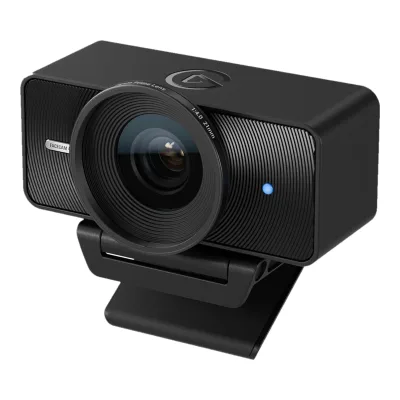
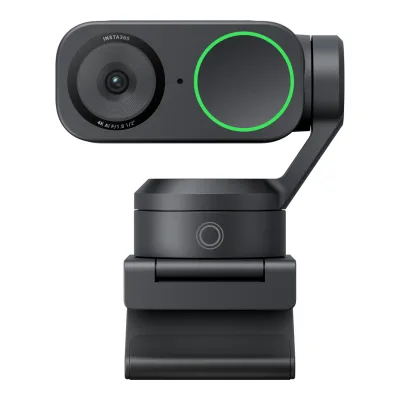
EMEET PIXY vs Insta360 Link 2
Product A: EMEET
41 of 68 known
Change EMEET PIXY
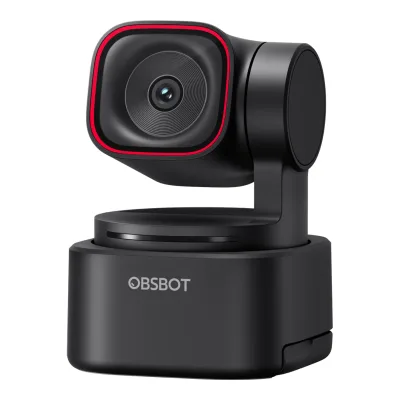
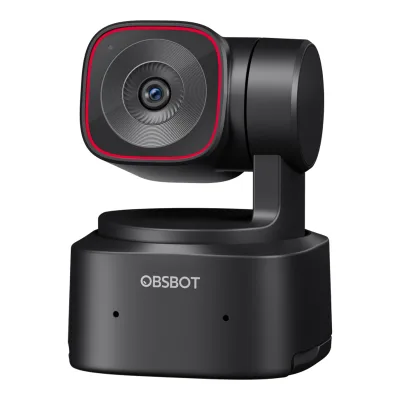
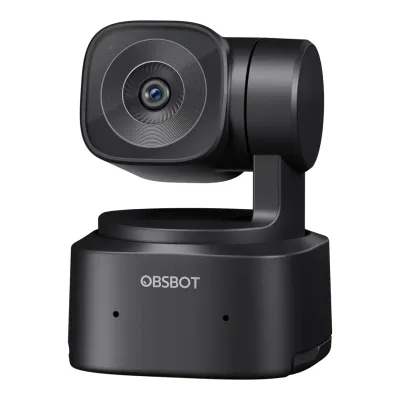
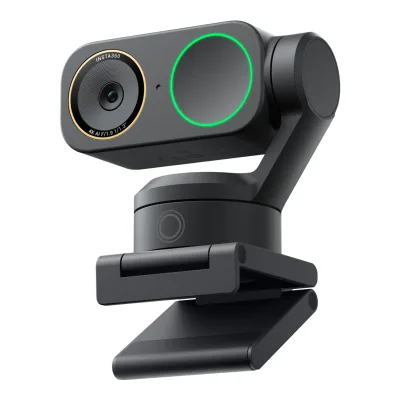
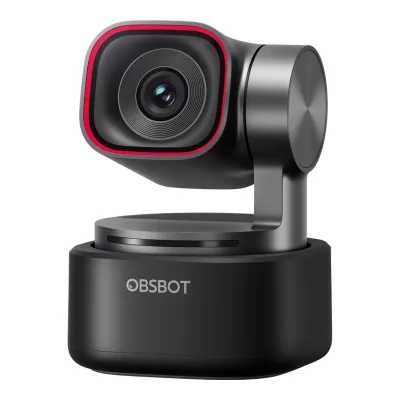
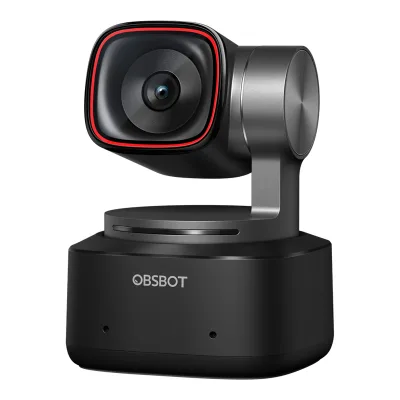
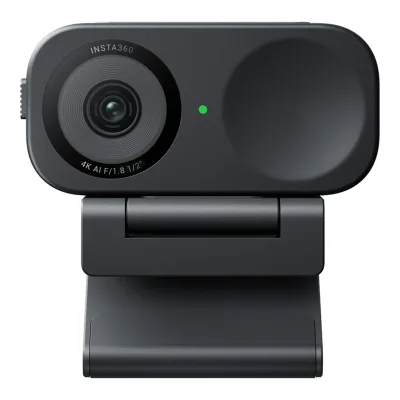
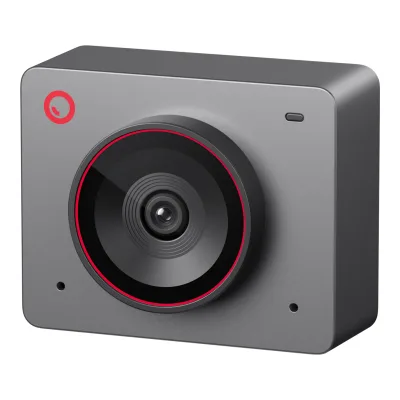
Product B: Insta360
48 of 68 known
Change Insta360 Link 2
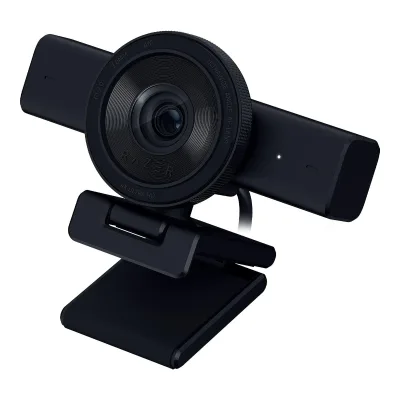
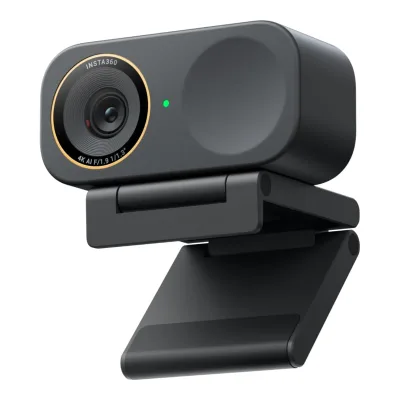
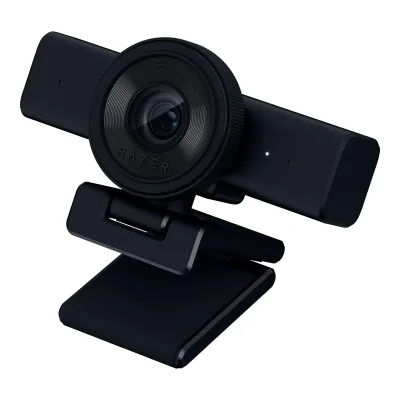
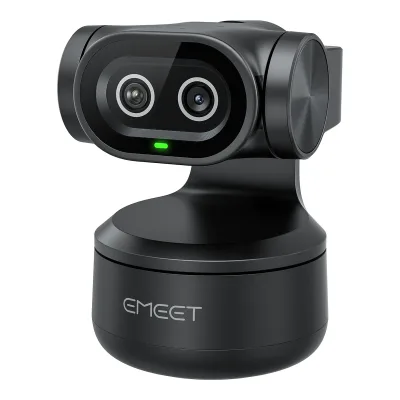
30 of 60 fields differ
- 12 different values
- 18 known for one only
- 20 the same
- 10 missing for both
Biggest differences
Each bar uses the scale of all 39 webcams.
- Digital zoomA: 1.5×B: 4×Insta360 is 2.5× higher.
Weight
0 to 250 g
Camera weight
A120g
B101.5g
All 68 fields
Every value links to where we found it.
General
5 of 8 differ
Series
Not available
Model numbers
Announced
Status
Predecessor
Not available
Not available
Successor
Not available
Not available
Launch price (US)
$159.993Press releasebusiness.sherbrookerecord.com/sherbrookerecord/article/gnwcq-2025-6-23-emeet-launches-pixy-the-worlds-first-dual-camera-ai-ptz-4k-webcamRead 15 October 2026Available for $159.99 at partner retailers including Amazon and the EMEET store. The store now sells it at 109.99 with 159.99 struck through. Price excludes tax.5Reviewwindowscentral.com/accessories/cameras/emeet-pixy-reviewRead 15 October 2026Review prices the PIXY at $159.99 at Amazon
$199.9911Reviewcgmagonline.com/review/hardware/insta360-link-2-webcam-reviewRead 15 October 2026MSRP $199.99 USD, US price excluding tax. The Link 2C is $149.99.12Reviewwindowscentral.com/accessories/insta360-link-2-reviewRead 15 October 2026Review says the Link 2 retails for $199.99, $100 less than the original Link
Launch price (EU)
Not available
Markets
Not available
Not available
Colours
Form factor
Video
3 of 8 differ
Video modes
AEMEET PIXY
| Width (px) | Height (px) | Max frame rate (fps) |
|---|---|---|
| 3840 | 2160 | 30 |
| 2560 | 1440 | 30 |
| 1920 | 1080 | 60 |
| 1280 | 960 | 30 |
| 1280 | 720 | 60 |
| 1024 | 576 | 60 |
| 960 | 720 | 30 |
| 800 | 600 | 30 |
| 640 | 480 | 30 |
| 640 | 360 | 60 |
BInsta360 Link 2
| Width (px) | Height (px) | Max frame rate (fps) |
|---|---|---|
| 3840 | 2160 | 30 |
| 1920 | 1080 | 60 |
| 1280 | 720 | 60 |
| 640 | 360 | 30 |
Max video resolution
3840 × 2160px
3840 × 2160px
Max frame rate at 4K
30fps
30fps
Max frame rate at 1080p
60fps
60fps
Max frame rate at any resolution
60fps
60fps
HDR video
Max frame rate with HDR
Not available
Portrait video
Yes1Maker product pageemeet.com/products/emeet-pixyRead 15 October 2026Page section Portrait Mode: rotate the PIXY physically and flip the image in EMEET STUDIO. The quick start guide says to rotate the camera vertically with external accessories.2Owner's manualcdn.shopify.com/s/files/1/0594/9472/7851/files/emeet_pixy_2k_4k_uesr_manual.pdfRead 15 October 2026Page 5 of the English section, Shooting Mode: rotate the camera vertically using external accessories to activate portrait mode3Press releasebusiness.sherbrookerecord.com/sherbrookerecord/article/gnwcq-2025-6-23-emeet-launches-pixy-the-worlds-first-dual-camera-ai-ptz-4k-webcamRead 15 October 2026Vertical video-optimized Portrait (9:16) Mode for mounting the camera on its side
Yes1Maker product pagestore.insta360.com/product/link-2Read 15 October 2026Page section Portrait Mode: rotate the camera and shoot 9:16 in 4K. Needs a tripod, see the online manual portrait page.6Maker product pageonlinemanual.insta360.com/link2/en-us/faq/operationtutorials/portraitmodeRead 15 October 2026Q1: mount the camera sideways on a tripod and pick a 9:16 portrait resolution in Link Controller, 4K, 1080p or 720p. The gimbal does not rotate the camera.11Reviewcgmagonline.com/review/hardware/insta360-link-2-webcam-reviewRead 15 October 2026To use portrait mode the camera must be mounted sideways. The gimbal will not rotate for you.
Sensor and lens
6 of 10 differ
Sensor optical format
Sensor
Not available
Sensor resolution
12MP1Maker product pageemeet.com/products/emeet-pixyRead 15 October 2026Page section 100% Pixel Utilization: all 12 million pixels act as phase difference detection pixels. Windows Central lists dual Sony 12MP sensors.5Reviewwindowscentral.com/accessories/cameras/emeet-pixy-reviewRead 15 October 2026Spec box: dual Sony 12MP 1/2.55-inch sensors, one imaging and one AI-assisted
Not available
Aperture (f/)
Focal length (35 mm equivalent)
Not available
Lens material
Not available
Not available
Field of view (diagonal)
Not available
Not available
Field of view (horizontal)
Not available
67°1Maker product pagestore.insta360.com/product/link-2Read 15 October 2026Spec table Fixed FOV: 79.5 degrees DFOV and 67 degrees HFOV. The pair fits a 4:3 frame, so the diagonal is not stored. The 16:9 diagonal is about 74 degrees, which Insta360 does not publish.3Maker product pageonlinemanual.insta360.com/link2/en-us/faq/specs/shootingRead 15 October 2026Q5: 79.5 degrees DFOV, 67 degrees HFOV. The pair fits 4:3, so only the horizontal value is stored.
Selectable fields of view
Not available
Not available
Focus and zoom
3 of 4 differ
Focus
Phase-detect autofocus1Maker product pageemeet.com/products/emeet-pixyRead 15 October 2026Page section 100% Pixel Utilization: all 12 million pixels act as phase difference detection pixels. Spec table names BlinkFocus dual camera autofocus. Windows Central lists Phase Detection Autofocus.5Reviewwindowscentral.com/accessories/cameras/emeet-pixy-reviewRead 15 October 2026Spec box: Phase Detection Autofocus (PDAF) support
Phase-detect autofocus1Maker product pagestore.insta360.com/product/link-2Read 15 October 2026Page section True Focus: Phase Detection Auto Focus (PDAF)10Press releasenewsroom.notified.com/transcontinentagroup/posts/pressreleases/new-insta360-link-2-and-link-2c-for-premium-qRead 15 October 2026True Focus uses Phase Detection Auto Focus (PDAF)
Manual focus
Not available
Closest focus distance
Not available
Features
3 of 7 differ
Auto framing
Yes1Maker product pageemeet.com/products/emeet-pixyRead 15 October 2026Section Intelligent Auto Tracking: the AI-Assisted camera keeps the user centered in frame. The gimbal does the tracking. The quick start guide says the camera works with or without EMEET STUDIO.2Owner's manualcdn.shopify.com/s/files/1/0594/9472/7851/files/emeet_pixy_2k_4k_uesr_manual.pdfRead 15 October 2026Operation Mode, Tracking Mode: the camera automatically follows human movement
Yes1Maker product pagestore.insta360.com/product/link-2Read 15 October 2026Page section AI Tracking and Auto Framing: AI Tracking in Link Controller keeps the user in frame with the gimbal9Maker product pageonlinemanual.insta360.com/link2/en-us/faq/functions/aitrackingRead 15 October 2026Q1: AI Tracking locks onto a person or group and the gimbal rotates and zooms to keep them in frame. Single Tracking and Group Tracking are set in Link Controller.
Gimbal pan range
Not available
Gimbal tilt range
Not available
Gesture control
Yes1Maker product pageemeet.com/products/emeet-pixyRead 15 October 2026Spec table Gesture Control: Support2Owner's manualcdn.shopify.com/s/files/1/0594/9472/7851/files/emeet_pixy_2k_4k_uesr_manual.pdfRead 15 October 2026Gesture Instructions: a held gesture turns tracking on and off
Yes1Maker product pagestore.insta360.com/product/link-2Read 15 October 2026Page section Gesture Control: simple hand gestures activate AI Tracking and Auto Framing, zoom in or out and enable Whiteboard Mode8Maker product pageonlinemanual.insta360.com/link2/en-us/operating-tutorials/function-mode/gesture-controlRead 15 October 2026Applicable models include Link 2. The L gesture zooms and a palm gesture starts AI Tracking.
IR face login
Built-in light
Not available
Not available
Other camera features
BlinkFocus, AI-Assisted Camera, AI Auto Tracking, Face Focus, Center Focus, Custom Area Focus, 3 preset PTZ positions, Whiteboard Mode, Portrait Mode, Ceiling Mount Mode, Privacy Mode1Maker product pageemeet.com/products/emeet-pixyRead 15 October 2026Names from the page sections and the FAQ: BlinkFocus, AI-Assisted Camera, Intelligent Auto Tracking, Face Focus, Center Focus, Custom Area Focus, 3 preset PTZ positions, Whiteboard Mode, Portrait Mode, Privacy Mode. Ceiling Mount Mode is from the quick start guide.2Owner's manualcdn.shopify.com/s/files/1/0594/9472/7851/files/emeet_pixy_2k_4k_uesr_manual.pdfRead 15 October 2026Shooting Mode lists Ceiling Mount Mode with automatic image orientation. EMEET STUDIO section lists three preset positions and Whiteboard Mode.3Press releasebusiness.sherbrookerecord.com/sherbrookerecord/article/gnwcq-2025-6-23-emeet-launches-pixy-the-worlds-first-dual-camera-ai-ptz-4k-webcamRead 15 October 2026Names Inversion Mode for mounting the camera upside down, which the quick start guide calls Ceiling Mount Mode
AI Tracking, Auto Framing, Group Tracking, Pause-Track Area, Whiteboard Mode, Smart Whiteboard, DeskView, Natural Bokeh, Background Blur, Background Replacer, One-Click Makeup1Maker product pagestore.insta360.com/product/link-2Read 15 October 2026Names from the spec table Modes row and the feature sections: AI Tracking, Smart Whiteboard, DeskView, Whiteboard Mode, Natural Bokeh, Pause-Track Area, Background Blur, Background Replacer, One-Click Makeup. Group Tracking is from the online manual AI Tracking FAQ and Auto Framing from the page.9Maker product pageonlinemanual.insta360.com/link2/en-us/faq/functions/aitrackingRead 15 October 2026Q1 and Q3: Single Tracking and Group Tracking
Audio
2 of 6 differ
Built-in microphone
Microphones
Not available
Stereo audio
Not available
Not available
Mic pickup range
Not available
Mic noise reduction
Mic sample rate
Not available
Not available
Connectivity
1 of 4 differ
USB
USB 2.01Maker product pageemeet.com/products/emeet-pixyRead 15 October 2026Spec table Connectivity names USB-C to USB-C and no USB version. The System Requirement row says a USB 2.0 port. Windows Central says it only needs USB 2.0.5Reviewwindowscentral.com/accessories/cameras/emeet-pixy-reviewRead 15 October 2026Spec box: USB Type-C to USB Type-C 2.0. Text: the PIXY only needs USB 2.0 to function.
Detachable cable
Cable host plug
USB-C1Maker product pagestore.insta360.com/product/link-2Read 15 October 2026Standard Bundle lists 1x USB-C Cable and 1x USB-C to USB-A Adapter. The adapter is separate.11Reviewcgmagonline.com/review/hardware/insta360-link-2-webcam-reviewRead 15 October 2026Box lists a USB-C to USB-C cable with a USB-C to USB-A adapter
Mounting and privacy
1 of 2 differ
Mounting
Monitor clip, Tripod thread1Maker product pageemeet.com/products/emeet-pixyRead 15 October 2026Spec table Interface: USB-C Port and 1/4" threaded hole. Package Content: Monitor Mount. The quick start guide calls the thread UNC 1/4-20.2Owner's manualcdn.shopify.com/s/files/1/0594/9472/7851/files/emeet_pixy_2k_4k_uesr_manual.pdfRead 15 October 2026Components list a UNC 1/4-20 threaded hole. Placement Instructions attach the accessory bracket to the bottom.8Reviewpcgamesn.com/gaming-hardware/emeet-pixy-reviewRead 15 October 2026The monitor mount screws onto the base thread, and the hole fits any standard tripod mount
Monitor clip, Magnetic mount, Tripod thread1Maker product pagestore.insta360.com/product/link-2Read 15 October 2026Spec table Mounting Options: Magnetic Mount with 1/4 inch mounting point for external tripod. Page text: attach to laptops or monitors with the included Magnetic Mount.11Reviewcgmagonline.com/review/hardware/insta360-link-2-webcam-reviewRead 15 October 2026Magnetic mount with a 1/4-inch mount for tripods or similar supports12Reviewwindowscentral.com/accessories/insta360-link-2-reviewRead 15 October 2026The included magnetic mount is simple to set up on any monitor or flat surface
Privacy cover
Lens turns away1Maker product pageemeet.com/products/emeet-pixyRead 15 October 2026Page section Privacy Mode: tilt the PIXY downward to enter privacy mode. PCGamesN says there is no full privacy cover for the lens.2Owner's manualcdn.shopify.com/s/files/1/0594/9472/7851/files/emeet_pixy_2k_4k_uesr_manual.pdfRead 15 October 2026Operation Mode, Privacy Mode: rotate the gimbal downward until the indicator light turns off3Press releasebusiness.sherbrookerecord.com/sherbrookerecord/article/gnwcq-2025-6-23-emeet-launches-pixy-the-worlds-first-dual-camera-ai-ptz-4k-webcamRead 15 October 2026Tilt PIXY down to switch into privacy mode, which holds the camera face-down8Reviewpcgamesn.com/gaming-hardware/emeet-pixy-reviewRead 15 October 2026The camera faces downward in standby. There is no full privacy cover.
Lens turns away1Maker product pagestore.insta360.com/product/link-2Read 15 October 2026Privacy Mode section: the Link 2 flips down after 10 seconds of inactivity, or the lens is moved down by hand. The Link 2C has a privacy switch.5Maker product pageonlinemanual.insta360.com/link2/en-us/faq/operationtutorials/privacyprotectionRead 15 October 2026Q1: the Link 2 enters Privacy Mode when the lens faces downwards for 10 seconds. The lens can also be moved down by hand.
Software
1 of 3 differ
Software
Insta360 Link Controller1Maker product pagestore.insta360.com/product/link-2Read 15 October 2026Spec table System Requirements names Link Controller7Maker product pageonlinemanual.insta360.com/link2/en-us/operating-tutorials/step/firmwareupdateRead 15 October 2026The update steps use Insta360 Link Controller
Onboard memory
Not available
Not available
User firmware updates
Compatibility
0 of 1 differ
Works with
Dimensions and weight
3 of 3 differ
Camera dimensions
Not available
Width71.3Height58.9Depth38mm(2.8 × 2.3 × 1.5 in)1Maker product pagestore.insta360.com/product/link-2Read 15 October 2026Spec table Dimensions (W x H x D): 71.3 x 58.9 x 38 mm. The page does not say whether the magnetic mount is included. The weight rows list the camera with and without it.2Maker product pageonlinemanual.insta360.com/link2/en-us/faq/specs/hardwareRead 15 October 2026Q1: 71.3x58.9x38mm for the Link 2
Camera weight
Certifications
None of 2 known
Communication certifications
Not available
Not available
Other certifications
Not available
Not available
In the box
1 of 1 differ
In the box
EMEET PIXY, Monitor Mount, USB-C to C Cable (1.5m), USB-C to USB-A Adapter, Quick Start Guide, User Manual, Safety and Warranty Policy1Maker product pageemeet.com/products/emeet-pixyRead 15 October 2026Spec table Package Content, EMEET PIXY column
Insta360 Link 2, Magnetic Mount, 4x Recognition Markers, USB-C Cable, USB-C to USB-A Adapter1Maker product pagestore.insta360.com/product/link-2Read 15 October 2026Standard Bundle contents. The Tripod Bundle adds a Mini 2-in-1 Tripod.
Links
Not compared
Product page
Spec sheet
Not available
Not available
Manual
EPREL registration number
Not available
Not available
Warranty
1 of 1 differ
Manufacturer warranty (source market)
Not available
Both are also in the API. Back to all webcams.