Mice / Compare
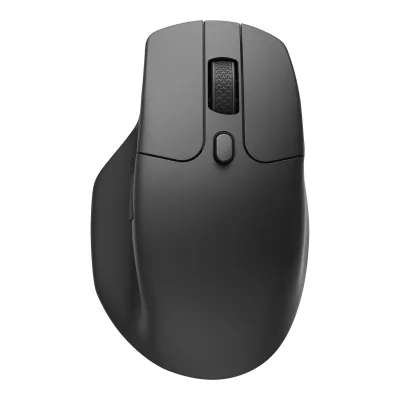
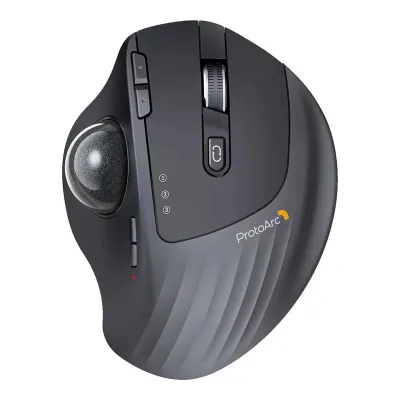
Keychron M6 Wireless Mouse vs ProtoArc EM01 NL
Product A: Keychron
82 of 154 known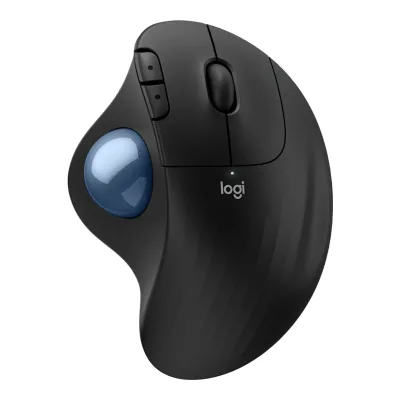 Logitech ERGO M575S Wireless Trackball Mouse
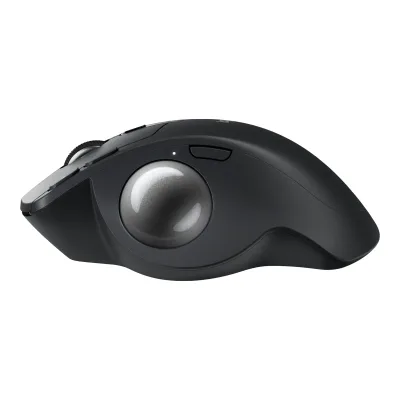 Logitech MX Ergo S
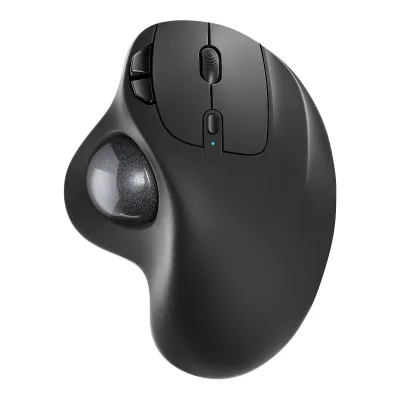 Nulea M501 Wireless Trackball Mouse
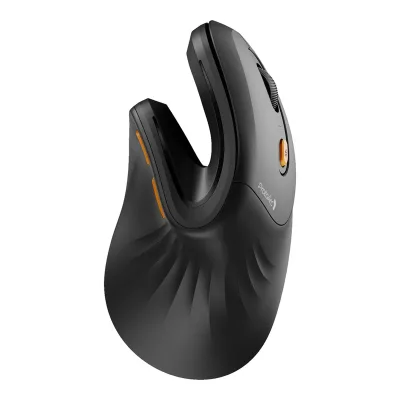 ProtoArc EM11 NL
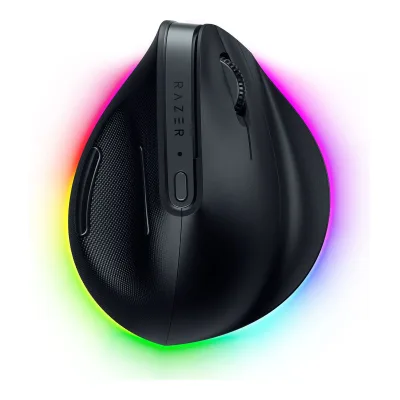 Razer Pro Click V2 Vertical Edition
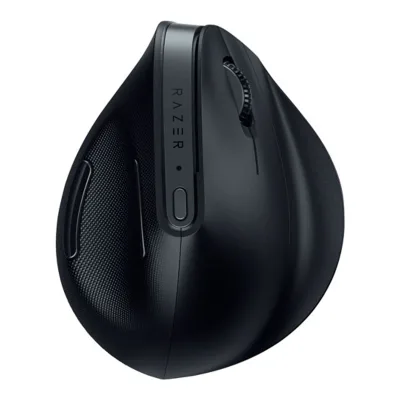 Razer Pro Click V2
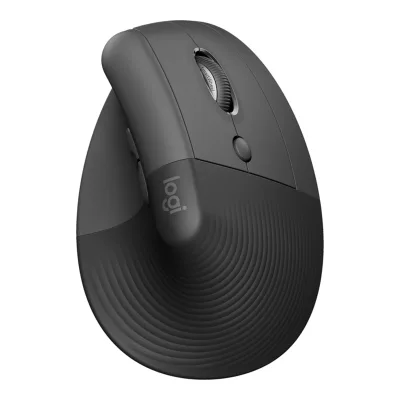 Logitech Lift Vertical Ergonomic Mouse
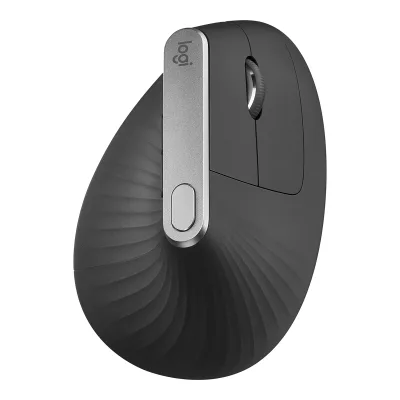 Logitech MX Vertical Advanced Ergonomic Mouse
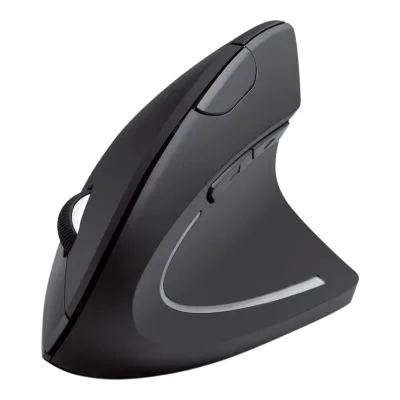 Anker 2.4G Wireless Vertical Ergonomic Optical Mouse
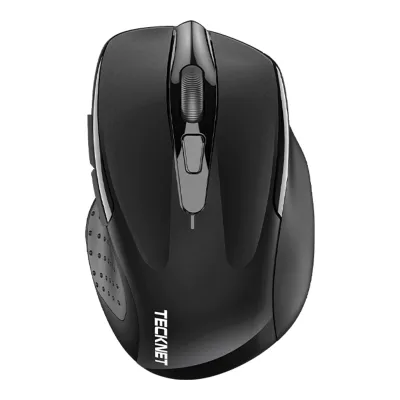 TECKNET Classic 2.4G Ergonomic Mouse M003
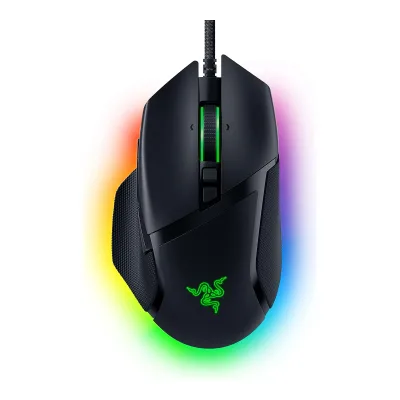 Razer Basilisk V3 35K
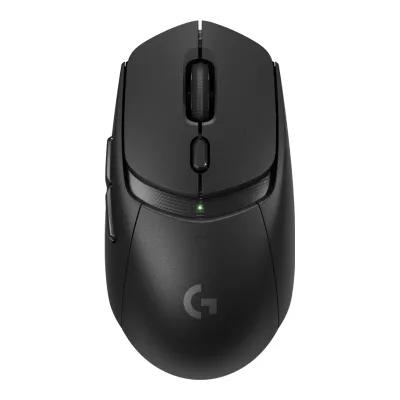 Logitech G309 LIGHTSPEED
Change Keychron M6 Wireless Mouse
Compare the ProtoArc EM01 NL with
Logitech ERGO M575S Wireless Trackball MouseLogitech MX Ergo SNulea M501 Wireless Trackball MouseProtoArc EM11 NLRazer Pro Click V2 Vertical EditionRazer Pro Click V2Logitech Lift Vertical Ergonomic MouseLogitech MX Vertical Advanced Ergonomic MouseAnker 2.4G Wireless Vertical Ergonomic Optical MouseTECKNET Classic 2.4G Ergonomic Mouse M003Razer Basilisk V3 35KLogitech G309 LIGHTSPEEDProduct B: ProtoArc
58 of 154 knownRazer Pro Click V2TECKNET Classic 2.4G Ergonomic Mouse M003ProtoArc EM11 NLLogitech ERGO M575S Wireless Trackball MouseAnker 2.4G Wireless Vertical Ergonomic Optical MouseRazer Pro Click V2 Vertical EditionLogitech MX Ergo SLogitech Lift Vertical Ergonomic MouseLogitech MX Vertical Advanced Ergonomic MouseNulea M501 Wireless Trackball Mouse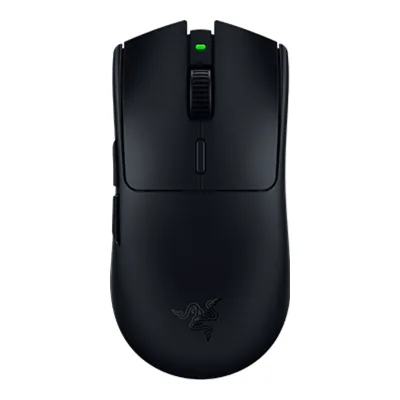 Razer Viper V3 HyperSpeed
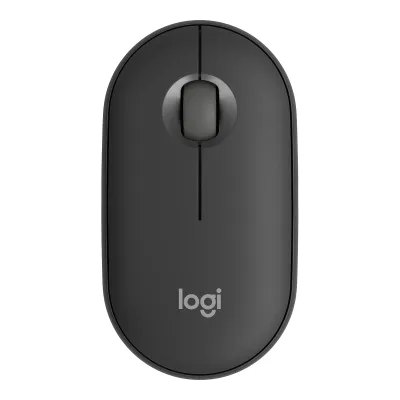 Logitech Pebble Mouse 2 M350s
Change ProtoArc EM01 NL
Compare the Keychron M6 Wireless Mouse with
Razer Pro Click V2TECKNET Classic 2.4G Ergonomic Mouse M003ProtoArc EM11 NLLogitech ERGO M575S Wireless Trackball MouseAnker 2.4G Wireless Vertical Ergonomic Optical MouseRazer Pro Click V2 Vertical EditionLogitech MX Ergo SLogitech Lift Vertical Ergonomic MouseLogitech MX Vertical Advanced Ergonomic MouseNulea M501 Wireless Trackball MouseRazer Viper V3 HyperSpeedLogitech Pebble Mouse 2 M350s71 of 146 fields differ
- 28 different values
- 43 known for one only
- 16 the same
- 59 missing for both
Biggest differences
Each bar uses the scale of all 131 mice.
- Max polling rateA: 1,000HzB: 250HzKeychron is 4 times higher.
- Polling rate (2.4 GHz)A: 1,000HzB: 250HzKeychron is 4 times higher.
Weight
0 to 300 g
Mouse weight (claimed)
A86g
B191g
All 154 fields
Every value links to where we found it.
General
4 of 9 differ
Series
Model numbers
GTIN / EAN
4894979048257, 48949790635022Maker product pagekeychron.com/products/keychron-m6-wireless-mouse.jsonRead 23 October 2026Store barcode per SKU: M6S-A1 4894979048257 and M6S-A3 4894979063502.
Not available
Announced
Not available
Not available
Status
Predecessor
Not available
Not available
Successor
Not available
Not available
Launch price (EU)
Not available
Not available
Markets
Not available
Not available
Colours
Segment
Shape
5 of 14 differ
Body shape
Maker size class
Not available
Not available
Recommended grips
Not available
Not available
Recommended hand size
Not available
Not available
Hump position
Not available
Thumb rest
Not available
Ring or pinky finger rest
Not available
Upper shell
Not available
Not available
Swappable parts
Not available
Not available
Adjustable weight
Not available
Not available
Maximum added weight
Not available
Not available
Vertical angle
Not available
Not available
Trackball diameter
Not available
Dimensions and weight
2 of 5 differ
Mouse body dimensions
Length122.5Maximum width75.4Maximum height50mm(4.8 × 3 × 2 in)3Owner's manualcdn.shopify.com/s/files/1/0059/0630/1017/files/Keychron_M6_1K_PixArt_3395_User_Manual.pdfRead 23 October 2026Mouse specification page lists Size 122.5*75.4*50mm, read as length, width and height.
Grip width
Not available
Not available
Mouse weight (claimed)
86g(3 oz)1Maker product pagekeychron.com/products/keychron-m6-wireless-mouseRead 23 October 2026Version comparison for 1K (PixArt 3395) with the Metal Wheel: 86g / 0.19lbs. The manual lists 86 +/- 3 g. The Plastic Wheel 1K version is a separate 78 g build.3Owner's manualcdn.shopify.com/s/files/1/0059/0630/1017/files/Keychron_M6_1K_PixArt_3395_User_Manual.pdfRead 23 October 2026Mouse specification page lists Weight 86 +/- 3g.
191g(6.7 oz)1Maker product pageprotoarc.com/products/em01-nl-trackball-mouseRead 15 October 2026Specs tab lists 6.38 oz (181 g) without the receiver. The English manual lists 6.74 oz (191 g). The manual value is stored. It includes the built-in battery. Colour not stated.4Owner's manualcdn.shopify.com/s/files/1/0551/3972/9497/files/EM01_NL_User_Manual.pdfRead 15 October 2026Data Parameters, page 8: Weight 6.74 oz (191 g). The product page lists 181 g. The manual is preferred over the page.
Box dimensions
Not available
Not available
Packed weight
Not available
Not available
Sensor
10 of 20 differ
Marketed sensor name
Published sensor brand
Physical sensor part number
Not available
Sensor type
Optical1Maker product pageprotoarc.com/products/em01-nl-trackball-mouseRead 15 October 2026Specs tab lists Advanced Optical Tracking. The manual lists Optical.4Owner's manualcdn.shopify.com/s/files/1/0551/3972/9497/files/EM01_NL_User_Manual.pdfRead 15 October 2026Data Parameters, page 8: Movement Detection Technology Optical.
Maximum configurable DPI
1,600DPI1Maker product pageprotoarc.com/products/em01-nl-trackball-mouseRead 15 October 2026Specs tab lists DPI 200/400/800/1200/1600. An icon on the same page says 3 Adjustable DPI, which conflicts with the 5 levels in the text, the specs tab and the manual.4Owner's manualcdn.shopify.com/s/files/1/0551/3972/9497/files/EM01_NL_User_Manual.pdfRead 15 October 2026Data Parameters: DPI 200-400-800-1200-1600.
Minimum configurable DPI
DPI adjustment step
Not available
Not available
Maximum DPI stages
51Maker product pageprotoarc.com/products/em01-nl-trackball-mouseRead 15 October 2026Page text: 5 DPI levels. The manual agrees with five levels.4Owner's manualcdn.shopify.com/s/files/1/0551/3972/9497/files/EM01_NL_User_Manual.pdfRead 15 October 2026Page 3: one red flash means 200 DPI, two 400, three 800, four 1200 and five 1600.
Default DPI presets
400, 800, 1,600, 3,200, 5,000DPI3Owner's manualcdn.shopify.com/s/files/1/0059/0630/1017/files/Keychron_M6_1K_PixArt_3395_User_Manual.pdfRead 23 October 2026DPI indicator page: white 400, green 800, blue 1600 (default), yellow 3200, red 5000.
200, 400, 800, 1,200, 1,600DPI1Maker product pageprotoarc.com/products/em01-nl-trackball-mouseRead 15 October 2026Specs tab lists the five levels. The manual says the factory default is 400.4Owner's manualcdn.shopify.com/s/files/1/0551/3972/9497/files/EM01_NL_User_Manual.pdfRead 15 October 2026Page 3: the factory default DPI value is 400 and the DPI+ and DPI- buttons step through 200, 400, 800, 1200 and 1600.
Separate X and Y DPI
Not available
Not available
Tracking speed (claimed)
Not available
Tracking acceleration (claimed)
Not available
Lift-off distance settings
Not available
Separate lift and landing distance
Not available
Not available
Surface calibration
Not available
Not available
Motion Sync
Not available
Not available
Angle snapping
Not available
Not available
Ripple control
Not available
Not available
Tracks on glass
Not available
Not available
Sensor position
Not available
Performance
4 of 8 differ
Documented polling rates by connection
AKeychron M6 Wireless Mouse
| Data connection | Polling rate (Hz) | Receiver requirement |
|---|---|---|
| USB (wired) | 125 | Not available |
| USB (wired) | 500 | Not available |
| USB (wired) | 1,000 | Not available |
| 2.4 GHz | 125 | Included Type-A or Type-C 2.4 GHz receiver |
| 2.4 GHz | 500 | Included Type-A or Type-C 2.4 GHz receiver |
| 2.4 GHz | 1,000 | Included Type-A or Type-C 2.4 GHz receiver |
| Bluetooth | 125 | Not available |
BProtoArc EM01 NL
| Data connection | Polling rate (Hz) | Receiver requirement |
|---|---|---|
| 2.4 GHz | 250 | included USB receiver |
| Bluetooth | 125 | Not available |
Max polling rate
1,000Hz
250Hz
Polling rate (wired)
1,000Hz
Not available
Polling rate (2.4 GHz)
1,000Hz
250Hz
Polling rate (Bluetooth)
125Hz
125Hz
Claimed click latency
Not available
Not available
Adjustable debounce
Not available
Not available
Minimum debounce
Not available
Not available
Measured
None of 7 known
Latency per connection (measured)
Not available
Not available
DPI deviation (measured)
Not available
Not available
Lift-off distance (measured)
Not available
Not available
Main click force (measured)
Not available
Not available
Weight (measured)
Not available
Not available
Battery life (measured)
Not available
Not available
Hand size fit
Not available
Not available
Switches
5 of 11 differ
Main switch type
Not available
Published main-switch brand
Not available
Main switch model
Huano Silent Micro Switch1Maker product pagekeychron.com/products/keychron-m6-wireless-mouseRead 23 October 2026Version comparison: All Silent Version uses Huano Silent Micro Switch. The Clicky version uses the standard Huano Micro Switch and is not stored.3Owner's manualcdn.shopify.com/s/files/1/0059/0630/1017/files/Keychron_M6_1K_PixArt_3395_User_Manual.pdfRead 23 October 2026Mouse specification page: Mouse micro switches Huano Silent Micro Switch.
Not available
Main switch rated life
20million1Maker product pagekeychron.com/products/keychron-m6-wireless-mouseRead 23 October 2026Version comparison: All Silent Version Huano Silent Micro Switch, 20 million clicks lifetime. The Clicky version is rated 120 million and is not stored. The validate peer-median warning is expected, since silent switches are rated lower.3Owner's manualcdn.shopify.com/s/files/1/0059/0630/1017/files/Keychron_M6_1K_PixArt_3395_User_Manual.pdfRead 23 October 2026Mouse specification page: 20 million clicks lifetime.
3million1Maker product pageprotoarc.com/products/em01-nl-trackball-mouseRead 15 October 2026Page lists click life of more than 3 million times. The manual says 3 million+. Stored as the 3 million threshold.4Owner's manualcdn.shopify.com/s/files/1/0551/3972/9497/files/EM01_NL_User_Manual.pdfRead 15 October 2026Data Parameters: Click life 3 million+.
Hot-swap main switches
Not available
Not available
Adjustable click actuation
Not available
Not available
Separate main buttons
Not available
Not available
Side switch model
Not available
Not available
Middle click switch
Not available
Not available
Scroll encoder type
Not available
Scroll encoder
Not available
Not available
Buttons and scroll wheel
11 of 13 differ
Physical button inputs
81Maker product pageprotoarc.com/products/em01-nl-trackball-mouseRead 15 October 2026Specs tab says 10 buttons and lists Left, Middle and Right click, Back and Forward, Scroll-wheel, Precision Switch and Multi-Device switch. That count includes scroll up and down as separate inputs. The manual draws 8 physical buttons.4Owner's manualcdn.shopify.com/s/files/1/0551/3972/9497/files/EM01_NL_User_Manual.pdfRead 15 October 2026Product Features page 2 labels A Left, B Right, C Forward, D Backward, F DPI -, G DPI +, I Scroll Wheel and J Channel Switch Button. That is eight inputs with the wheel click. The power switch is not counted. Scroll rotation is not counted.
Programmable buttons
Not available
Side buttons
Side buttons on
DPI button
DPI button position
Not available
Profile button
Not available
Dedicated DPI-shift button
Not available
Dedicated gesture button
Not available
Scroll wheel
Not available
Scroll mode switch
Not available
Separate thumb wheel
Not available
Build
None of 6 known
Shell material
Not available
Not available
Surface finish
Not available
Not available
Installed feet material
Not available
Not available
Installed skate pieces
Not available
Not available
Feet shape
Not available
Not available
Feet thickness
Not available
Not available
Cable
3 of 5 differ
Cable length
Not available
Not available
Detachable cable
Not available
Port on mouse
Cable host plug
Connectivity
6 of 13 differ
Connections
Wireless technology
Not available
Not available
Bluetooth
Not available
Saved Bluetooth pairing slots
31Maker product pagekeychron.com/products/keychron-m6-wireless-mouseRead 23 October 2026Page: quick swap 3 Bluetooth devices through the bottom button.3Owner's manualcdn.shopify.com/s/files/1/0059/0630/1017/files/Keychron_M6_1K_PixArt_3395_User_Manual.pdfRead 23 October 2026Bluetooth mode has three channels and the mouse can be switched between three devices.
Switchable host devices
31Maker product pageprotoarc.com/products/em01-nl-trackball-mouseRead 15 October 2026Page: connect via Bluetooth or the 2.4G USB receiver and control three devices with one button.4Owner's manualcdn.shopify.com/s/files/1/0551/3972/9497/files/EM01_NL_User_Manual.pdfRead 15 October 2026Page 7: press the channel switch button to switch between 3 devices.
Device switching
Receiver host connector
Receiver storage in mouse
Not available
Not available
Receiver extender included
Receiver pairing shared
Not available
Not available
Wireless range
10m1Maker product pageprotoarc.com/products/em01-nl-trackball-mouseRead 15 October 2026Specs tab lists a wireless operating distance of 10 m (32.8 ft). Test conditions not stated.4Owner's manualcdn.shopify.com/s/files/1/0551/3972/9497/files/EM01_NL_User_Manual.pdfRead 15 October 2026Data Parameters: Transmission distance 10 m for Bluetooth and for 2.4G. Test conditions not stated.
Basic mouse OS support
Windows, macOS, Linux6Maker product pagekeychron.com/collections/keychron-m-series-miceRead 23 October 2026M Series FAQ: all models are fully compatible with macOS, Windows and Linux.
Windows, macOS, Linux, Android, iOS1Maker product pageprotoarc.com/products/em01-nl-trackball-mouseRead 15 October 2026System requirements: the receiver works with Windows XP, 7, 8, 10 or later, Linux and macOS 10.10 or later. Bluetooth works with Windows 8, 10 or later, Linux, macOS 10.10 or later and Android 4.3 or later. The manual adds iOS 9.2 and above for Bluetooth.4Owner's manualcdn.shopify.com/s/files/1/0551/3972/9497/files/EM01_NL_User_Manual.pdfRead 15 October 2026Data Parameters: Bluetooth works with Windows 8, 10 or higher, macOS 10.10 or higher, Android 4.3 or higher and iOS 9.2 and above. 2.4G works with Windows XP, 7, 8, 10 or higher and macOS 10.10 or higher. The product page adds Linux.
Consoles
Not available
Not available
Battery
9 of 17 differ
Battery type
Not available
Disposable battery count
Not available
Not available
Battery capacity
User-replaceable battery
Not available
Battery life by mode (claimed)
AKeychron M6 Wireless Mouse
| Polling rate (Hz) | Claimed runtime (h) |
|---|---|
| 125 | 180 |
| 1,000 | 135 |
Source1Maker product pagekeychron.com/products/keychron-m6-wireless-mouseRead 23 October 2026Page: up to 180 hours at 125 Hz polling rate for the 1K PixArt 3395 silent micro switch version. The 135 hours at 1000 Hz comes from the manual. Neither source names the connection or the lighting, so those keys are left out.3Owner's manualcdn.shopify.com/s/files/1/0059/0630/1017/files/Keychron_M6_1K_PixArt_3395_User_Manual.pdfRead 23 October 2026Specification page: usage duration 180 Hours (125Hz) and 135 Hours (1000Hz). Connection and lighting are not stated.
BProtoArc EM01 NL
Not availableBattery life (up to)
Not available
Battery life (normal use)
Not available
Not available
Longest battery life
180h
Not available
Battery life at 1000 Hz
Not available
Not available
Battery life on Bluetooth
Not available
Not available
Charging port
Full charge time
Quick charge
Not available
Not available
Use while charging
Not available
Charging system compatibility
Not available
Not available
Charging dock included
Not available
Battery indicator
Lighting
0 of 4 differ
Decorative RGB lighting
Decorative lighting zones
Not available
Not available
Lighting sync
Not available
Not available
DPI indicator
Software
7 of 9 differ
Software
Not available
Configuration software platforms
Not available
Onboard memory
Not available
Onboard profiles
Not available
Macros
Not available
Macros stored onboard
Not available
Not available
Button remapping
Per-app profiles
Not available
Not available
In the box
4 of 4 differ
In the box
Mouse, Type-C Receiver, Type-A Receiver, Extension Adapter, User Manual, Type-C Cable, Type-A to Type-C Adapter3Owner's manualcdn.shopify.com/s/files/1/0059/0630/1017/files/Keychron_M6_1K_PixArt_3395_User_Manual.pdfRead 23 October 2026In the box page, verbatim: Mouse x1, Type-C Receiver x1, Type-A Receiver x1, Extension Adapter x1, User Manual x1, Type-C Cable x1, Type-A to Type-C Adapter x1.
Wireless Mouse, USB Receiver, Type C Charging Cable, User Manual1Maker product pageprotoarc.com/products/em01-nl-trackball-mouseRead 15 October 2026Specs tab package contents: EM01 NL Trackball Mouse, USB Receiver, USB-C cable for recharging, User Manual. The manual's packing list is stored.4Owner's manualcdn.shopify.com/s/files/1/0551/3972/9497/files/EM01_NL_User_Manual.pdfRead 15 October 2026Packing List: 1 x Wireless Mouse, 1 x USB Receiver, 1 x Type C Charging Cable, 1 x User Manual.
Cables included
AKeychron M6 Wireless Mouse
| Type | Cable count |
|---|---|
| Type-C cable | 1 |
BProtoArc EM01 NL
| Type | Cable count |
|---|---|
| Type-C charging cable | 1 |
Extra skates included
Not available
Links
Not compared
Product page
Spec sheet
Manual
cdn.shopify.com/s/files/1/0059/0630/1017/files/Keychron_M6_1K_PixArt_3395_User_Manual.pdf3Owner's manualcdn.shopify.com/s/files/1/0059/0630/1017/files/Keychron_M6_1K_PixArt_3395_User_Manual.pdfRead 23 October 2026Keychron M6 1K PixArt 3395 User Manual, 24 pages in several languages. PDF title: M6 1K 3395 metal wheel mouse manual, 20250327.
EPREL registration number
Not available
Not available
Warranty
1 of 1 differ
Manufacturer warranty (source market)