Mice / Compare
Logitech Pebble Mouse 2 M350s vs Microsoft Surface Arc Mouse
Product A: Logitech
85 of 154 known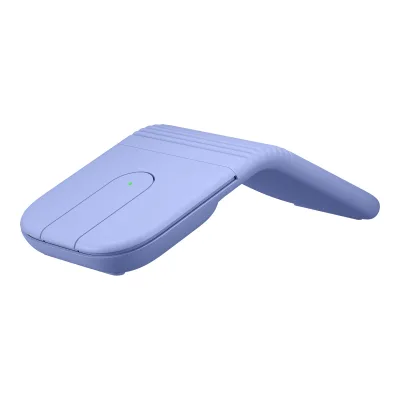 Logitech Mobi Fold
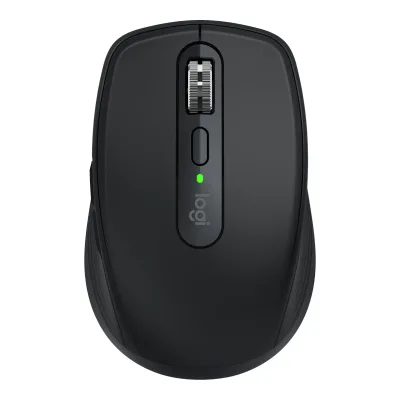 Logitech MX Anywhere 3S
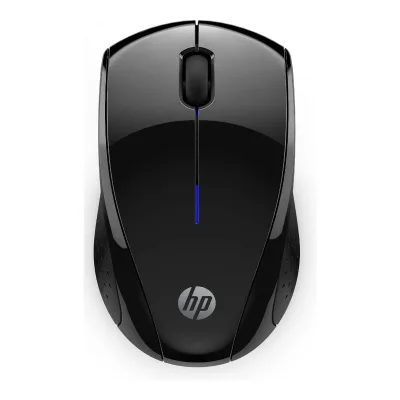 HP X3000 G3 Wireless Mouse
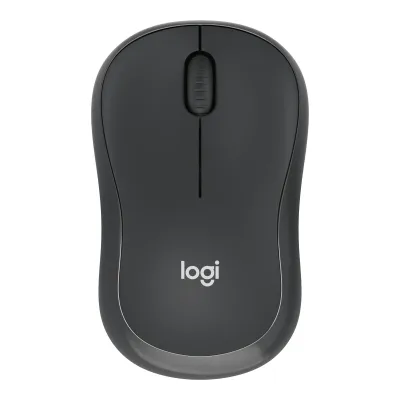 Logitech M240 Silent Bluetooth Mouse
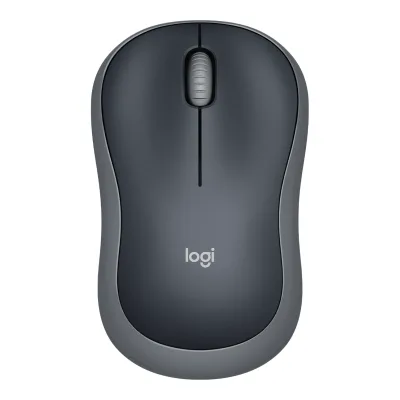 Logitech Wireless Mouse M185
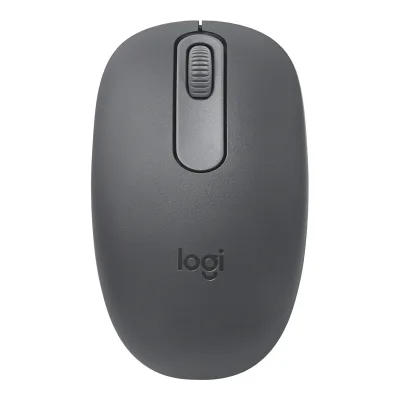 Logitech M196 Bluetooth Mouse
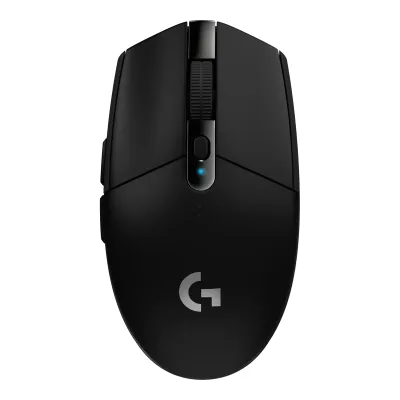 Logitech G305 LIGHTSPEED
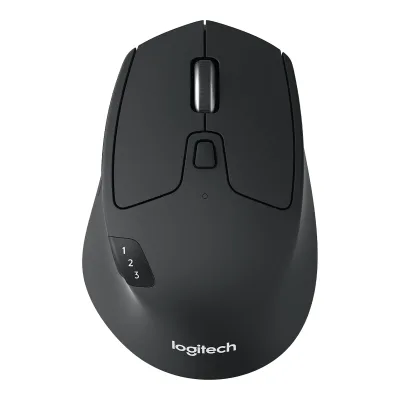 Logitech M720 Triathlon Multi-Device Wireless Mouse
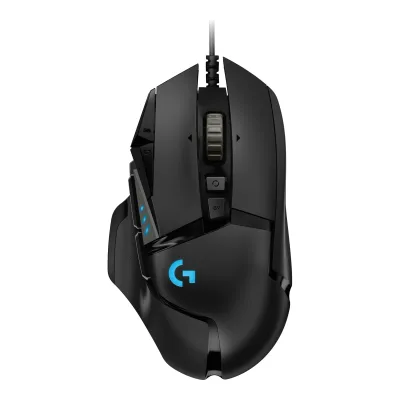 Logitech G502 HERO
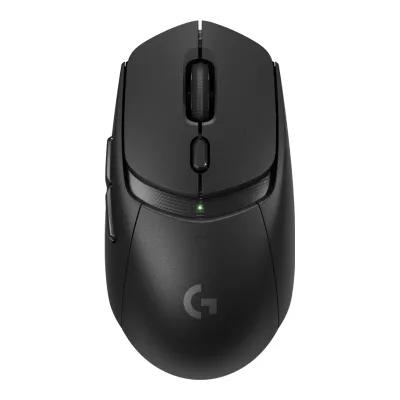 Logitech G309 LIGHTSPEED
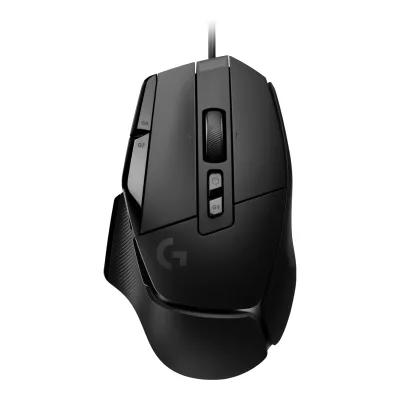 Logitech G502 X
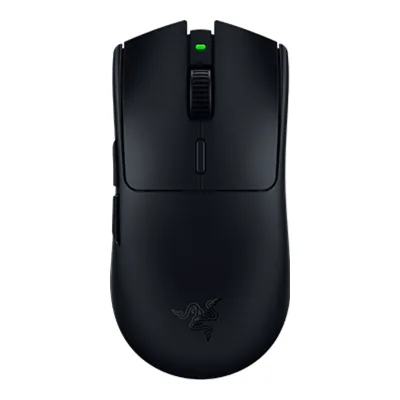 Razer Viper V3 HyperSpeed
Change Logitech Pebble Mouse 2 M350s
Compare the Microsoft Surface Arc Mouse with
Logitech Mobi FoldLogitech MX Anywhere 3SHP X3000 G3 Wireless MouseLogitech M240 Silent Bluetooth MouseLogitech Wireless Mouse M185Logitech M196 Bluetooth MouseLogitech G305 LIGHTSPEEDLogitech M720 Triathlon Multi-Device Wireless MouseLogitech G502 HEROLogitech G309 LIGHTSPEEDLogitech G502 XRazer Viper V3 HyperSpeedProduct B: Microsoft
50 of 154 knownLogitech M240 Silent Bluetooth MouseLogitech MX Anywhere 3SLogitech M196 Bluetooth MouseHP X3000 G3 Wireless MouseLogitech Wireless Mouse M185Logitech Mobi Fold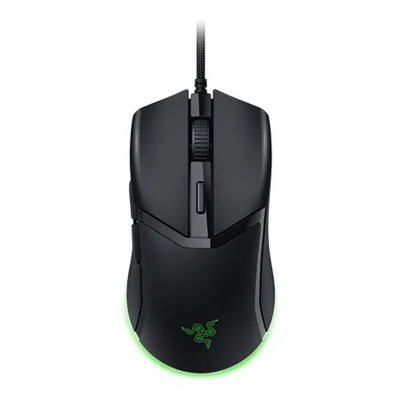 Razer CobraRazer Viper V3 HyperSpeed
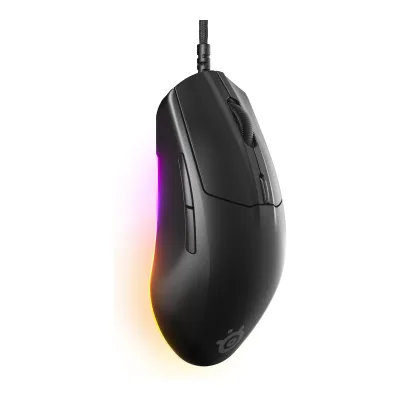 SteelSeries Rival 3 Gen 2
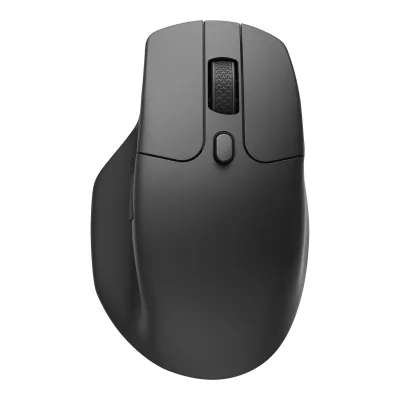 Keychron M6 Wireless Mouse
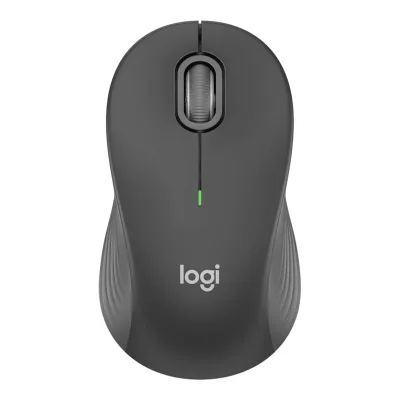 Logitech Signature M550 Wireless Mouse
 Glorious Model O Eternal
Change Microsoft Surface Arc Mouse
Compare the Logitech Pebble Mouse 2 M350s with
Logitech M240 Silent Bluetooth MouseLogitech MX Anywhere 3SLogitech M196 Bluetooth MouseHP X3000 G3 Wireless MouseLogitech Wireless Mouse M185Logitech Mobi FoldRazer CobraRazer Viper V3 HyperSpeedSteelSeries Rival 3 Gen 2Keychron M6 Wireless MouseLogitech Signature M550 Wireless MouseGlorious Model O Eternal66 of 146 fields differ
- 21 different values
- 45 known for one only
- 20 the same
- 60 missing for both
Biggest differences
Each bar uses the scale of all 131 mice.
- Battery life (normal use)A: 24monthsB: 6monthsLogitech is 4 times higher.
- Tracking speedA: 20IPSB: 30IPSMicrosoft is 10 IPS higher.
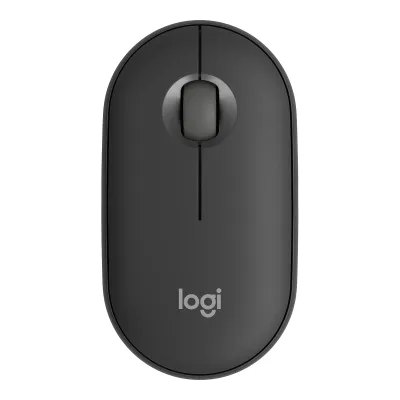
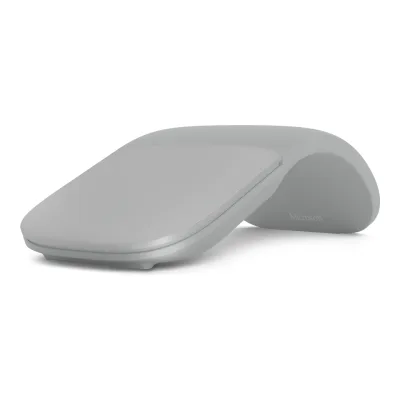
Size, drawn to scale
Front and side.
- ALogitech: 58.7 × 26.6 mm
- BMicrosoft: 55 × 14 mm
Weight
0 to 300 g
Mouse weight (claimed)
A76g
B82.49g
Weight (measured)
A80.4g
B85.7g
All 154 fields
Every value links to where we found it.
General
6 of 9 differ
Series
Model numbers
MR0103, 910-007024, 910-007022, 910-007023, 910-007168, 910-008143, 910-0081421Maker product pagelogitech.com/en-us/shop/p/pebble-2-m350s-wireless-mouseRead 21 October 2026US store SKUs: 910-007024 Tonal Graphite, 910-007022 Tonal White, 910-007023 Tonal Rose, 910-007168 Black, 910-008143 Coffee and 910-008142 Matcha. MR0103 is the mouse model number from the support specification. Regional SKUs such as 910-007014 and 910-007015 are not covered.2Maker product pagesupport.logi.com/hc/en-us/articles/16171133096087-Specification-Pebble-Mouse-2-M350sRead 21 October 2026Mouse model number MR0103, label inside the battery compartment.
Not available
GTIN / EAN
097855185549, 097855185532, 09785518555611Retailer pageebay.com/p/17063014197Read 21 October 2026eBay catalog entry for Tonal White, manufacturer part number 910-007022, UPC 097855185532.12Retailer pagecompsource.com/buy/910007023/256Read 21 October 2026Distributor listing for Tonal Rose, manufacturer part number 910-007023, UPC 097855185556. Target lists the same UPC for Tonal Rose.13Spec databasebuildcores.com/products/Mouse/e68wrou65/Logitech-PEBBLE-2-M350S-Bluetooth-Wireless-Wired-Optical-MouseRead 21 October 2026BuildCores lists UPC 097855185549 for part 910-007024 (Tonal Graphite). The same entry also lists part 910-007015. The UPC database upcitemdb lists 097855185532 for Tonal White, 097855185556 for Tonal Rose and 097855185549 for Graphite, which matches. UPCs for Black, Coffee and Matcha were not found.
Not available
Announced
Status
Predecessor
Not available
Not available
Successor
Not available
Not available
Launch price (US)
$79.994Reviewwindowscentral.com/surface-arc-mouse-reviewRead 23 October 2026Windows Central review lists the Surface Arc Mouse at $79.99 and says the Microsoft Arc Mouse is the same hardware in matte black without the Surface branding.7Press articlehexus.net/tech/news/peripherals/105256-microsoft-surface-arc-mouse-quietly-launchedRead 23 October 2026Pre-order price $79.99 in the US. US prices exclude sales tax.8Press articlewccftech.com/microsoft-new-surface-arc-mouse/ampRead 23 October 2026Quotes $79.99 on Microsoft's online store.
Markets
US, GB, EU, AU4Press articletech.yahoo.com/general/articles/logitechs-pebble-2-mouse-keyboard-203055164.htmlRead 21 October 2026Article lists prices for the US, the UK and Australia.9Reviewtrustedreviews.com/reviews/logitech-pebble-mouse-2-m350sRead 21 October 2026The spec box lists US, UK and EU recommended prices. Australia comes from the Yahoo article.
Not available
Colours
Tonal Graphite, Tonal White, Tonal Rose, Black, Coffee, Matcha1Maker product pagelogitech.com/en-us/shop/p/pebble-2-m350s-wireless-mouseRead 21 October 2026The six colors of the current US store listing. The September 2023 launch post named Tonal Graphite, Tonal White, Tonal Rose, Tonal Sand and Tonal Blue.
Segment
Mouse type
Shape
4 of 14 differ
Body shape
Symmetrical body4Reviewwindowscentral.com/surface-arc-mouse-reviewRead 23 October 2026Windows Central: the Surface Arc Mouse is symmetrical, the left and right click areas sit under one large surface and there are no side buttons.5Measurementrtings.com/mouse/reviews/microsoft/arc-mouseRead 23 October 2026RTINGS header: true ambidextrous.
Maker size class
Not available
Not available
Recommended grips
Not available
Not available
Recommended hand size
Not available
Not available
Hump position
Not available
Not available
Thumb rest
No1Maker product pagelogitech.com/en-us/shop/p/pebble-2-m350s-wireless-mouseRead 21 October 2026Maker product photos show a flat, symmetric pebble body with no thumb rest. The maker lists no thumb rest.14Measurementweb.archive.org/web/20240715203601/https://www.rtings.com/mouse/reviews/logitech/pebble-mouse-2-m350sRead 21 October 2026RTINGS Shape table: Finger Rest No. A thumb or pinky rest would be listed there.
Not available
Ring or pinky finger rest
No1Maker product pagelogitech.com/en-us/shop/p/pebble-2-m350s-wireless-mouseRead 21 October 2026Maker product photos show a flat, symmetric pebble body with no ring or pinky finger rest.14Measurementweb.archive.org/web/20240715203601/https://www.rtings.com/mouse/reviews/logitech/pebble-mouse-2-m350sRead 21 October 2026RTINGS Shape table: Finger Rest No.
Not available
Upper shell
Solid1Maker product pagelogitech.com/en-us/shop/p/pebble-2-m350s-wireless-mouseRead 21 October 2026Maker product photos show a smooth, unbroken top shell with no perforation.14Measurementweb.archive.org/web/20240715203601/https://www.rtings.com/mouse/reviews/logitech/pebble-mouse-2-m350sRead 21 October 2026RTINGS build quality text: a solid plastic body.
Not available
Swappable parts
Not available
Not available
Adjustable weight
No2Maker product pagesupport.logi.com/hc/en-us/articles/16171133096087-Specification-Pebble-Mouse-2-M350sRead 21 October 2026What is in the box: mouse, one pre-installed AA battery, user documentation and the Important Info Document. No weights are included.14Measurementweb.archive.org/web/20240715203601/https://www.rtings.com/mouse/reviews/logitech/pebble-mouse-2-m350sRead 21 October 2026RTINGS Weight: Extra Weights No.
Not available
Maximum added weight
Not available
Not available
Vertical angle
Not available
Not available
Trackball diameter
Not available
Not available
Trackball position
Not available
Not available
Dimensions and weight
5 of 5 differ
Mouse body dimensions
Length106.7Maximum width58.7Maximum height26.62mm(4.2 × 2.3 × 1 in)1Maker product pagelogitech.com/en-us/shop/p/pebble-2-m350s-wireless-mouseRead 21 October 2026US page: height 4.17 in (106 mm), width 58.7 mm, depth 26.62 mm. The support specification gives 106.7 mm for the long side. The support value is stored. The long side is the mouse length and the depth is the thickness.2Maker product pagesupport.logi.com/hc/en-us/articles/16171133096087-Specification-Pebble-Mouse-2-M350sRead 21 October 2026Physical specifications: height 106.7 mm, width 58.7 mm, depth 26.62 mm. The first value is the long side.
Length131Maximum width55Maximum height14mm(5.2 × 2.2 × 0.6 in)1Maker product pagemicrosoft.com/en-us/d/surface-arc-mouse/8p5sv2rx3rn5Read 23 October 2026Spec table: 5.17 x 2.17 x 0.56 in (131 mm x 55 mm x 14 mm). The page does not name the body position. Windows Central gives 14 mm as the thickness of the flat mouse at its thickest point, so the 14 mm height is the snapped-flat form. The height in the arched position is not published. The maker's page for the black Microsoft Arc Mouse gives the same body as 131.31 x 55.11 x 14.22 mm.4Reviewwindowscentral.com/surface-arc-mouse-reviewRead 23 October 2026Windows Central: 14 mm thin at its thickest point when flat.
Mouse weight (claimed)
76g(2.7 oz)1Maker product pagelogitech.com/en-us/shop/p/pebble-2-m350s-wireless-mouseRead 21 October 2026US page: 2.68 oz (76 g). The support specification says 76 g with receiver and with 1 alkaline battery and 53 g without receiver and without battery. The Logi Bolt receiver is not in the box. The 76 g figure is kept as the weight with battery.2Maker product pagesupport.logi.com/hc/en-us/articles/16171133096087-Specification-Pebble-Mouse-2-M350sRead 21 October 2026Physical specifications: 53 g without receiver and without battery. 76 g with receiver and with 1 alkaline battery. The 76 g figure includes an optional receiver and the AA battery.
Box dimensions
Not available
Sensor
8 of 20 differ
Marketed sensor name
Not available
Published sensor brand
Not available
Physical sensor part number
Not available
Not available
Sensor type
Maximum configurable DPI
4,000DPI1Maker product pagelogitech.com/en-us/shop/p/pebble-2-m350s-wireless-mouseRead 21 October 2026Adjustable DPI range 400 to 4000.2Maker product pagesupport.logi.com/hc/en-us/articles/16171133096087-Specification-Pebble-Mouse-2-M350sRead 21 October 2026Resolution: 400-4000 DPI.
Not available
Minimum configurable DPI
400DPI1Maker product pagelogitech.com/en-us/shop/p/pebble-2-m350s-wireless-mouseRead 21 October 2026Adjustable DPI range 400 to 4000.2Maker product pagesupport.logi.com/hc/en-us/articles/16171133096087-Specification-Pebble-Mouse-2-M350sRead 21 October 2026Resolution: 400-4000 DPI.
Not available
DPI adjustment step
Not available
Maximum DPI stages
Not available
Not available
Default DPI presets
Separate X and Y DPI
Not available
Not available
Tracking speed (claimed)
Tracking acceleration (claimed)
Not available
Lift-off distance settings
Not available
Not available
Separate lift and landing distance
Not available
Not available
Surface calibration
Not available
Not available
Motion Sync
Not available
Not available
Angle snapping
Not available
Not available
Ripple control
Not available
Not available
Tracks on glass
Not available
Sensor position
Not available
Not available
Performance
4 of 8 differ
Documented polling rates by connection
ALogitech Pebble Mouse 2 M350s
| Data connection | Polling rate (Hz) | Receiver requirement |
|---|---|---|
| 2.4 GHz | 125 | Logi Bolt USB receiver, not included |
| Bluetooth | 133 | Not available |
BMicrosoft Surface Arc Mouse
Not availableMax polling rate
133Hz
Not available
Polling rate (wired)
Not available
Not available
Polling rate (2.4 GHz)
125Hz
Not available
Polling rate (Bluetooth)
133Hz
Not available
Claimed click latency
Not available
Not available
Adjustable debounce
Not available
Not available
Minimum debounce
Not available
Not available
Measured
4 of 7 differ
Latency per connection (measured)
ALogitech Pebble Mouse 2 M350s
| Connection | Test settings | Click latency (ms) | Sensor latency (ms) |
|---|---|---|---|
| Bluetooth | RTINGS click latency, Black unit, lowest latency settings | 19.3 | Not available |
| Not available | RTINGS sensor latency, delay at half movement, 200 mm/s over 10 mm, connection not stated | Not available | 13.7 |
BMicrosoft Surface Arc Mouse
Not availableDPI deviation (measured)
Not available
Not available
Lift-off distance (measured)
Not available
Main click force (measured)
Not available
Not available
Weight (measured)
80.4g(2.8 oz)5Reviewrtings.com/mouse/reviews/logitech/pebble-mouse-2-m350sRead 21 October 2026Public review header: Default Weight 80.4 g, tested unit in Black, test bench 1.5.2. The archived full review says this is the default configuration with an AA alkaline battery.14Measurementweb.archive.org/web/20240715203601/https://www.rtings.com/mouse/reviews/logitech/pebble-mouse-2-m350sRead 21 October 2026RTINGS Weight: Default Weight 80.4 g in the default configuration with an AA alkaline battery, Black unit. The Lowest Weight of 60.2 g uses a modified AAA adapter and is not stored.
Battery life (measured)
Not available
Not available
Hand size fit
ALogitech Pebble Mouse 2 M350s
| Grip | Hand size | Fits |
|---|---|---|
| Fingertip | Small | Yes |
| Fingertip | Medium | Yes |
| Fingertip | Large | Yes |
BMicrosoft Surface Arc Mouse
Not availableSwitches
2 of 11 differ
Main switch type
Not available
Published main-switch brand
Not available
Not available
Main switch model
Not available
Not available
Main switch rated life
Not available
Hot-swap main switches
Not available
Not available
Adjustable click actuation
Not available
Not available
Separate main buttons
Not available
Not available
Side switch model
Not available
Not available
Middle click switch
Not available
Not available
Scroll encoder type
Not available
Not available
Scroll encoder
Not available
Not available
Buttons and scroll wheel
4 of 13 differ
Physical button inputs
41Maker product pagelogitech.com/en-us/shop/p/pebble-2-m350s-wireless-mouseRead 21 October 2026Number of buttons: 3 (left and right click, scroll wheel with middle click). The maker's count leaves out the connection button, which the field counts. See the support page note.2Maker product pagesupport.logi.com/hc/en-us/articles/16171133096087-Specification-Pebble-Mouse-2-M350sRead 21 October 2026Buttons: 3 with left and right click and a scroll wheel with middle click. A connectivity button and an on and off button are also listed. The count here follows the field definition and includes the connectivity pushbutton, so it is 4. The on and off button is excluded.
Programmable buttons
Side buttons
Side buttons on
Not available
Not available
DPI button
DPI button position
Not available
Not available
Profile button
Dedicated DPI-shift button
Dedicated gesture button
Scroll wheel
Not available
Scroll mode switch
Not available
Separate thumb wheel
Scroll wheel material
Rubber9Reviewtrustedreviews.com/reviews/logitech-pebble-mouse-2-m350sRead 21 October 2026Review text: left and right buttons and a rubberised scroll wheel.14Measurementweb.archive.org/web/20240715203601/https://www.rtings.com/mouse/reviews/logitech/pebble-mouse-2-m350sRead 21 October 2026RTINGS Mouse Wheel text: a scroll wheel with a rubber surface.
Not available
Build
3 of 6 differ
Shell material
Surface finish
Not available
Not available
Installed feet material
Not available
Installed skate pieces
Not available
Feet shape
Not available
Not available
Feet thickness
Not available
Not available
Cable
0 of 5 differ
Cable
Not available
Not available
Cable length
Not available
Not available
Detachable cable
Not available
Not available
Port on mouse
Cable host plug
Not available
Not available
Connectivity
9 of 13 differ
Connections
Bluetooth, 2.4 GHz1Maker product pagelogitech.com/en-us/shop/p/pebble-2-m350s-wireless-mouseRead 21 October 2026FAQ: connects over native Bluetooth Low Energy out of the box. Compatible with the Logi Bolt USB receiver, sold separately. Not compatible with Unifying.2Maker product pagesupport.logi.com/hc/en-us/articles/16171133096087-Specification-Pebble-Mouse-2-M350sRead 21 October 2026Bluetooth Low Energy and Logi Bolt USB (not included).
Wireless technology
Bluetooth
Saved Bluetooth pairing slots
Not available
Switchable host devices
12Maker product pagesupport.microsoft.com/en-us/surface/accessories/mouse-keyboard/use-surface-arc-mouseRead 23 October 2026Support page: pair the mouse to one PC with the pair button. No device switching is described.4Reviewwindowscentral.com/surface-arc-mouse-reviewRead 23 October 2026Windows Central: the mouse can be paired to only one PC at a time.
Device switching
Not available
Receiver host connector
None1Maker product pagelogitech.com/en-us/shop/p/pebble-2-m350s-wireless-mouseRead 21 October 2026No receiver is supplied. Logi Bolt is optional. None describes the supplied package.2Maker product pagesupport.logi.com/hc/en-us/articles/16171133096087-Specification-Pebble-Mouse-2-M350sRead 21 October 2026Logi Bolt USB receiver (not included).
Receiver storage in mouse
Yes1Maker product pagelogitech.com/en-us/shop/p/pebble-2-m350s-wireless-mouseRead 21 October 2026FAQ: the battery compartment has a receiver storage pocket (receiver not included).14Measurementweb.archive.org/web/20240715203601/https://www.rtings.com/mouse/reviews/logitech/pebble-mouse-2-m350sRead 21 October 2026RTINGS Portability: Receiver Storing Yes. A compartment stores a Logi Bolt receiver, but none is in the box. This matches the maker. Trusted Reviews says there is no dongle storage.
Not available
Receiver extender included
Not available
Receiver pairing shared
Not available
Not available
Wireless range
10m1Maker product pagelogitech.com/en-us/shop/p/pebble-2-m350s-wireless-mouseRead 21 October 202632.8 ft (10 m). Range may vary with conditions.2Maker product pagesupport.logi.com/hc/en-us/articles/16171133096087-Specification-Pebble-Mouse-2-M350sRead 21 October 2026Wireless range 10 m in an office environment.
Basic mouse OS support
Windows, macOS, Linux, ChromeOS, iOS, iPadOS, Android1Maker product pagelogitech.com/en-us/shop/p/pebble-2-m350s-wireless-mouseRead 21 October 2026Bluetooth Low Energy with Windows 10, 11 or later, macOS 11 or later, iPadOS 14 or later, Android 9.0 or later, ChromeOS and Linux.6Maker product pagesupport.logi.com/hc/en-us/articles/16171126528407-Getting-Started-Pebble-Mouse-2-M350sRead 21 October 2026Compatibility list for Bluetooth enabled devices: Windows 10, 11 or later, macOS 11 or later, iPadOS 14 or later, iOS 14 or later, Android 9.0 or later, ChromeOS and Linux. The product page and the specification article name iPadOS but not iOS.
Consoles
Not available
Not available
Battery
5 of 17 differ
Battery type
Disposable battery count
Battery capacity
Not available
Not available
User-replaceable battery
Yes1Maker product pagelogitech.com/en-us/shop/p/pebble-2-m350s-wireless-mouseRead 21 October 2026FAQ: a single user-replaceable AA alkaline battery.2Maker product pagesupport.logi.com/hc/en-us/articles/16171133096087-Specification-Pebble-Mouse-2-M350sRead 21 October 2026Battery user replaceable: yes.
Battery life by mode (claimed)
Not available
Not available
Battery life (up to)
Not available
Not available
Battery life (normal use)
24months1Maker product pagelogitech.com/en-us/shop/p/pebble-2-m350s-wireless-mouseRead 21 October 2026Battery life: 24 months. May vary based on user and computing conditions. No polling rate or hours are published.2Maker product pagesupport.logi.com/hc/en-us/articles/16171133096087-Specification-Pebble-Mouse-2-M350sRead 21 October 2026Battery life (not rechargeable): 24 months.
Longest battery life
Not available
Not available
Battery life at 1000 Hz
Not available
Not available
Battery life on Bluetooth
Not available
Not available
Charging port
Full charge time
Not available
Not available
Quick charge
Not available
Not available
Use while charging
Not available
Not available
Charging system compatibility
Not available
Not available
Charging dock included
Not available
Battery indicator
Software6Maker product pagesupport.logi.com/hc/en-us/articles/16171126528407-Getting-Started-Pebble-Mouse-2-M350sRead 21 October 2026Check battery status: install Logi Options+ to receive battery status notifications, including low-charge warnings. The connection status LEDs are listed as connection indicators and the article does not call them battery indicators.14Measurementweb.archive.org/web/20240715203601/https://www.rtings.com/mouse/reviews/logitech/pebble-mouse-2-m350sRead 21 October 2026RTINGS Wireless Versatility: Battery Indicator No on the mouse. The Logi Options+ software shows a battery life indicator. The mouse has an LED that shows the active paired device.
Lighting
3 of 4 differ
Decorative RGB lighting
Not available
Decorative lighting zones
Not available
Lighting sync
Not available
Not available
Software
6 of 9 differ
Software
Microsoft Mouse and Keyboard Center2Maker product pagesupport.microsoft.com/en-us/surface/accessories/mouse-keyboard/use-surface-arc-mouseRead 23 October 2026Support page tip: the Microsoft Mouse and Keyboard Center app helps personalize and customize the mouse.3Maker product pagemicrosoft.com/en-us/p/microsoft-arc-mouse-black/8mwhbv8qvskrRead 23 October 2026Store page of the black Microsoft Arc Mouse, the same hardware per Windows Central: compatibility lists Mouse and Keyboard Center software installation. The Surface Arc Mouse page lists no software.
Configuration software platforms
Onboard profiles
Not available
Not available
Macros
Yes8Maker product pagefutureisnow.logitech.com/en-ca/software/logi-options-plus/smart-actions.htmlRead 21 October 2026Logitech describes Smart Actions as automating multiple actions with one click, like macros with a little magic. The page features the Pebble Mouse 2 M350s as a supported device. Trusted Reviews calls them essentially macros assigned to the middle button. The macros run from the software, not from mouse memory.9Reviewtrustedreviews.com/reviews/logitech-pebble-mouse-2-m350sRead 21 October 2026Review text: Smart Actions are essentially macros that you can assign to the middle button.
Not available
Macros stored onboard
Not available
Button remapping
User firmware updates
Not available
Not available
In the box
3 of 4 differ
In the box
Pebble Mouse 2 M350s, 1 x AA Alkaline battery (pre-installed), User documentation, Important Info Document (IID)1Maker product pagelogitech.com/en-us/shop/p/pebble-2-m350s-wireless-mouseRead 21 October 2026Package contents of the page.
Not available
Cables included
Not available
Not available
Extra skates included
No2Maker product pagesupport.logi.com/hc/en-us/articles/16171133096087-Specification-Pebble-Mouse-2-M350sRead 21 October 2026What is in the box lists no spare feet.14Measurementweb.archive.org/web/20240715203601/https://www.rtings.com/mouse/reviews/logitech/pebble-mouse-2-m350sRead 21 October 2026RTINGS Mouse Feet: Extra Included No.
Not available
Links
Not compared
Product page
Spec sheet
Manual
support.logi.com/hc/en-us/articles/16171126528407-Getting-Started-Pebble-Mouse-2-M350s6Maker product pagesupport.logi.com/hc/en-us/articles/16171126528407-Getting-Started-Pebble-Mouse-2-M350sRead 21 October 2026Official Getting Started article. No PDF manual was found. The box holds only user documentation and an Important Info Document.
EPREL registration number
Not available
Not available
Warranty
0 of 1 differ
Manufacturer warranty (source market)